
Login
The login screen presents the authentication methods enabled for the app. The GLPI server URL is preconfigured; no server address needs to be entered.
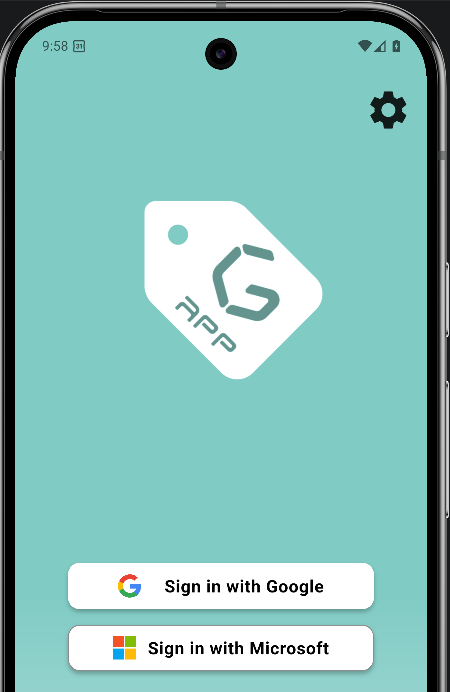
1. Email and password
Native GLPI authentication. Enter the username or email and the password, then tap the submit button.
2. Sign in with Google
SSO via Google Workspace, implemented with Firebase Auth. On Android the flow is native; on other platforms a WebView handles the authentication. The flavor can restrict access to specific email domains.
3. Sign in with Microsoft 365
SSO via Microsoft 365, also using Firebase Auth. The authentication opens in a WebView provided by the Firebase plugin.