Create and modify Solutions
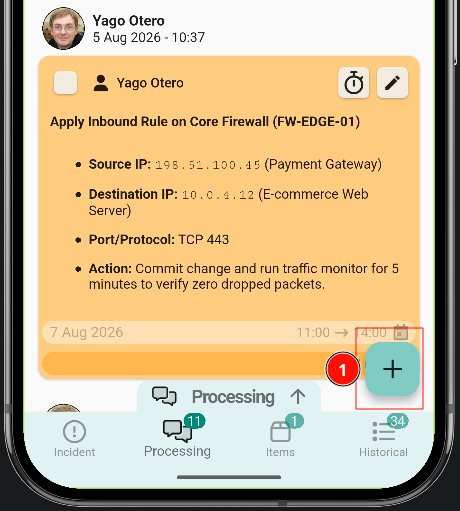
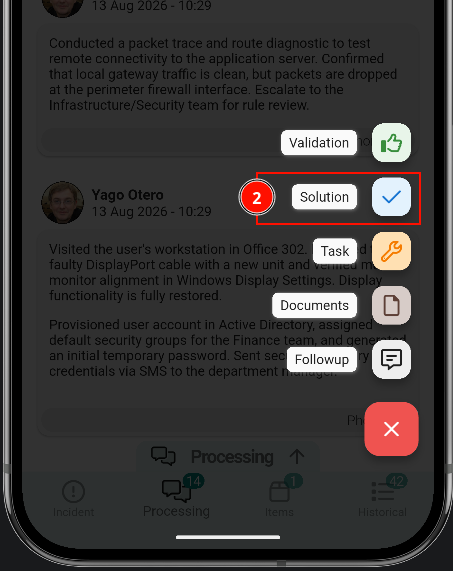
Solutions are created the same way as follow-ups or tasks: tap the button in the bottom-right corner, select Solution, write the reason and send it.
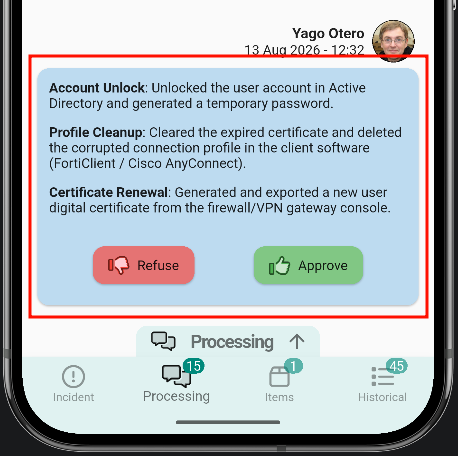
Once sent, the solution appears in the message list with two options: approve or reject.
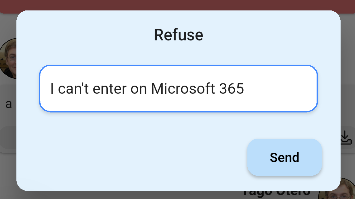
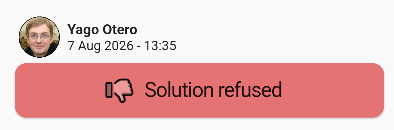
Reject the solution
Rejecting the solution asks for a reason. The message list then shows it as rejected.
Approve the solution
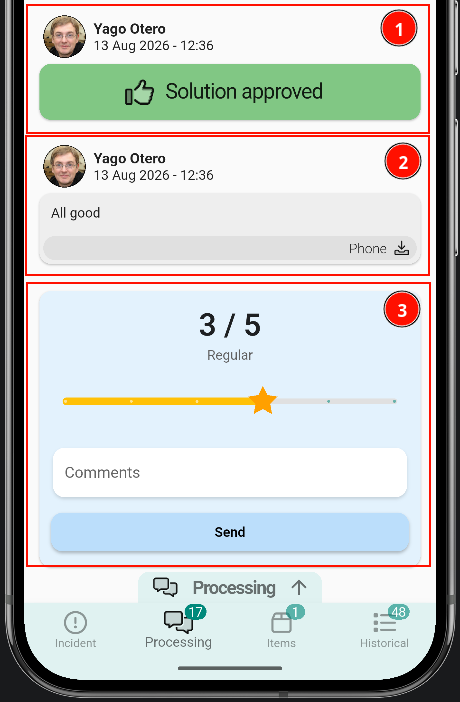
Approving a solution asks for a comment; once it is sent, the ticket is closed. The ticket may be closed, but a satisfaction survey remains open, where the solution can be rated from 1 to 5.
Once the solution is approved, no further updates can be written to the ticket.
- The approved solution is shown in the message list as approved.