Create a Ticket
Go to ticket creation
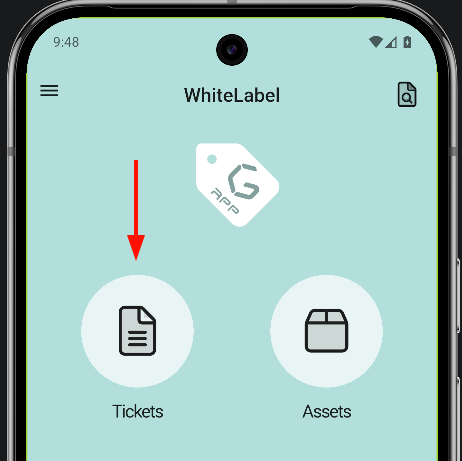
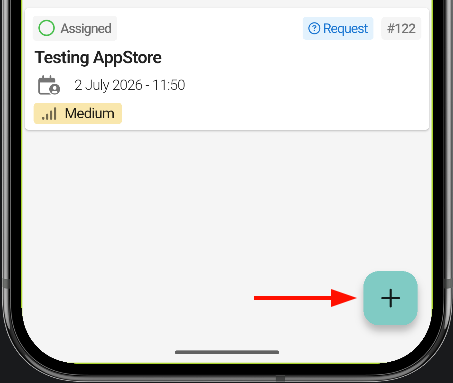
First, go to the ticket section of the application. Once there, a floating action button appears in the bottom-right corner of the screen.
The ticket creation page opens. First, select the ticket type: Request or Incident. The numbered list below explains what each element on the screen does.
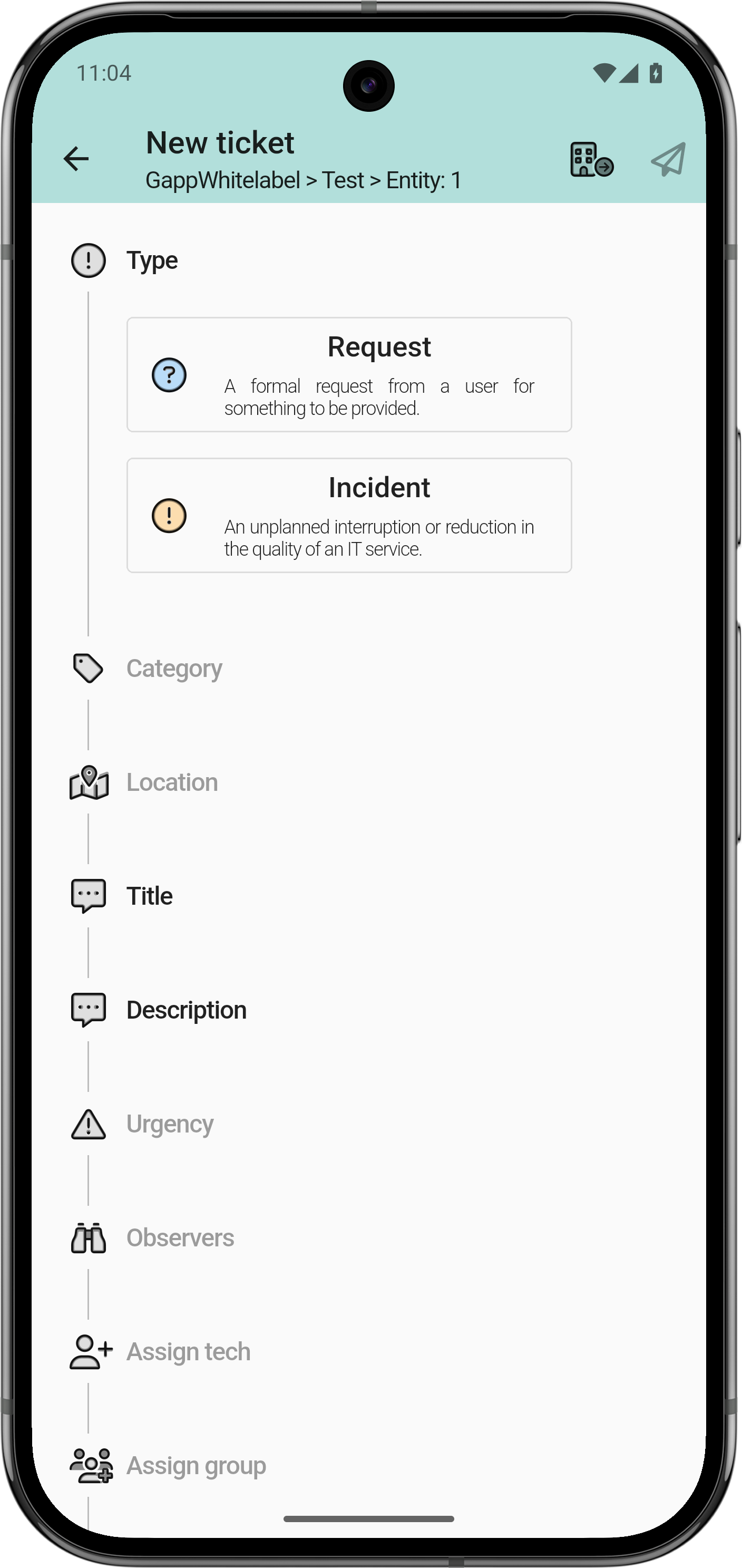
The plugin options Xtended in GLPI define which fields are optional and which are required.
- Required: bold.
- Optional: light grey.
The fields that can be marked as required are: category, location, urgency and observers

Select the correct entity
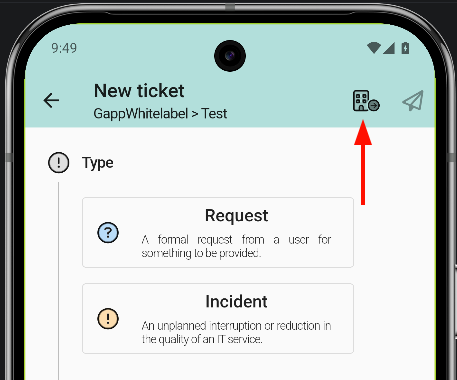
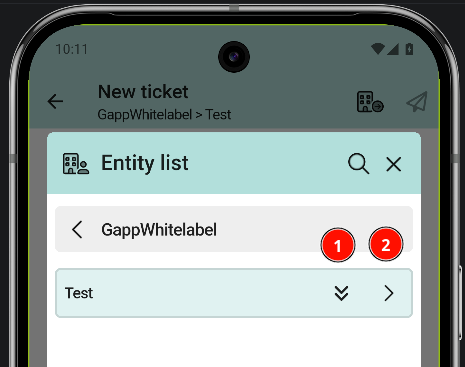
To select the correct entity, tap the building icon in the top bar; a list opens with all the entities available for the profile.
An entity can contain sub-entities; tap the right arrow to move between them.
- Arrow pointing down: select the entity.
- Arrow pointing right: view sub-entities.