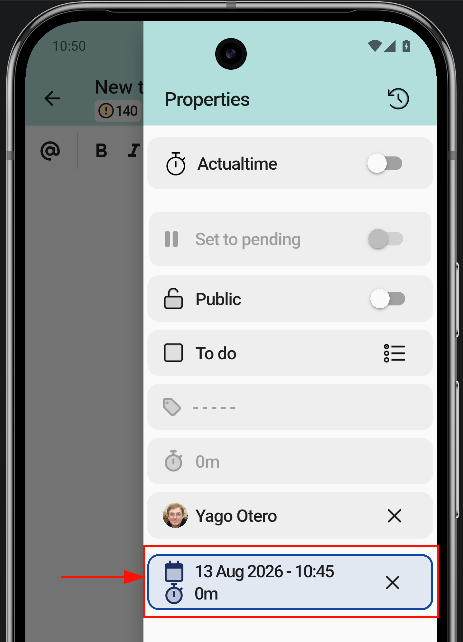
Plan a task
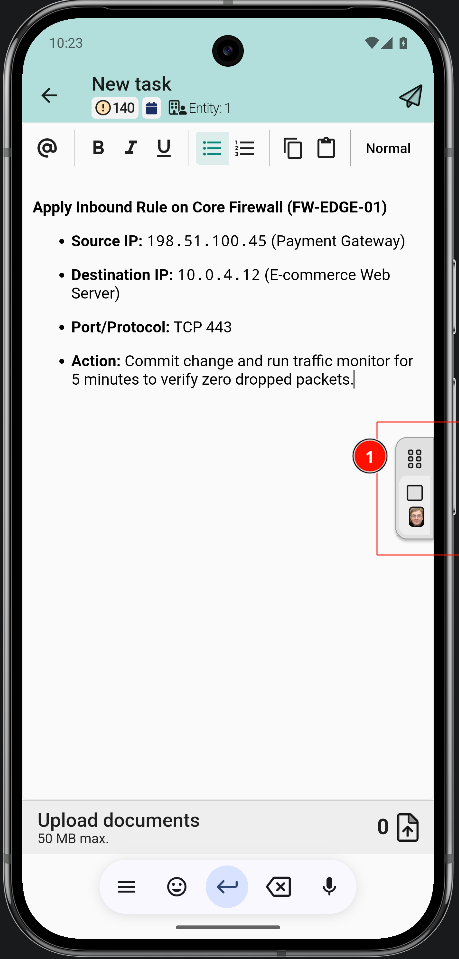
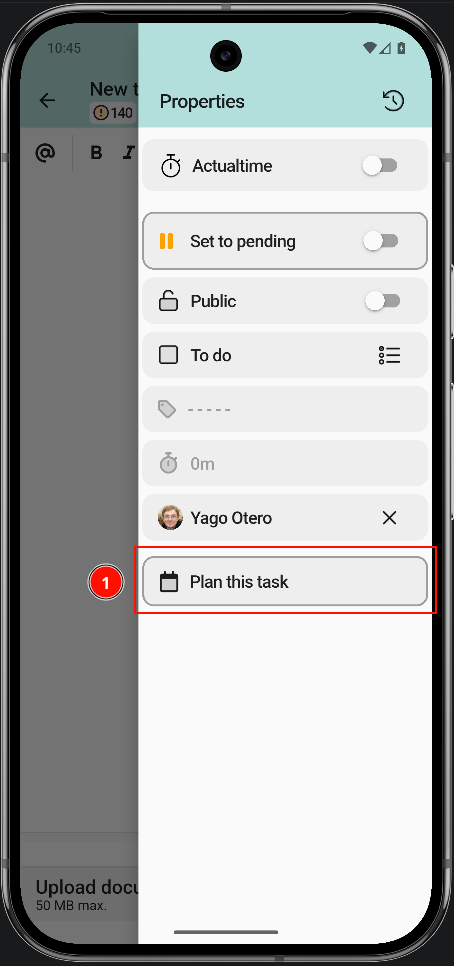
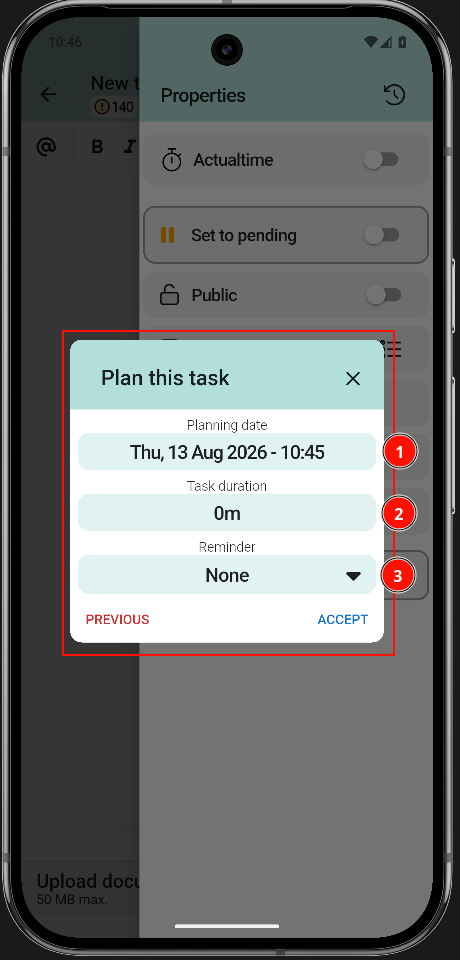
A task can be planned so that, later on, the technician in charge knows what they have to do and can do their job successfully. Users must select a day from the calendar to perform the task.
Once the planning is complete, the information is displayed as shown here: