Do Not Disturb
Do Not Disturb silences all app notifications. While active, notifications are logged silently instead of producing sound or vibration.
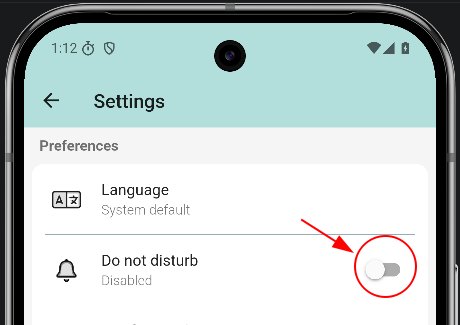
Enable Do Not Disturb
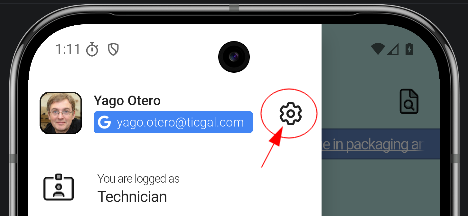
Open Settings from the login screen (or the drawer when logged in), then toggle Do not disturb on.
If you use TAM (clock-in/out), Do Not Disturb turns on automatically outside working hours and turns off when your workday starts. You can always turn it on or off manually.
Do Not Disturb active