
First launch and tutorial
The first time you open RinoDicionarios, the app chooses a language for you and shows a short tutorial of the search screen.
Language
The app starts in your phone's language if it is Galician, Spanish, English or Latin, and in Galician otherwise. You can change it at any moment in Settings → Idioma / Language. See Settings.
Tutorial
A short guide highlights the main controls one by one: the search field, the dictionary picker, reverse search and the buttons of a result card. Tap the highlighted element to go to the next step.
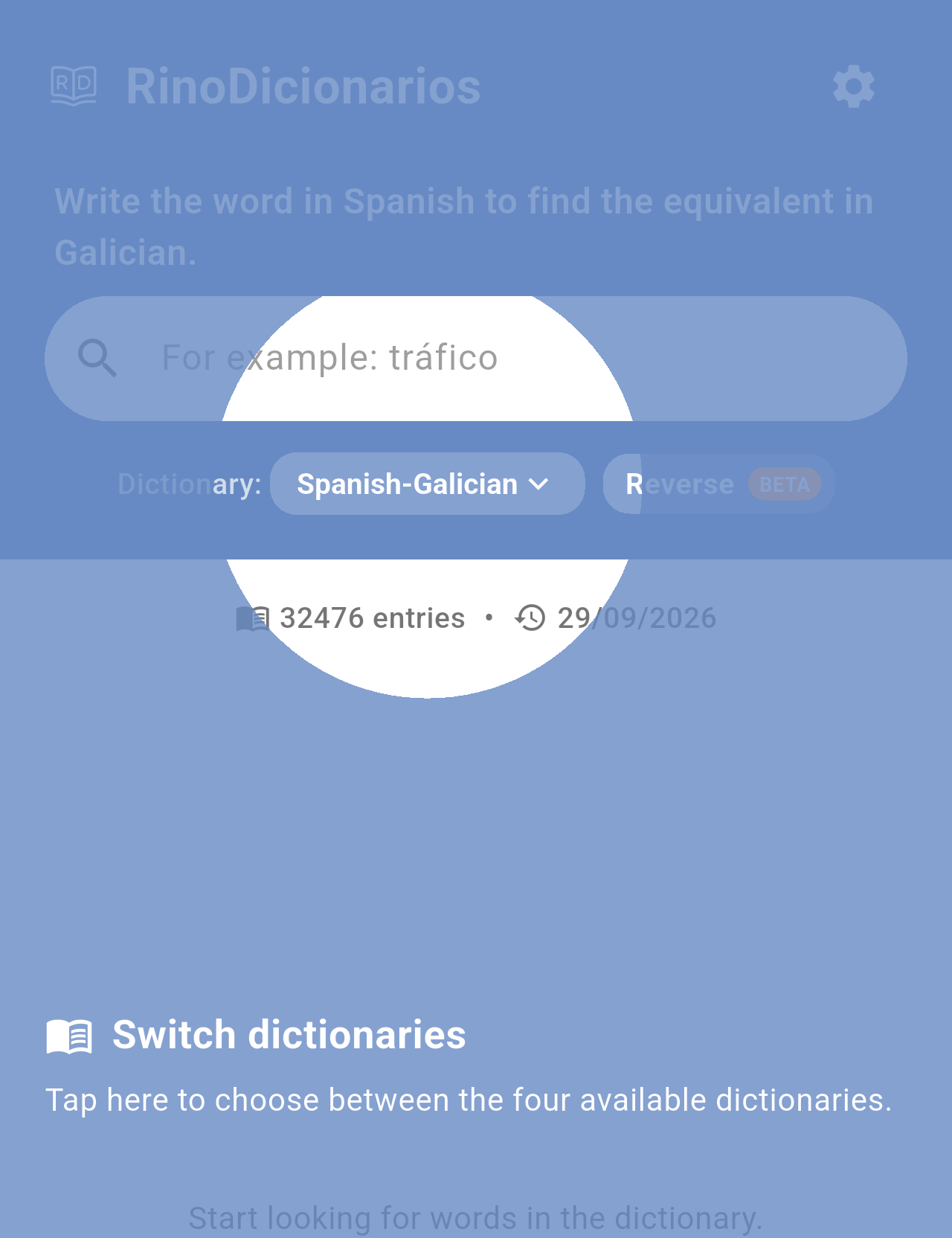
One of the tutorial steps, over the dictionary picker.
Note: The tutorial is only shown once. To watch it again, go to Settings → Watch tutorial again.
Word of the day
So that it does not cover the tutorial, the Word of the day is not shown on the first launch. From the next time you open the app, it shows a random word once a day. See Word of the day.
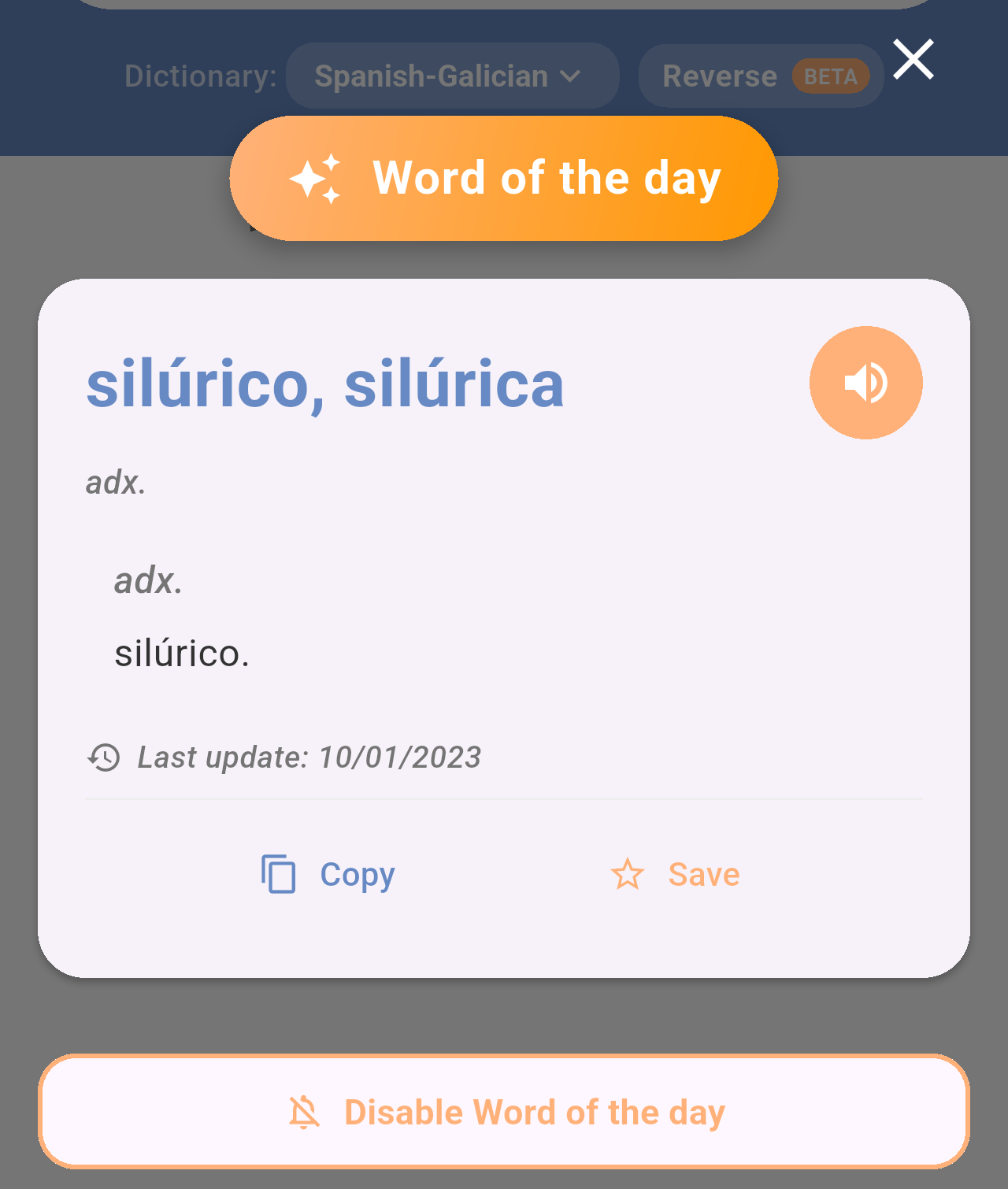
The Word of the day window, shown the first time you open the app each day.