# First launch and tutorial
The first time you open RinoDicionarios, the app chooses a language for you and shows a short tutorial of the search screen.
## Language
The app starts in your phone's language if it is Galician, Spanish, English or Latin, and in Galician otherwise. You can change it at any moment in **Settings → Idioma / Language**. See [Settings](/books/rd-settings-customization/page/settings).
## Tutorial
A short guide highlights the main controls one by one: the search field, the dictionary picker, reverse search and the buttons of a result card. Tap the highlighted element to go to the next step.
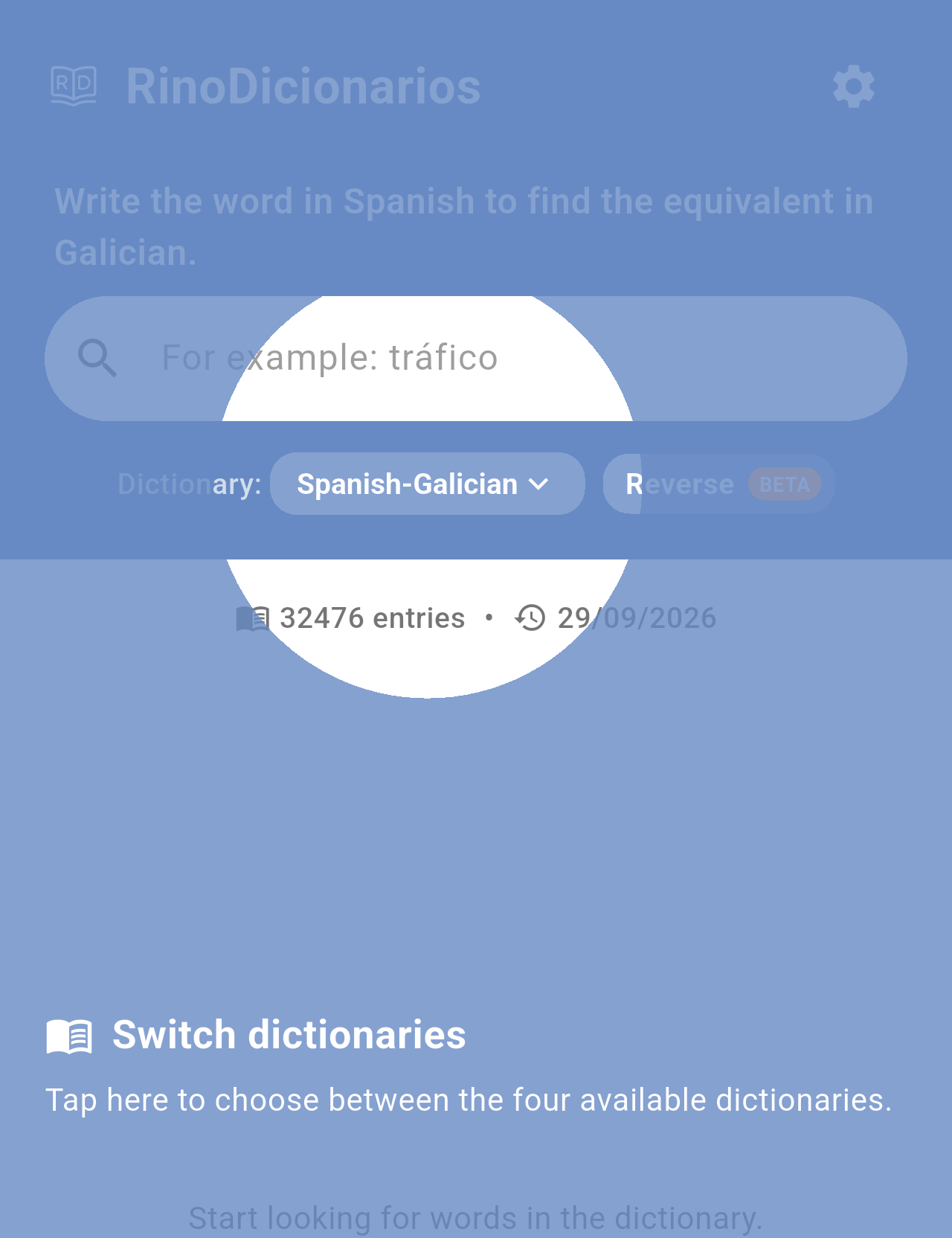
*One of the tutorial steps, over the dictionary picker.*
> **Note:** The tutorial is only shown once. To watch it again, go to **Settings → Watch tutorial again**.
## Word of the day
So that it does not cover the tutorial, the **Word of the day** is not shown on the first launch. From the next time you open the app, it shows a random word once a day. See [Word of the day](/books/rd-core-features/page/word-of-the-day).
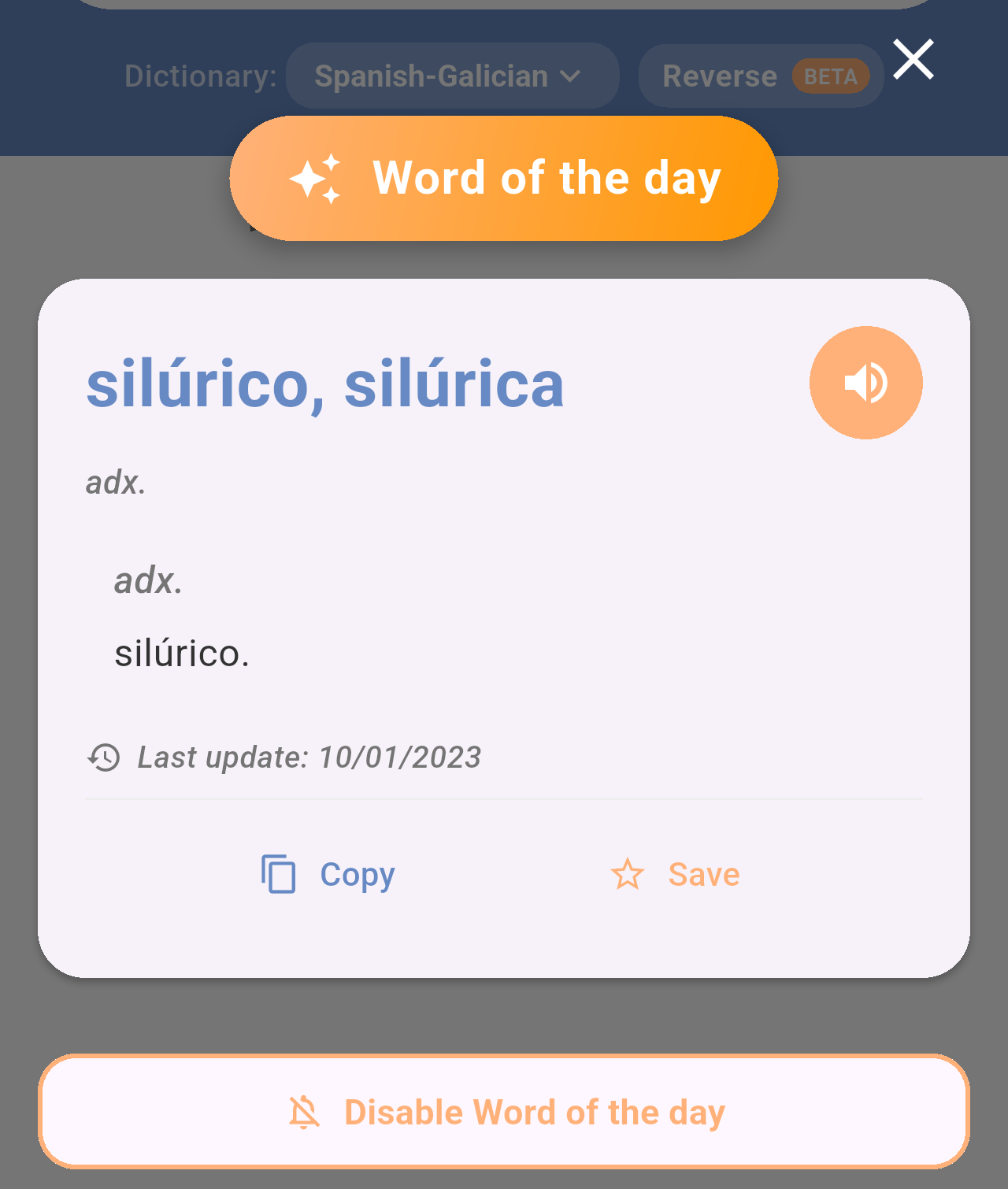
*The Word of the day window, shown the first time you open the app each day.*
## Related pages
- [Home screen](/books/rd-getting-started/page/home-screen)
- [Searching the dictionaries](/books/rd-core-features/page/searching-the-dictionaries)
- [Settings](/books/rd-settings-customization/page/settings)