
5.3 Transfers and people
5.3.1 Transferring tickets between entities
GLPI can transfer a ticket to another entity, but only from the Transfer feature of the administration. YAGP puts the transfer in the ticket itself, in one click.
5.3.1.1 The transfer button
With Enable quick transfer for tickets on, a Transfer to... button appears under the Entity of the ticket. It needs a GLPI with several entities, a profile with the Transfer right (Administration > Profiles > Administration) and permission to update the ticket. When Enable automatic transfer is on too, the button names the destination chosen in the settings and sends every ticket there.
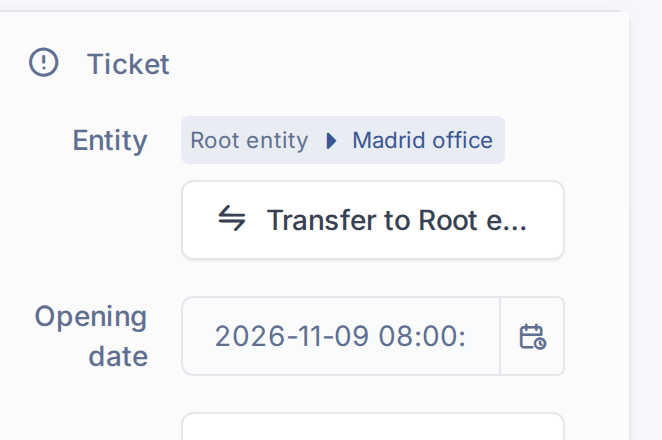
The quick transfer button of a ticket
5.3.1.2 Transfer with one click

Confirm the automatic transfer
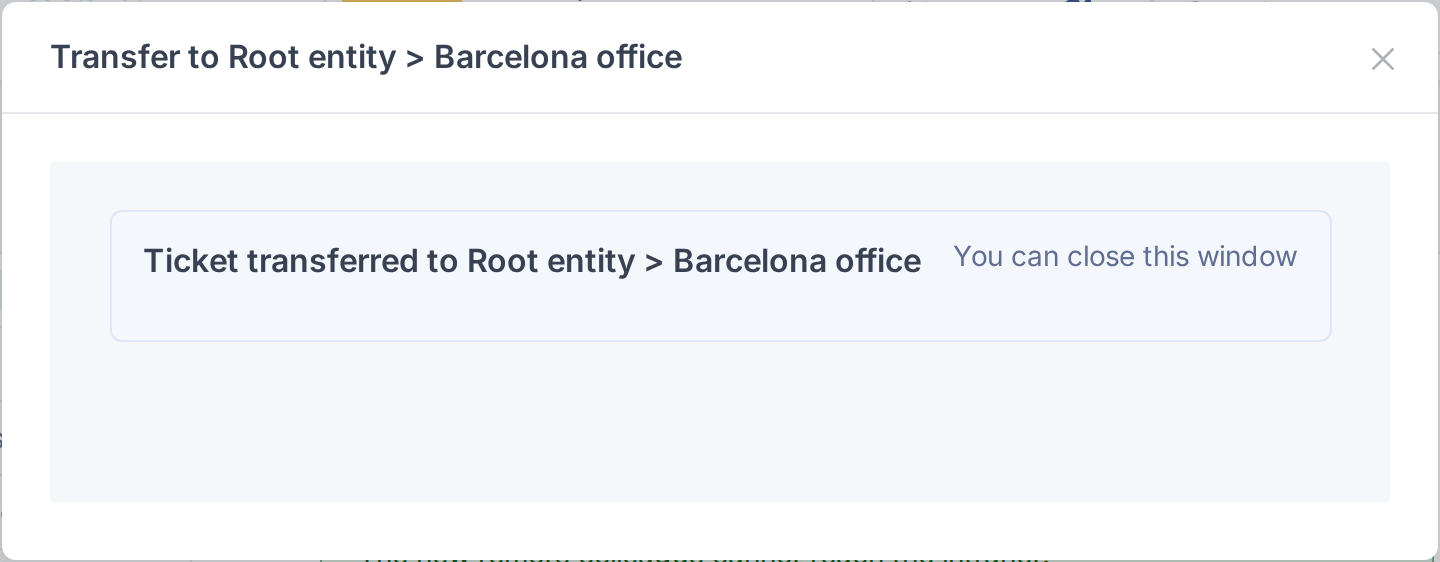
The ticket has been transferred
5.3.1.3 Choose the destination each time
Leave Enable automatic transfer off to choose the entity at every transfer. The button then says Select an entity to transfer; the window shows the ticket to transfer and a drop-down list of entities; pick one and click Execute.
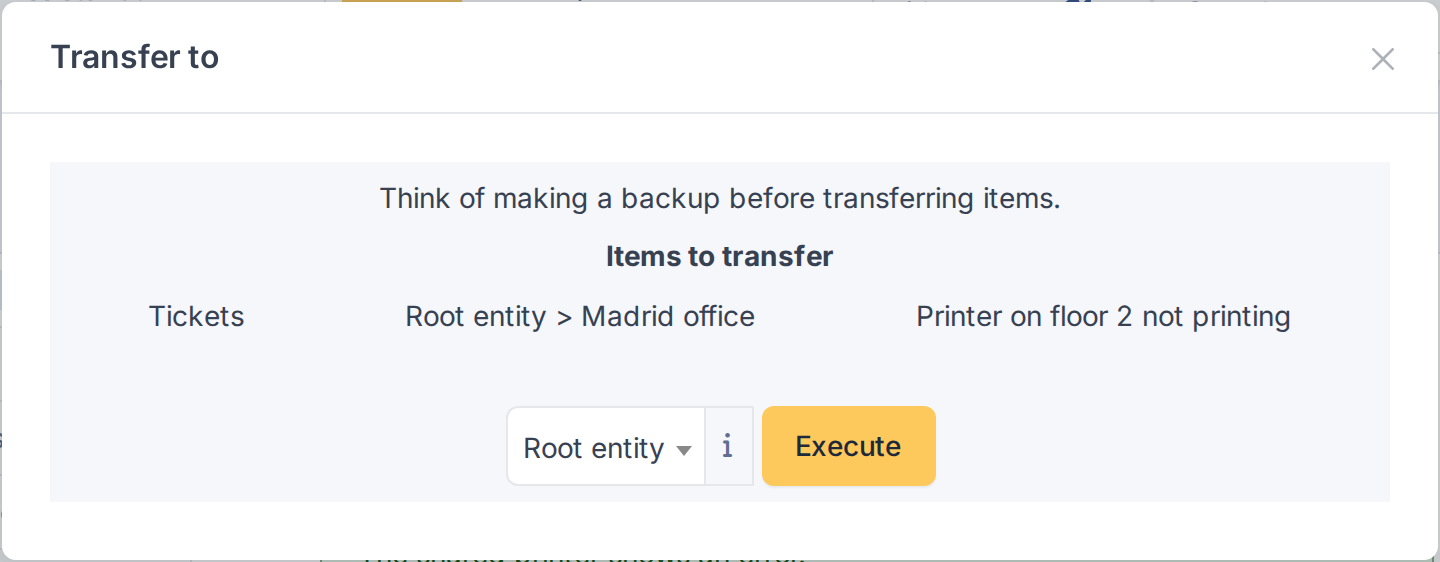
Choose the destination entity
5.3.2 Observers and mail requesters
Two options for the way people take part in a ticket: observers who can lift a wait, and the requester taken from a collected email.
5.3.2.1 Observers lift the wait
A ticket in Pending waits for the requester. With Observers have an effect on pending tickets on, when an observer of the ticket adds a public followup the wait ends: the pending reason is removed and the ticket goes back to the status it had (or to Processing (assigned)). Private followups and followups that set the ticket as pending again do not lift it. Only observers who are users count, not groups.
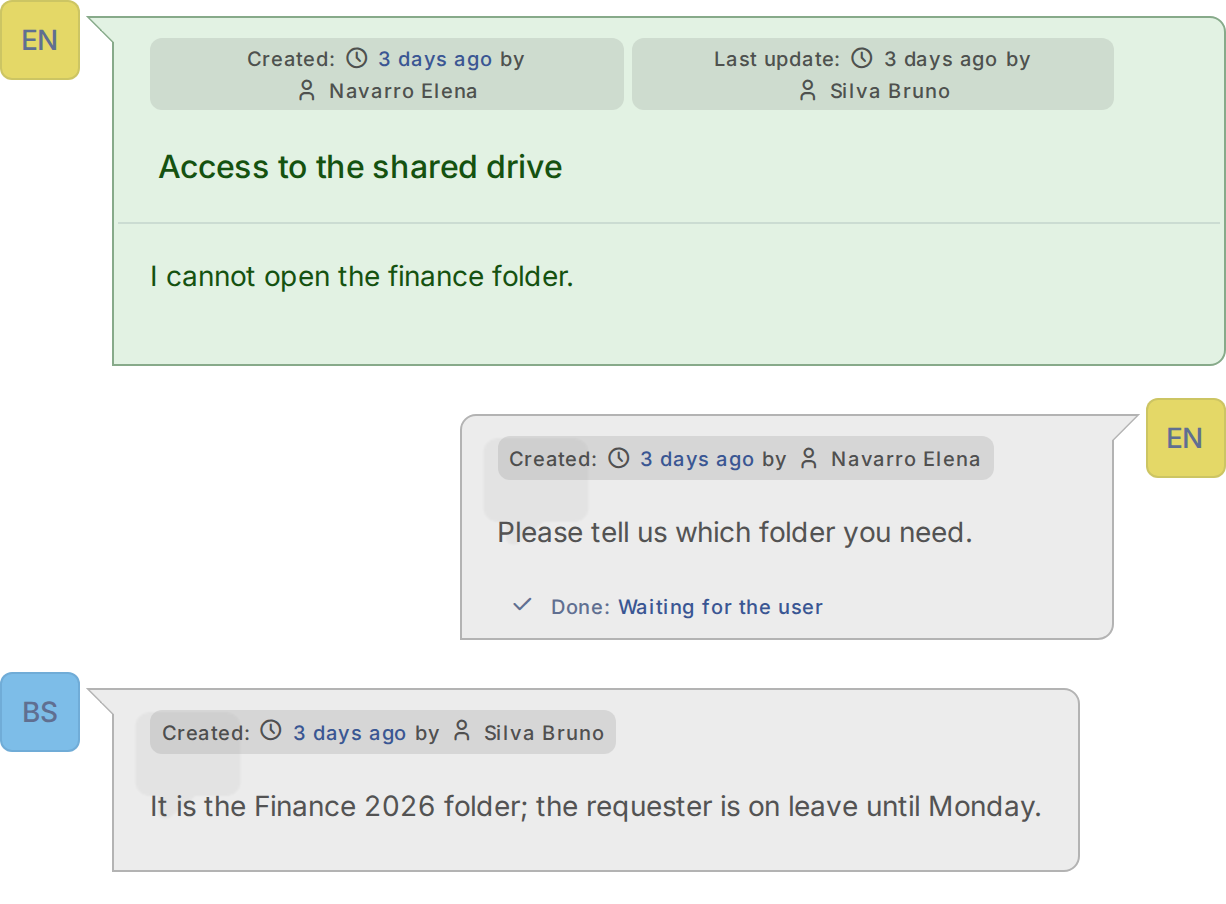
An observer answered the pending ticket
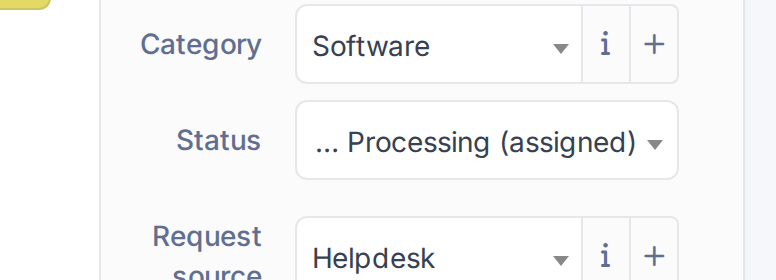
The ticket is no longer pending
5.3.2.2 The requester from a collected email
With Replace ticket requester (mailcollector) on, a ticket created from a collected email takes its requester from the body of the message, not from the sender. The mail must contain the email address of the requester between two copies of the Tag to search (for example ##requester## [email protected] ##requester##). If that address belongs to a GLPI user, the user becomes the requester and the collector rules run again with it; if not, and Allow anonymous requester is on, the address is kept as an anonymous requester that is notified by email. This is meant for mailboxes where an assistant forwards requests for other people. The settings show a warning: the requester is read from the text of the message, so anyone able to write to that mailbox can open tickets on behalf of any user. Use it only on mailboxes that receive mail from trusted senders.
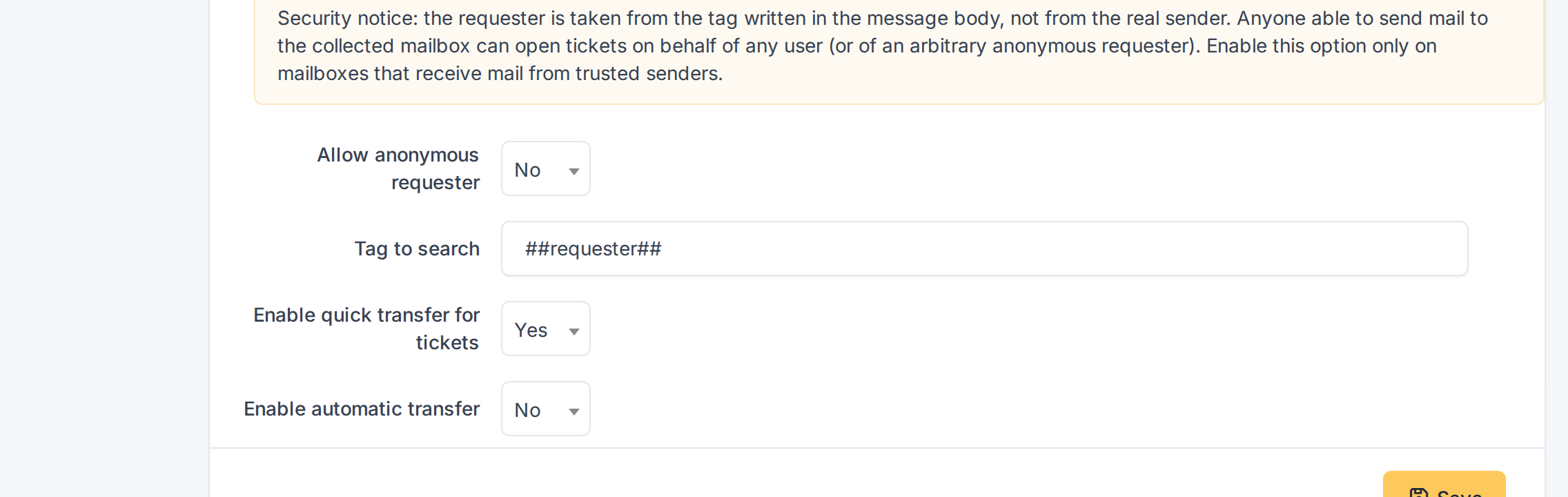
The mail collector options and their security notice
Generated for YAGP 4.0.1 on GLPI 12.0.2 — 2026-11-19.