
5.1 Finding the addons
5.1.1 The list of addons
JS Addons ships three ready-made addons, one for each service it supports. They are listed in one page, switched off until you set them up.
5.1.1.1 Open JS Addons
Go to Setup > JS Addons. The entry only appears for profiles that can update the GLPI configuration, usually Super-Admin. Like the rest of the GLPI configuration, the page asks you to confirm your password before it shows the addons.
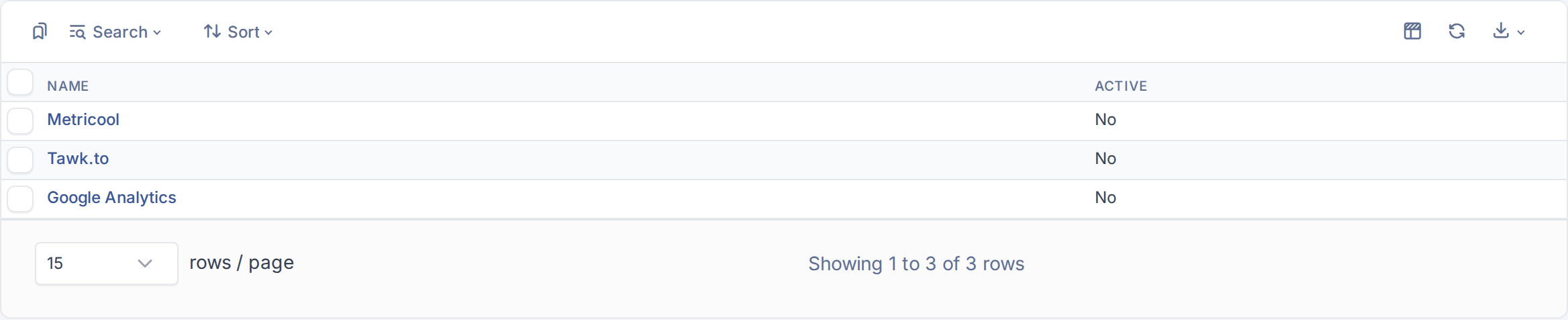
The three addons, all inactive
5.1.1.2 The supported services
The list has one row per service: Metricool and Google Analytics for web analytics, and Tawk.to for a live chat. The Active column says whether the addon is loaded. The list cannot be extended and its rows cannot be added or deleted: to use another service the plugin itself would need a new addon.
Generated for JS Addons 4.0.0 on GLPI 12.0.2 — 2026-11-20.