
5.1 Marking tickets as billable
5.1.1 Billable tickets
A task only produces a cost when its ticket is billable. The Billable field in the ticket says so, and it can be set by hand or by the entity.
5.1.1.1 A new ticket is billable by default
In a new ticket the Billable field is already set to what the entity says in Auto billable ticket. If the entity has it on, the field starts as Yes; you can change it before saving. Users with the right to update tickets see the field in the standard interface; Self-Service users never see it.
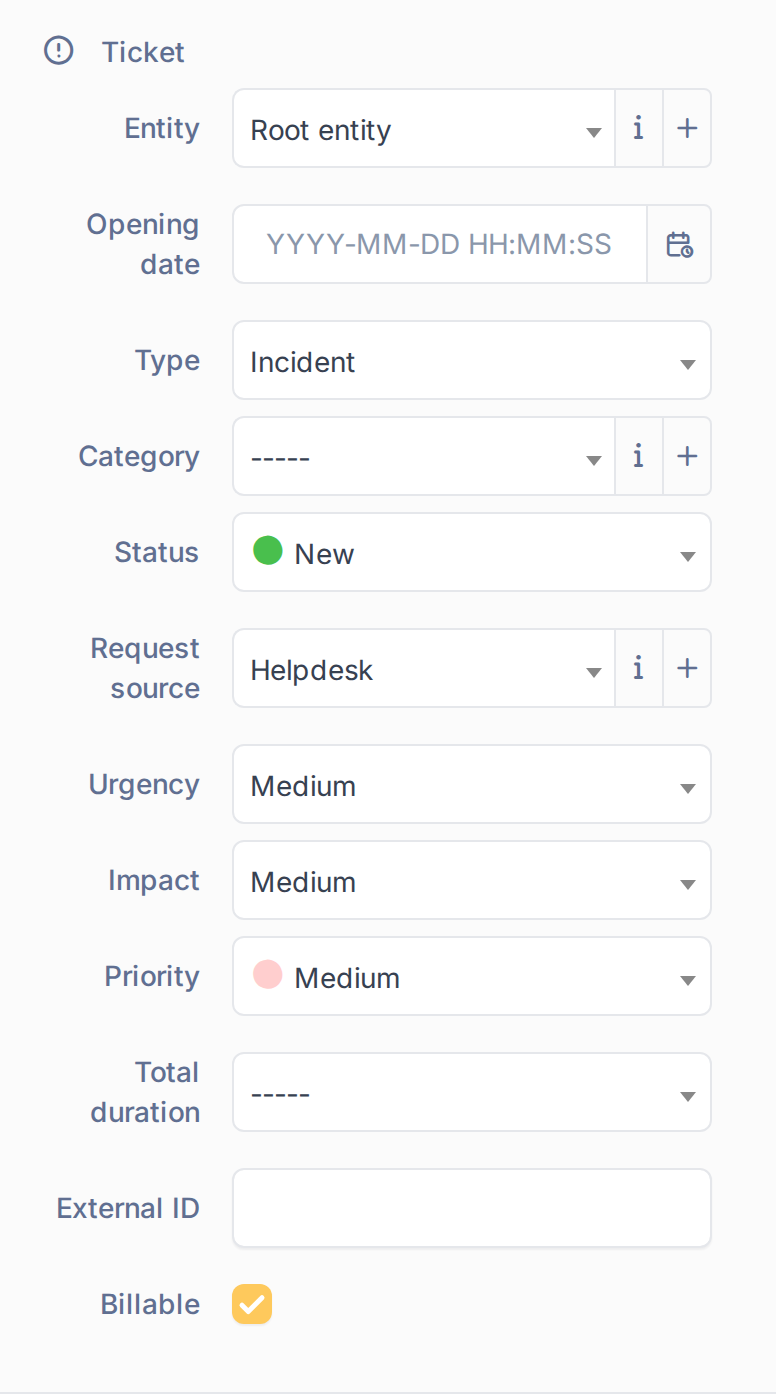
The Billable field in a new ticket
5.1.1.2 Change it in an existing ticket
Open the ticket and use the Billable field of the form to switch it. The plugin keeps the value when you click Save. A ticket created before the entity had Auto billable ticket on stays not billable until you change it here. Users who may not update the ticket see the field as read-only text.
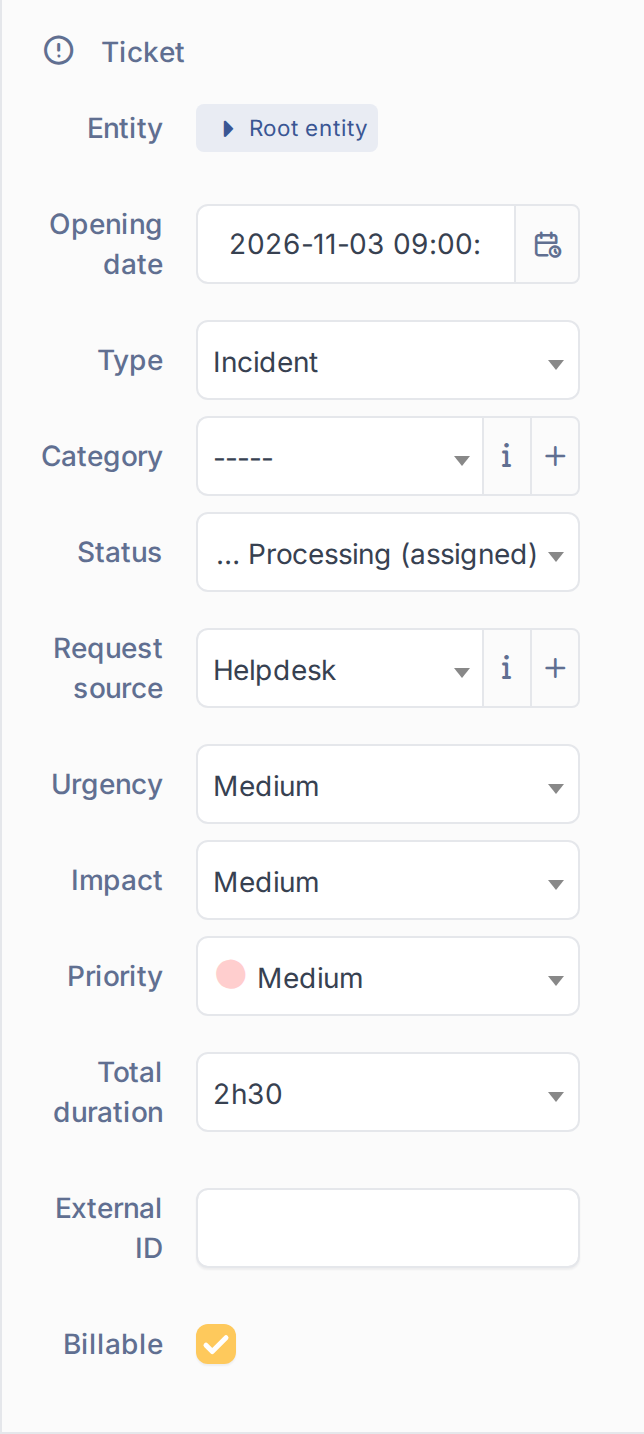
Marking a ticket as billable
5.1.1.3 Find the billable tickets
The plugin adds a Billable criterion to the ticket search, under a Costs group, and the same field can be shown as a column. Use it with is Yes or No to list the tickets that can or cannot produce costs.

Tickets that are billable
Generated for Costs 5.0.0 on GLPI 12.0.2 — 2026-11-20.