
1. Introduction
1.1 What Costs does
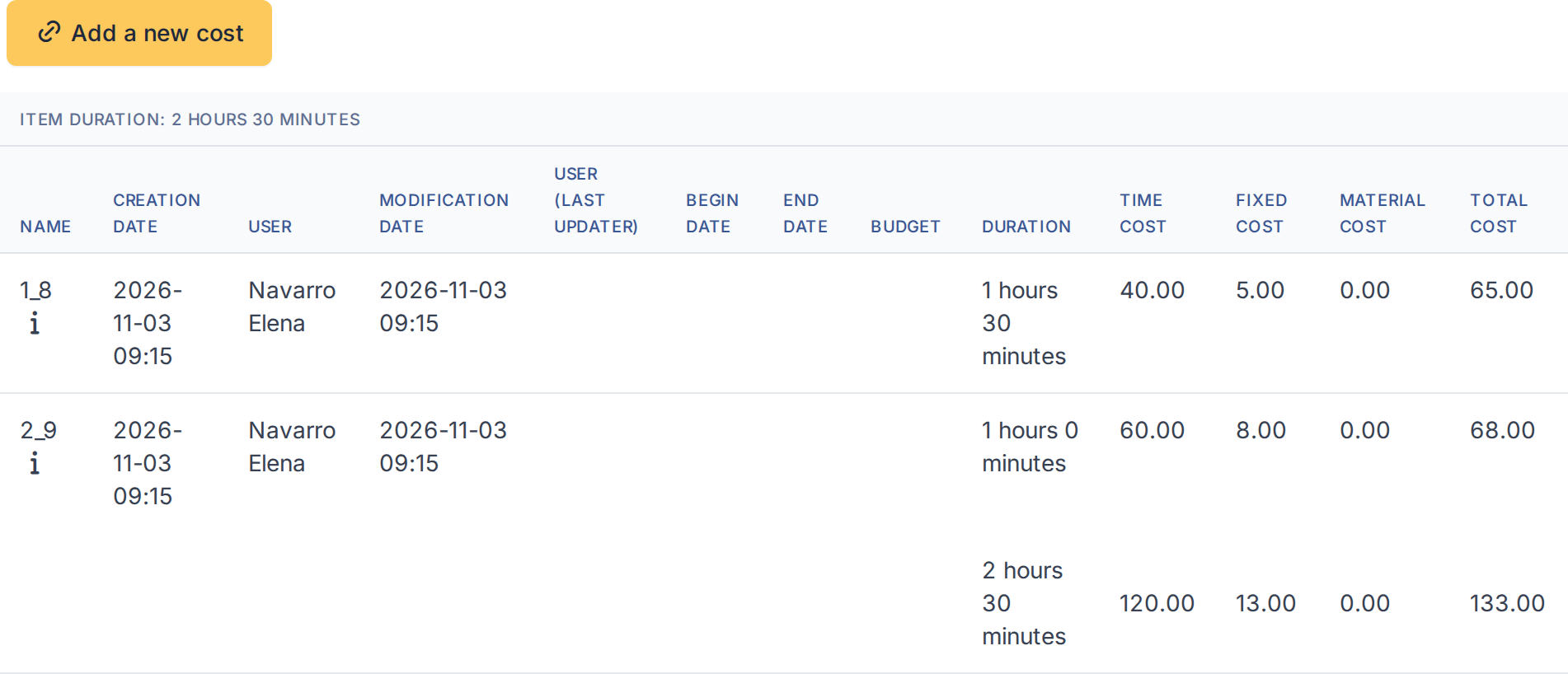
Costs turns the work of your technicians into money without anyone typing a figure. You set a fixed cost and an hourly cost for each entity, and for each profile if the rates differ, and every time a task of a billable ticket is marked as done the plugin adds the cost to the ticket, with the right duration and the right rate. Billable tickets can be marked by hand or automatically, and searched for later.
1.2 Key benefits
- No manual cost entry — the cost of each task is created when the task is done, so the Costs tab of a ticket is complete and consistent.
- The right rate for each person — an hourly and a fixed rate per entity, and a different rate for each profile, such as technician or supervisor.
- Rates that follow your organisation — a child entity can inherit the rates of its parent, or keep its own.
- Only what should be charged — a ticket must be billable, and private tasks are charged only if the entity says so.
- Find what can be invoiced — Billable is a ticket search criterion and a column, so the list of billable tickets is one search away.
1.3 Features
- A Costs tab in each entity, with Fixed cost, Time cost, Private task and Auto billable ticket.
- Inheritance of those values from the parent entity.
- Rates by profile in each entity, for the profiles of the standard interface.
- A Billable field in the ticket form, set automatically from the entity when the ticket is created.
- A Billable search criterion and column for tickets.
- A cost created in the ticket when a task is done, from the task duration and the rates of its technician.
- An option to copy the text of the task into the comment of the cost.
- Optional integration: if the separate Reports plugin is installed, Costs includes a Costs Tech report that adds up duration and cost by entity and profile.
Generated for Costs 5.0.0 on GLPI 12.0.2 — 2026-11-20.