
Plan a task
CómoHowplanificartounaplantareaadesdetaskunfrom a ticket:sechooseelige elthe ticket,secreatecreathelatask,tarea,setsethefijadate,fecha,timehoraandyreminder,recordatorio,sendseit,envíaandyaddseitañadetoalthecalendario.calendar.
1. IrGo ato Tickets
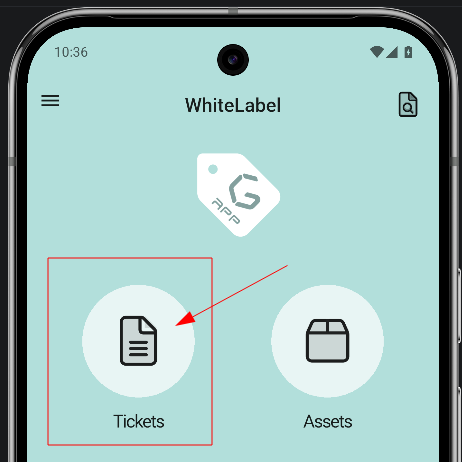
2. ElegirChoose elthe ticket
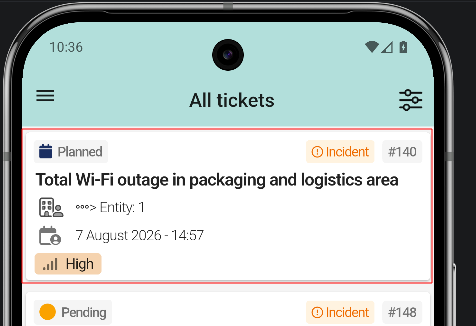
EnTap el listado se pulsa elthe ticket queto seplan quierain planificar.the Enlist. elIn ejemplo,the elexample, ticket #140 Total Wi-Fi outage in packaging and logistics area. Tapping a row opens the ticket detail view.
3. CrearCreate lathe tarea
task
4. AbrirOpen lasthe propiedadestask de la tarea
properties
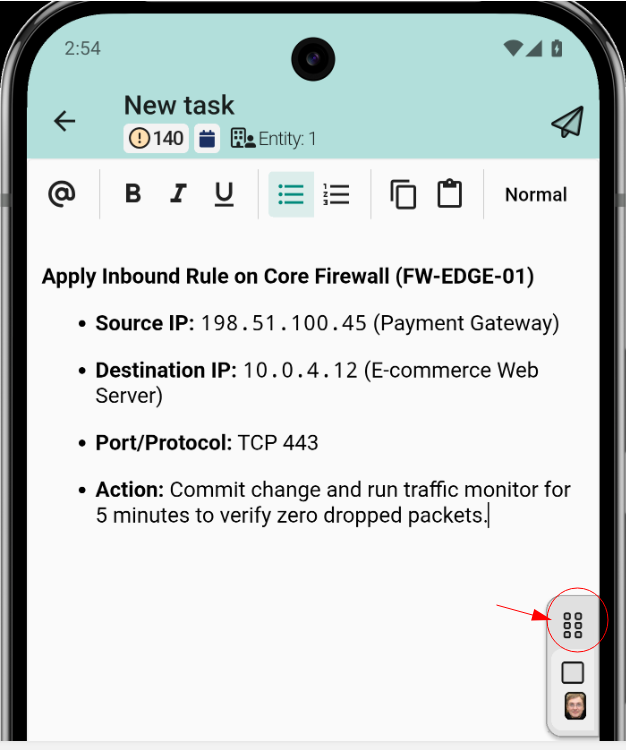
SeOpen abrethe eltask properties panel, where the task is configured. The panel deincludes:
opens the planning form, at the end of the panel.
5. PulsarTap Plan task
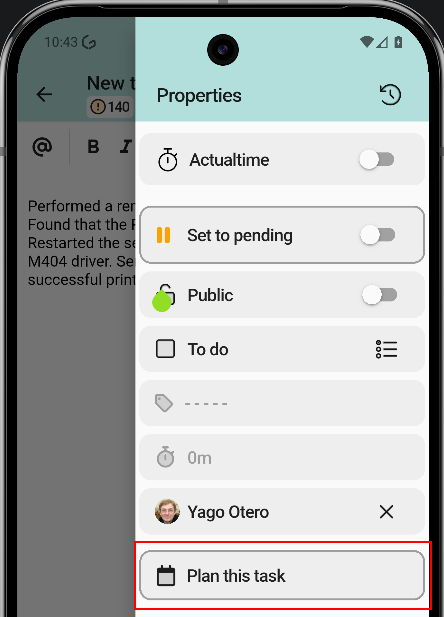
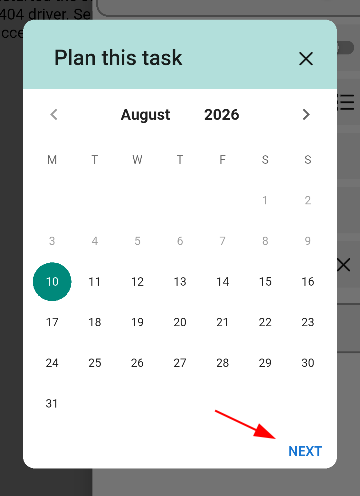
Se pulsaTap Plan task parato abriropen elthe formularioplanning deform planificaciónfor dethe la tarea.task.
6. PonerSet fechadate yand hora
time
EnIn elthe selectorselector, sechoose elige elthe díaday enon elthe calendariocalendar yand lathe horastart time. deBoth inicio.are Serequired. confirmaConfirm conwith OK. If requesters have a different time zone set in GLPI, the time is shown relative to the time zone of the user who created the task.
7. ConfigurarConfigure una recordatorio
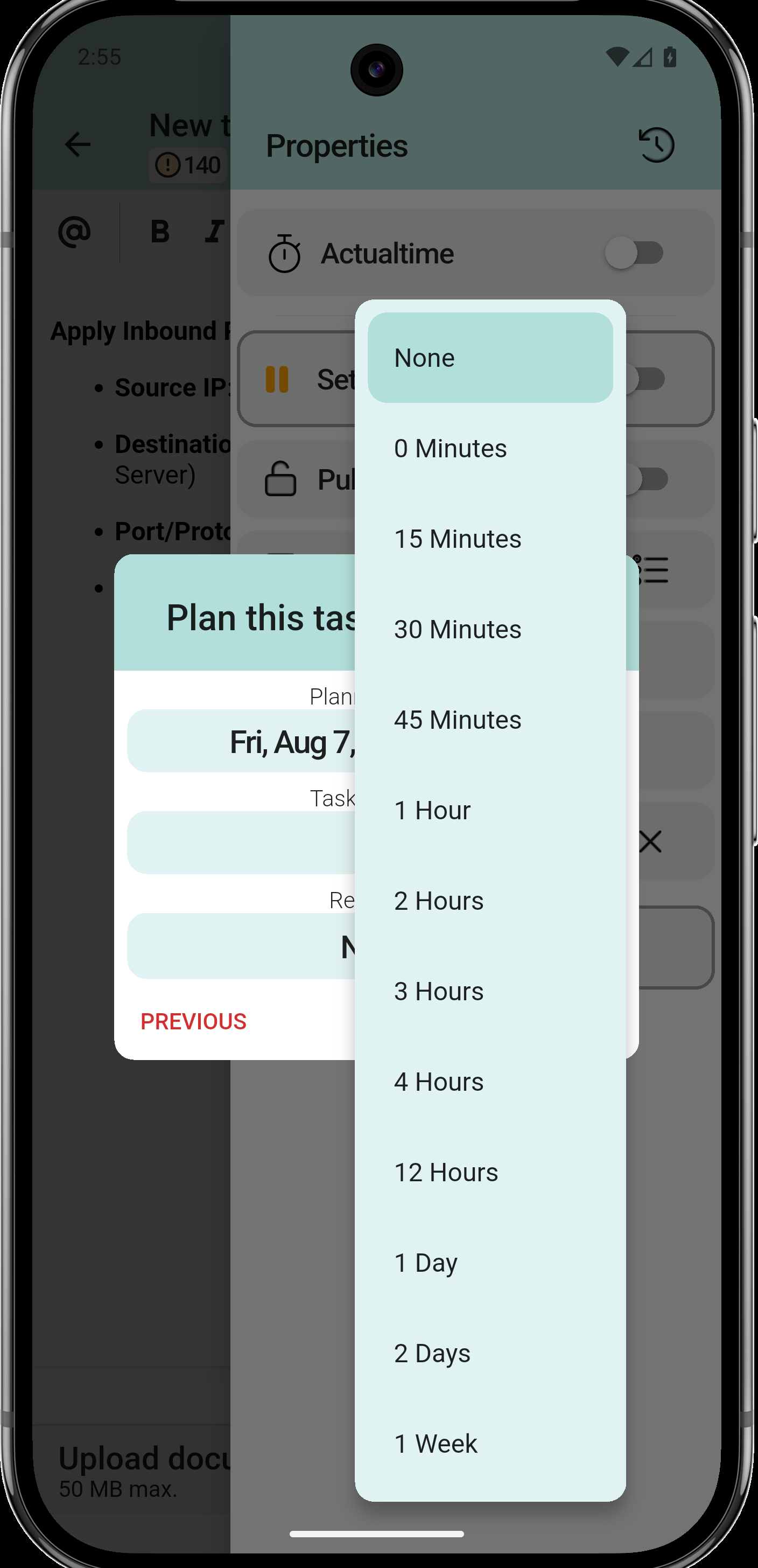
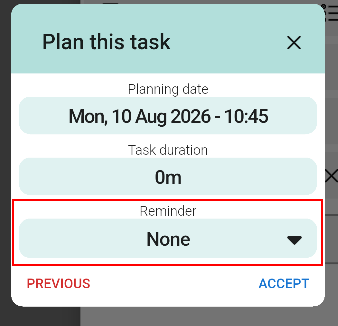
SeThe eligereminder cuándois avisaroptional. antesChoose delwhen inicio:to albe momentonotified delbefore evento,the minutosstart: antes,at horasthe antestime oof unthe díaevent, antes.minutes Enbefore, elhours ejemplo,before or a day before. In the example, 10 minutes before. SeConfirm confirma conwith OK.
8. BotónTask planificado
marked as Planned
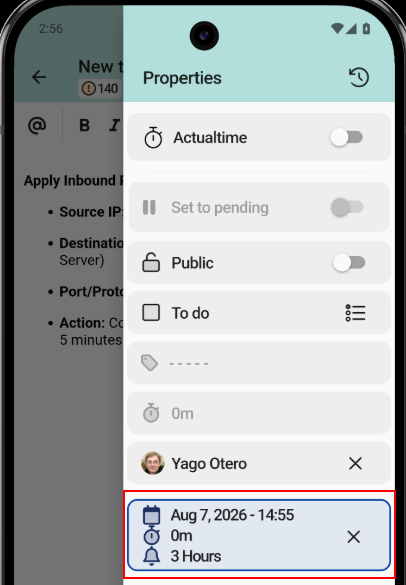
LaThe tareatask quedais marcadamarked comoas Planned yand muestrashows lathe fecha,planned eldate, rangotime horariorange yand la duración planificados.duration.
9. EnviarSend lathe tarea
task
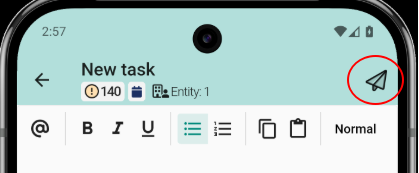
Se pulsaTap Send the task parato enviarsend lathe tareatask conwith suits planificación.planning.
10. AñadirAdd alto calendario
calendar
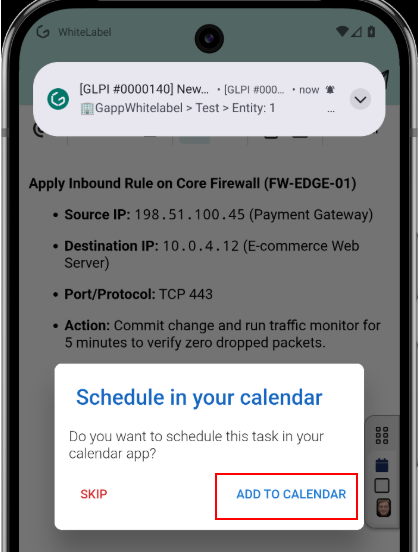
LaThe aplicaciónapp preguntaasks siwhether sethe quieretask programarshould labe tareascheduled enin lathe aplicaciónphone's decalendar calendarioapp. del móvil. Se pulsaTap ADD TO CALENDAR parato abriropen elthe calendariocalendar conwith losthe datosdata yaalready rellenados,filled oin, or SKIP parato saltarskip estethis paso.step.
11. InformaciónInformation parafor elthe calendario
calendar
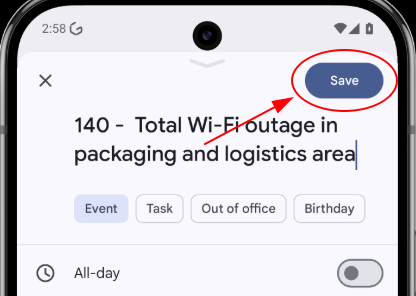
ElThe calendariosystem delcalendar sistemaopens abrean unevent eventowith conthe eltitle, título,date, latime fecha,and lareminder horaalready yconfigured. el recordatorio ya configurados. Se pulsaTap Save parato guardarlo.store it.
12. TareaPlanned planificadatask enin elthe ticket
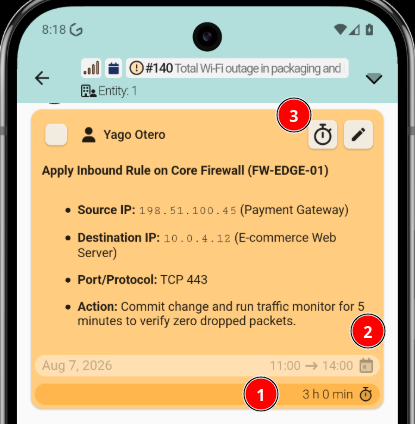
DeBack vueltain en elthe ticket, lathe tareaplanned planificadatask muestrashows una iconoclock de relojicon enin lathe esquinatop-right superiorcorner derechaof deits sucard, tarjeta,indicating indicandothat queit estáis planificada.planned.