Create and modify Solutions
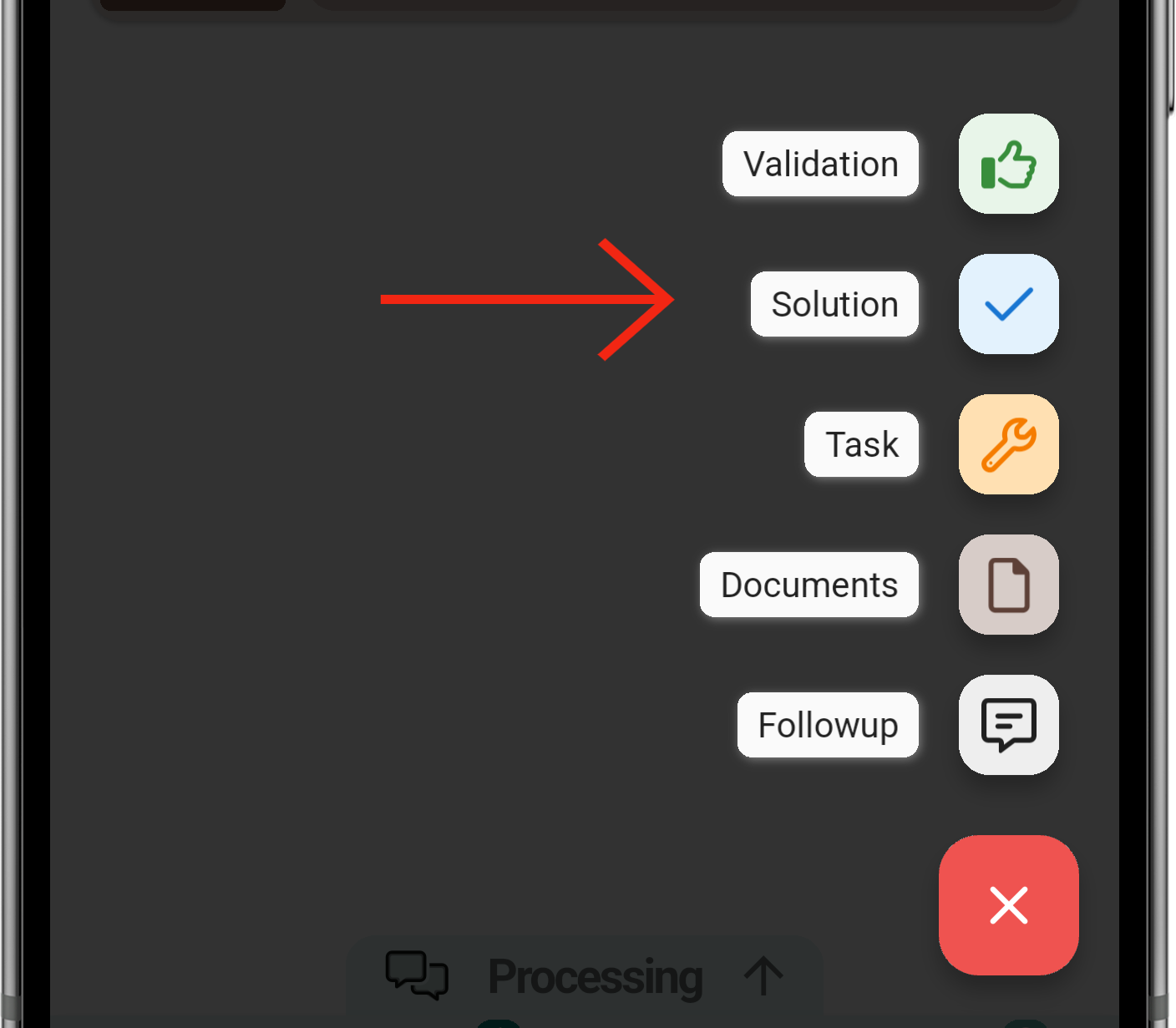
LasSolutions solutionare secreated crearánthe desame laway mismaas formafollow-ups queor creamostasks: followupstap othe tasks,button elin botónthe debottom-right lacorner, esquinaselect inferiorSolution, derechawrite soleccionaremosthe 'Solution',reason despuésand tendremossend que escribir el motivo necesario y enviarlo.it.
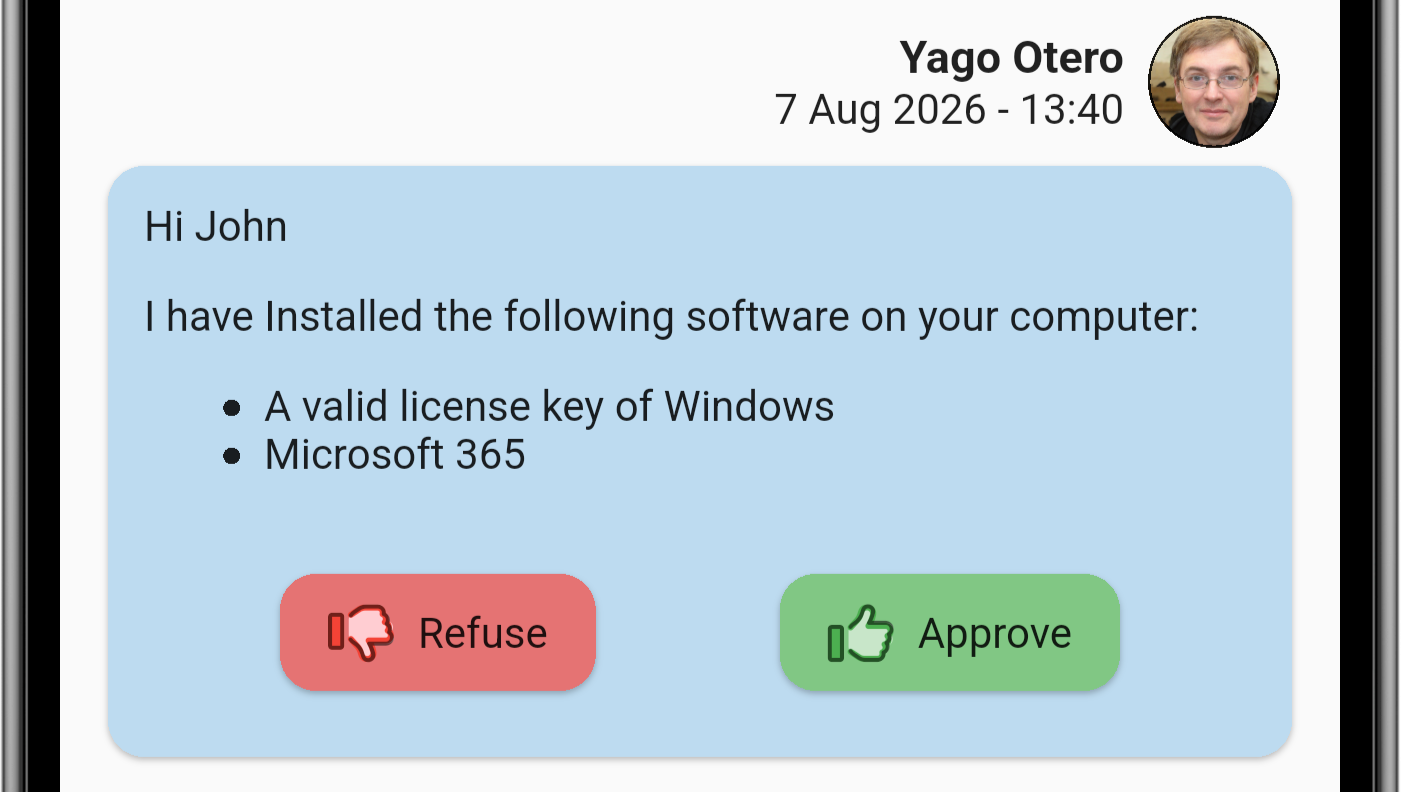
UnaOnce vezsent, quethe losolution hemosappears enviadoin nosthe aparecerámessage enlist lawith listatwo deoptions: mensajesapprove conor dos opciones, aprobar o denegar la solución.reject.
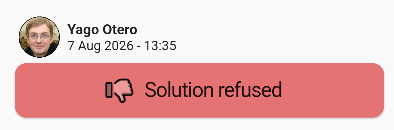
DenegarReject lathe soluciónsolution
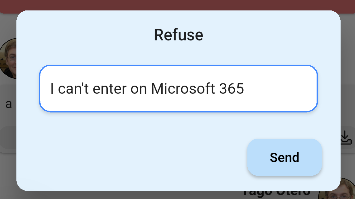
ParaRejecting denegarthe lasolution soluciónasks sefor tea solicitaráreason. escribirThe unmessage motivo.list Despuésthen seshows teit mostraráas en el listado de mensajes como denegada.rejected.
AprobarApprove lathe soluciónsolution
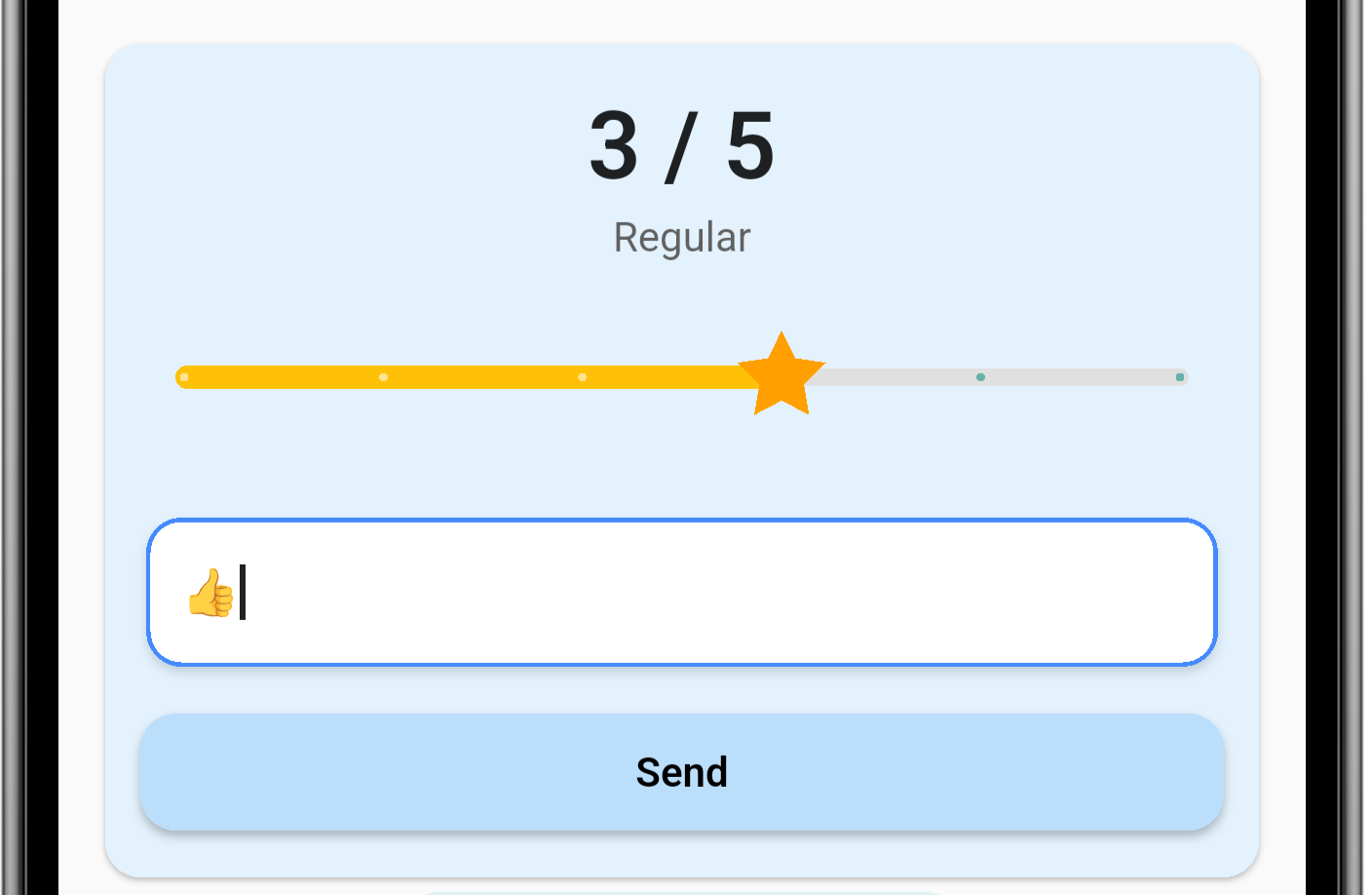
UnaApproving vezthe quesolution apruebascloses lathe soluciónticket. seDepending procederáon the GLPI configuration, a cerrarsatisfaction elsurvey ticket,may dependiendo de las configuraciones que tenga tú GLPI puede ser que te salte al encuesta de satisfacción.appear.