Create a Task
InsideTo create a ticket you might follow the next steps, inside a ticket, a (+) button sits in the bottom-right corner of the screen. Tapping it opens the ticket actions menu; Add a new task creates a task.
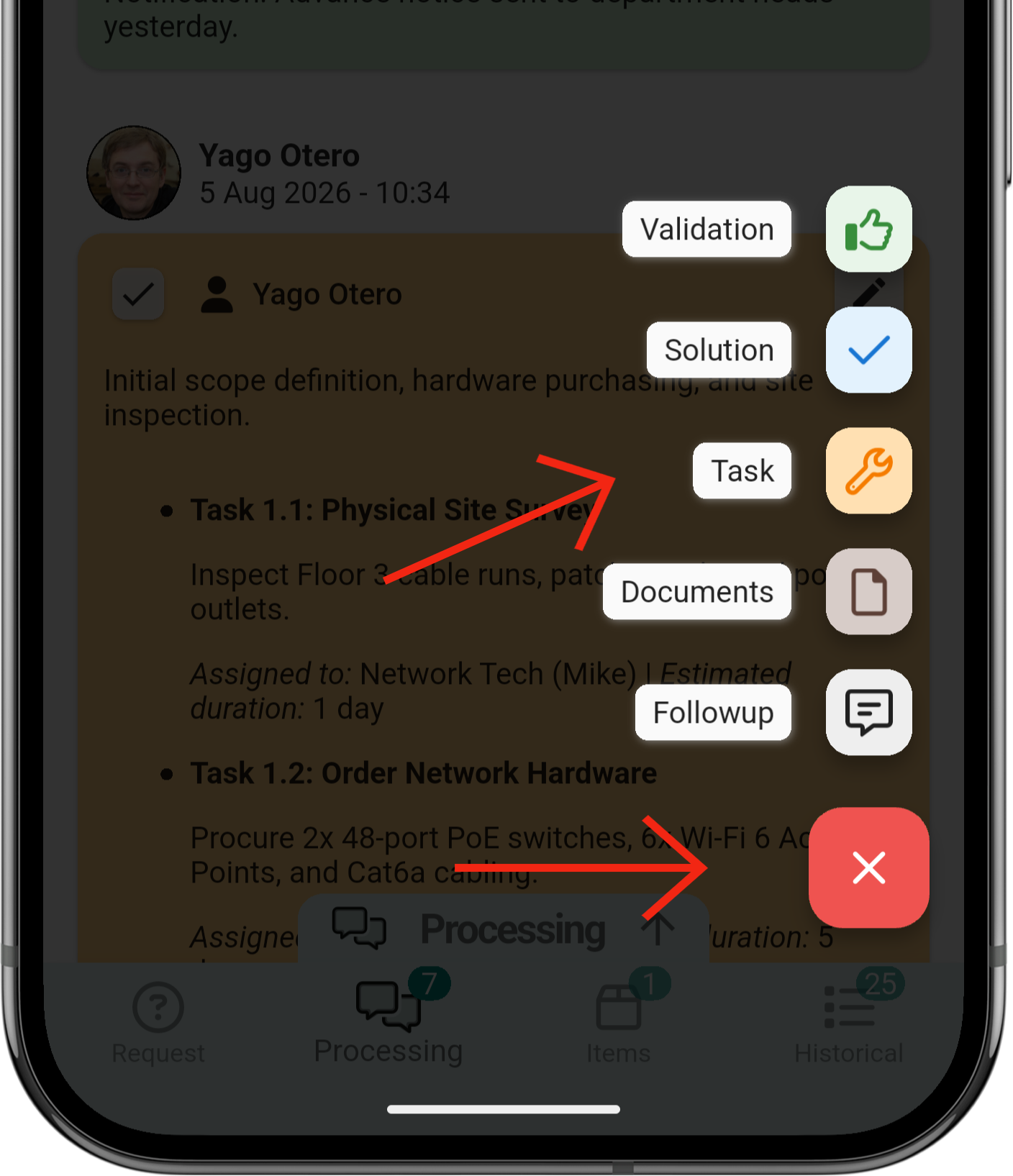
1. Create a task
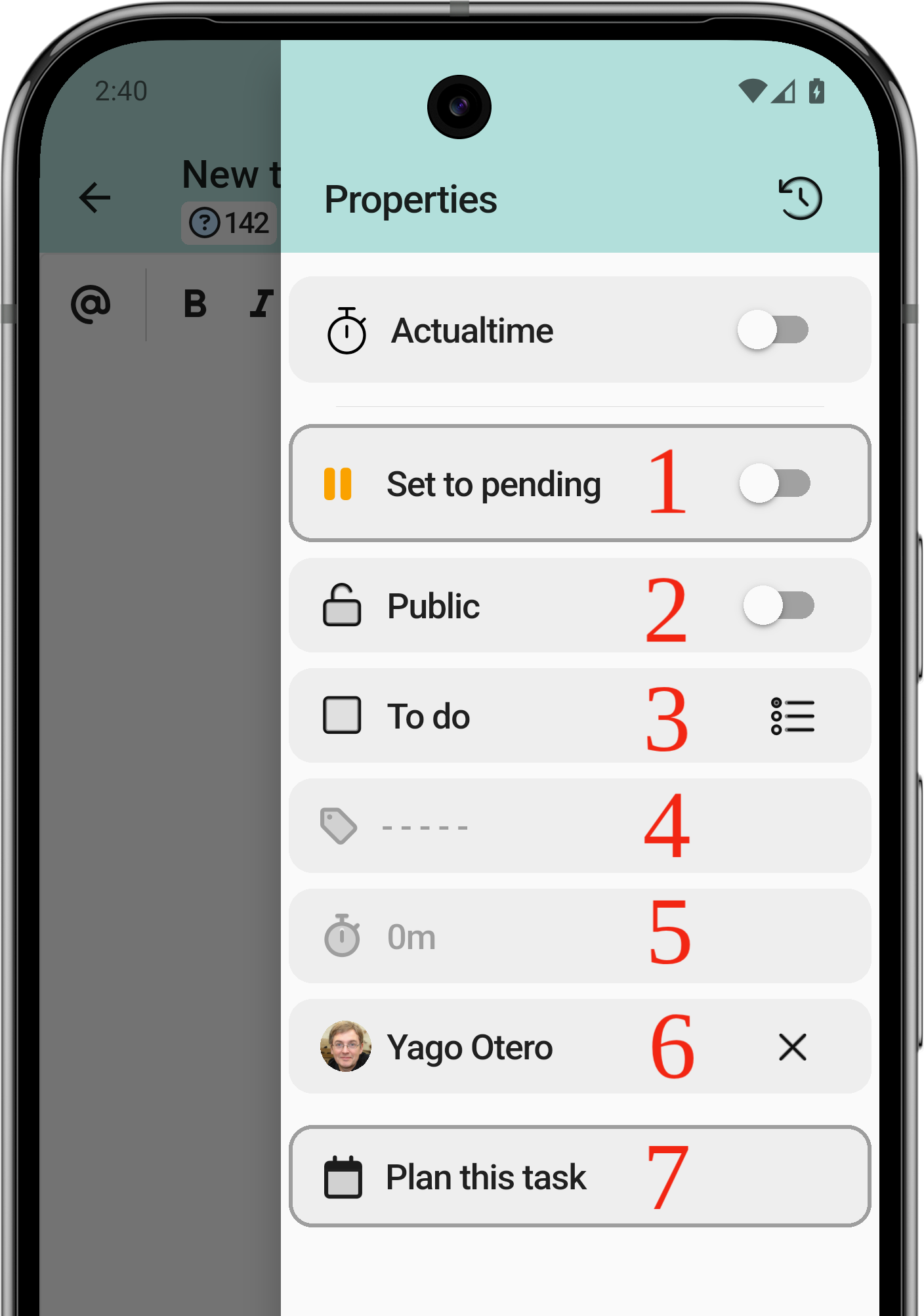
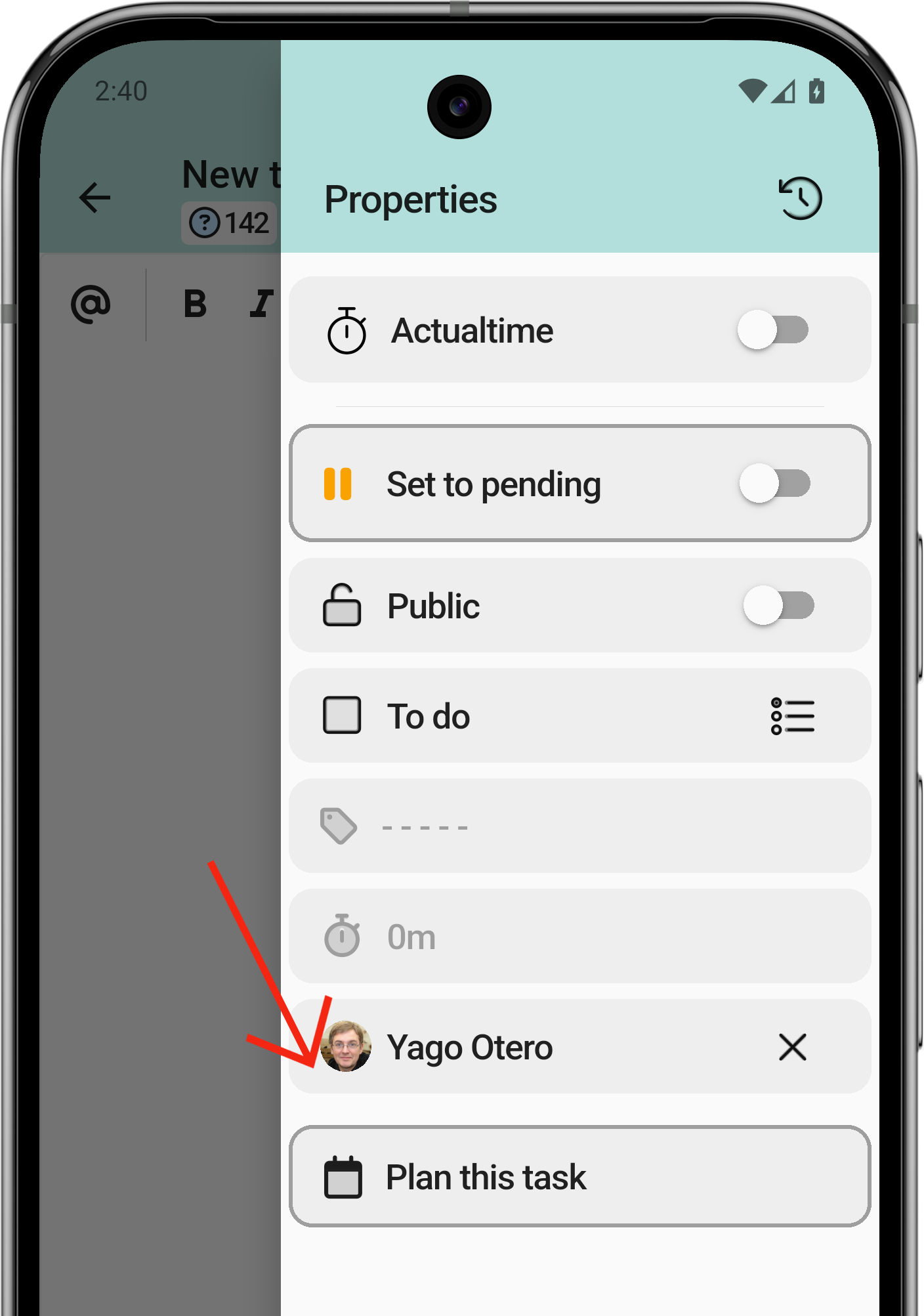
The task shares most of the follow-up structure, with additional status, category and planning options.
- Put the task on hold.
- Public or private task. The client does not always need to see this information.
- Mark the task as done.
- Task category.
- Task duration.
- Assigned technician.
- Plan the task.
1.1 Work with an ActualTime
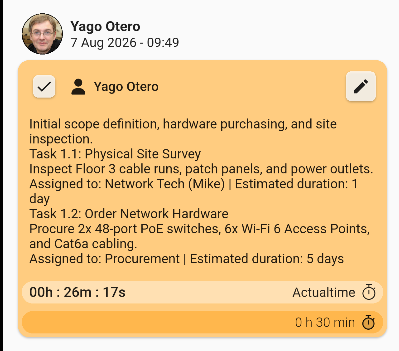
The first option of the menu is the timer: it counts the time from when the task is started until it is paused.
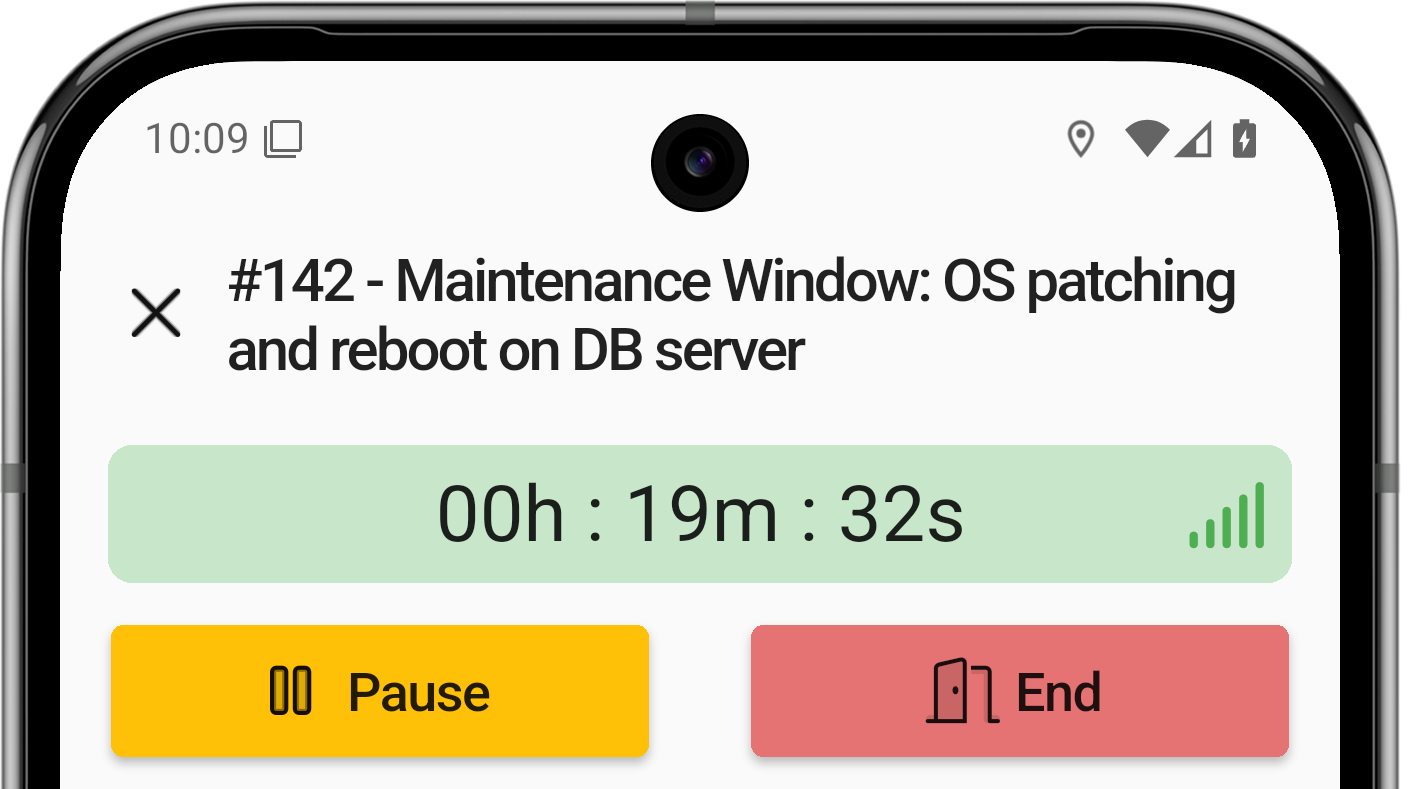
The ActualTime timer starts with this option. Once active, it looks like this:

The ticket view shows which task is running and for how long.
Tapping the running task from another screen moves the view to it automatically.

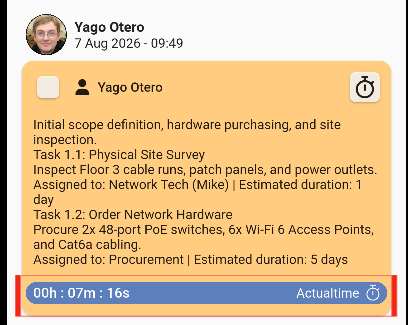
With the counter running, the task can be opened to pause it or mark it as done.
The task can be started and paused as many times as needed.
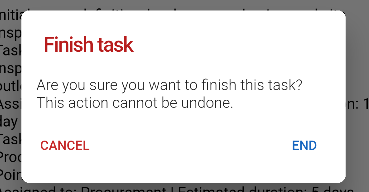
Finishing a task shows an alert asking for confirmation.
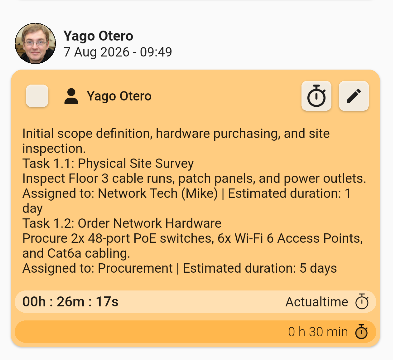
There is another way to mark the task as done: a checkbox in the top-left corner of the ticket view.
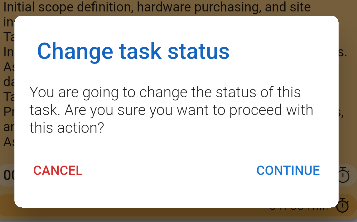
Tapping the checkbox asks for confirmation.
After confirming, an arrow shows whether the task is finished.
1.2 Add a planned task (II)
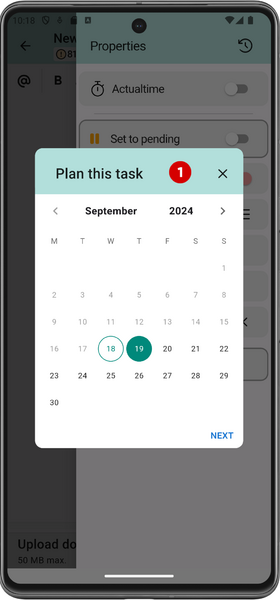
A task can be planned so that, later on, the technician in charge knows what they have to do and can do their job successfully. Users must select a day from the calendar to perform the task.
4. Select the start time
5. Select the task duration
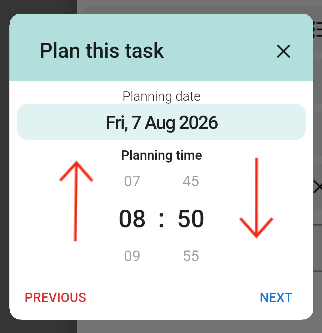
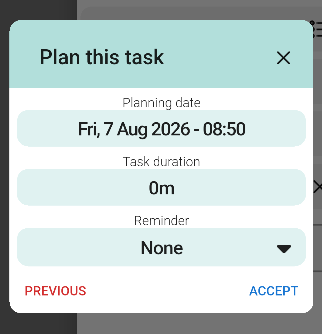
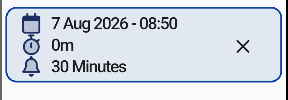
Once the planning is complete, the information is displayed as shown here:
1.3 Upload documents
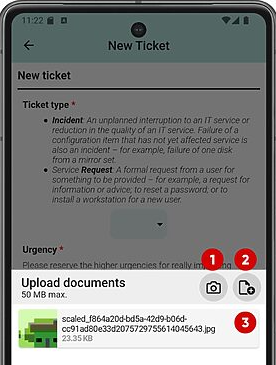
The application integrates with the smartphone's native functions: photos can be uploaded directly from the gallery or taken on the spot.
Multiple files can be selected at once or one at a time. Once the first file is selected, the same screen remains open to select more files.
- Open camera.
- Local files or other sources.
- Files already selected.