Change Ticket Actors
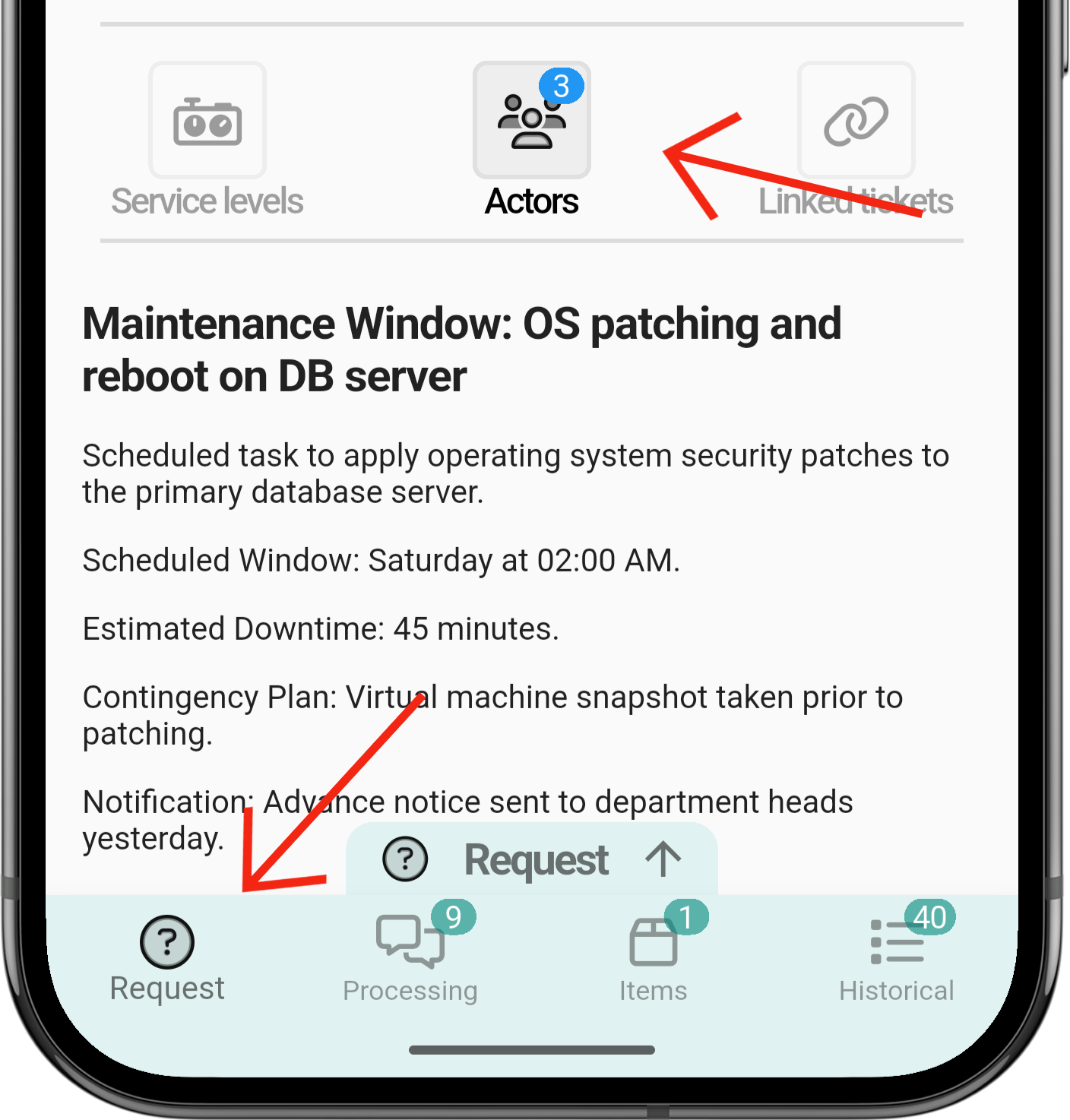
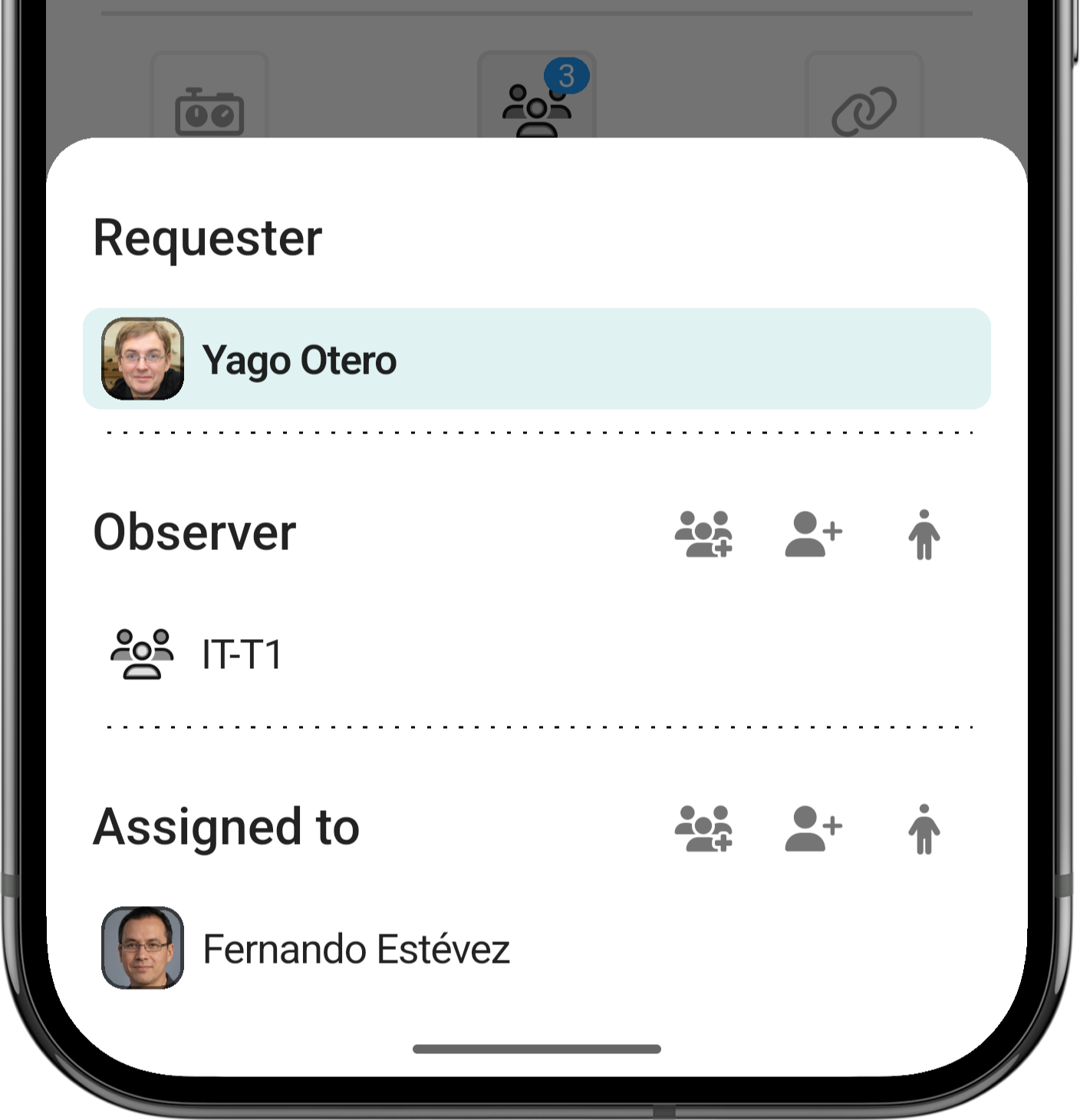
ParaTo cambiarchange losthe actors de un ticket te tendrás que dirigirof a laticket, pestañaopen dethe 'Request/Incident'Request dependiendo/ delIncident tipotab, dedepending ticketon quethe estétype creado,of unaticket. vezTap queActors; estésa ahílist tendráopens quewith pulsarthe sobredifferent 'Actors'actor , ahí e te desplegará una lista con los distintos tipos de Actors que hay.types.
AbrirOpeneltheticketticket.MoverteGoatolathepestañaRequestde/Actors/Incident tab.ClickarTapen 'Actors'Actors.
AñadirAdd gruposgroups
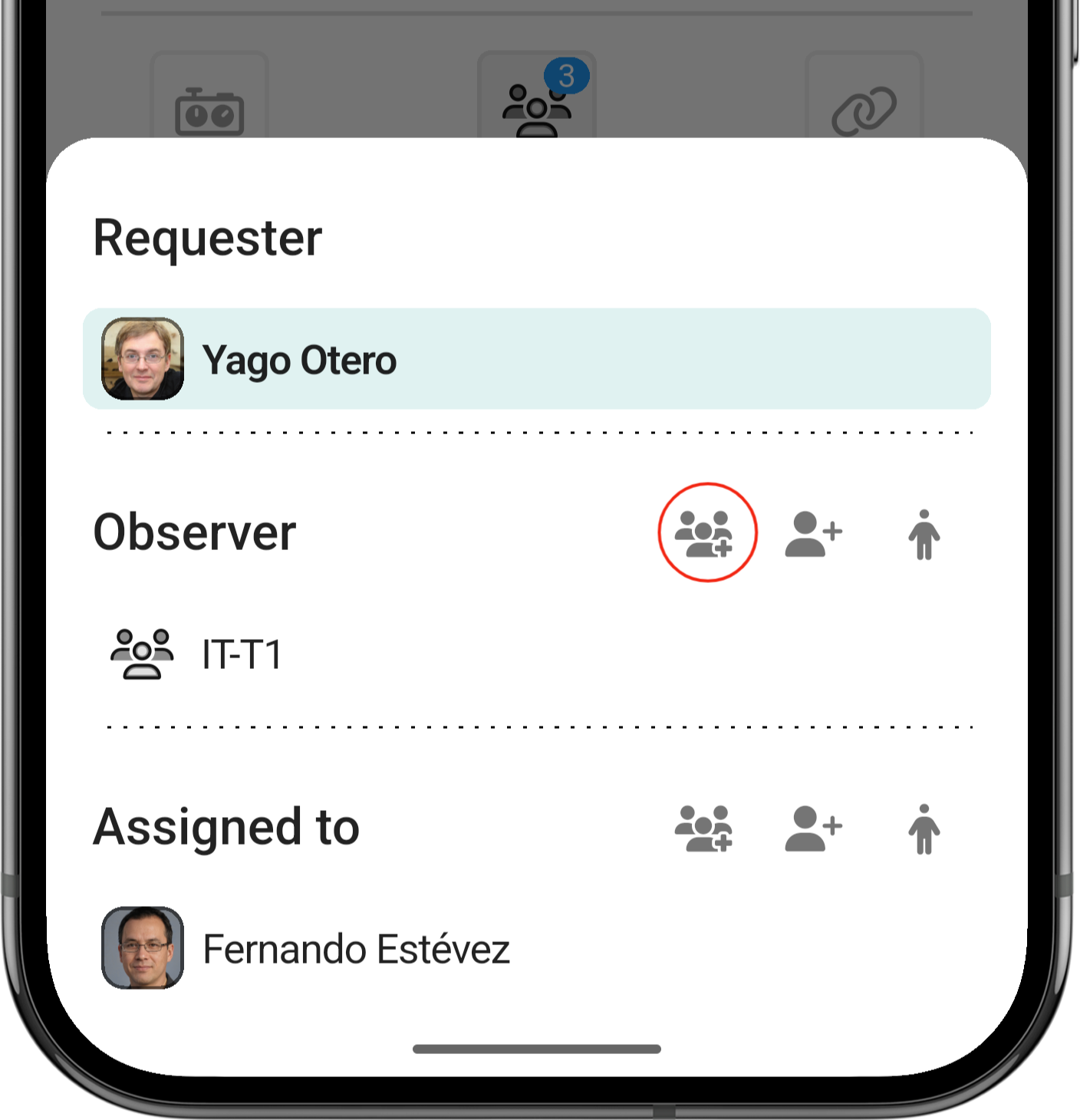
ParaTo añadiradd gruposgroups, tendrástap quethe seleccionarbutton estewith botónthe conthree-person 3 personasicon.
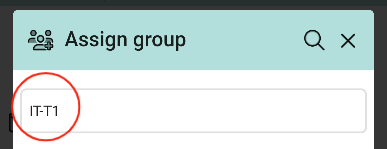
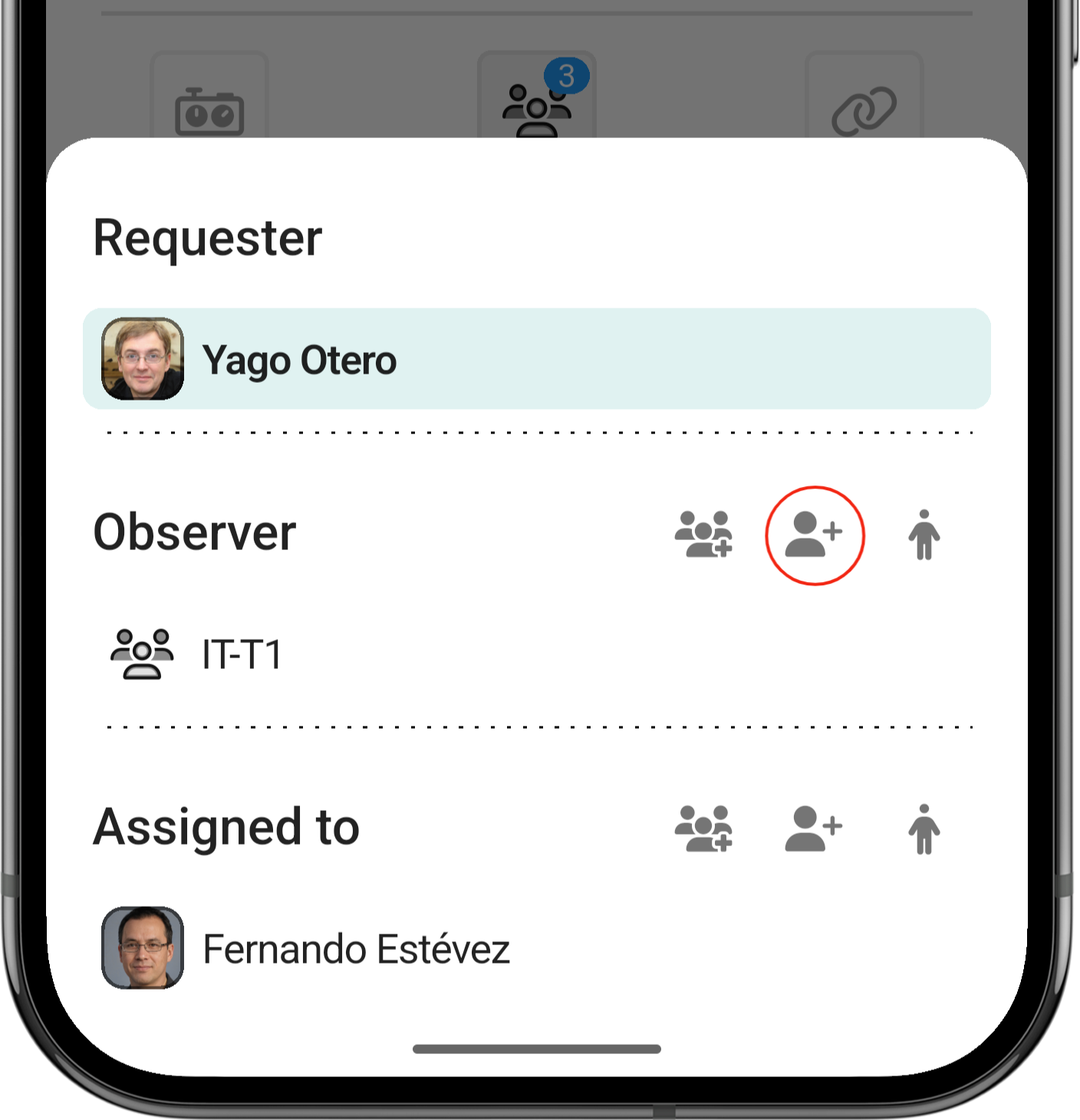
AñadirAdd personasindividual individualespeople
EsteThis procesoprocess seráis similarsimilar: altap anterior,the lebutton dasand alselect botónthe yperson seleccionasfrom athe la persona en el listado.list.
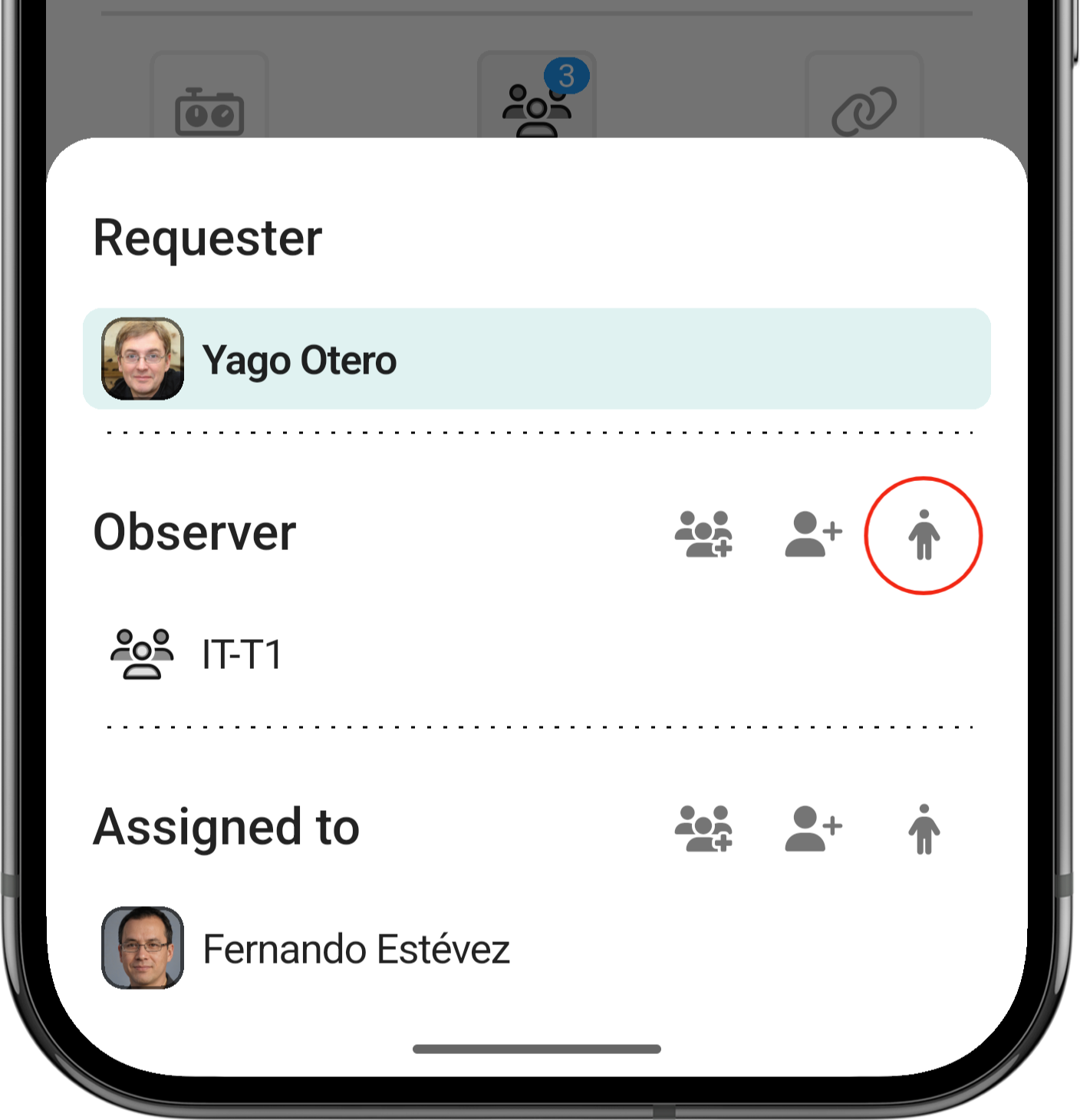
Asignarse a si mismoSelf-assignment
CuandoTo quieresget involucrateinvolved directamentedirectly paraas seran observer oor techniciantechnician, puedestap darlethe alperson símboloicon; dethe laassignment personais yapplied automáticamente te asignará a ese apartado.automatically.
QuitarRemove personaspeople / gruposgroups
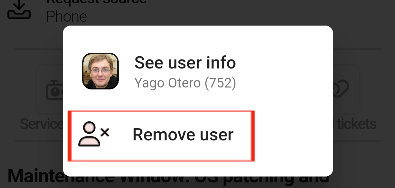
ParaTo eliminarremove personaspeople oor grupos,groups, tendrástap quethem pulsarand enconfirm élthe y confirmar la eliminación.removal.