
5.2 Monitoring attacks
5.2.1 Investigating attempts in the Security log
The Security log keeps a read-only record of the failed logins, the password reset requests and the logins refused by geoblocking, so you can see who is attacking what and answer to an incident.
5.2.1.1 Open the Security log
Go to Administration > Security log. GLPI asks for your password the first time. The Attempt log tab lists one row per event with its date, Type, the Login or Email that was used, the matching User if the account exists, the IP and the Country. Nothing in this list can be edited or deleted.
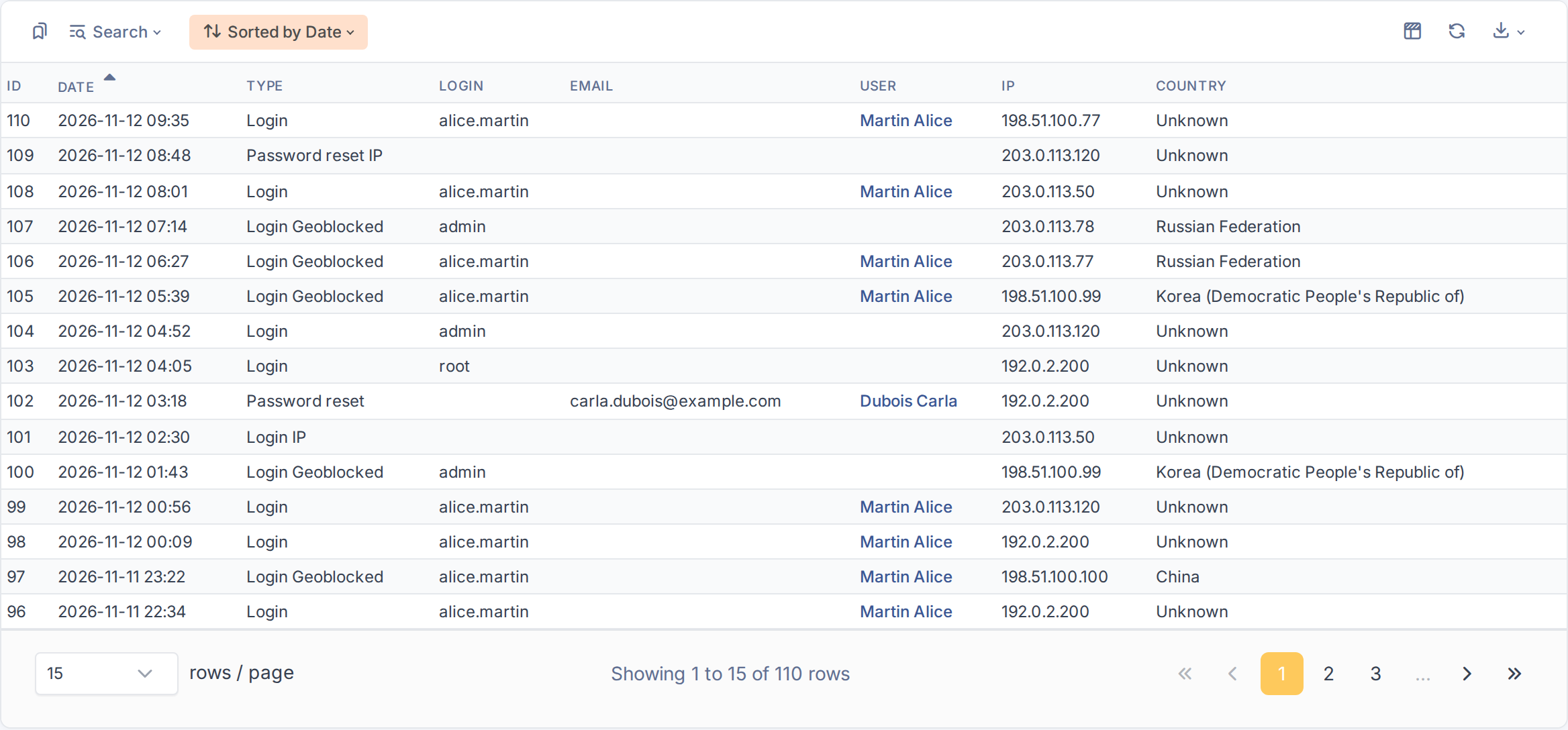
The Attempt log tab
Note: The log distinguishes five types: Login (a failed attempt against an account), Login IP (a failed attempt counted against an address), Login Geoblocked (a login refused because of the country, shown with the country instead of a real attempt), Password reset (a reset request for an email address) and Password reset IP.
5.2.1.2 Filter the log
Click Search to build a filter with the usual GLPI search engine: by type, login, email, IP, country or date. Use Sort to order by any column, and the buttons on the right to choose the visible columns or export the list.
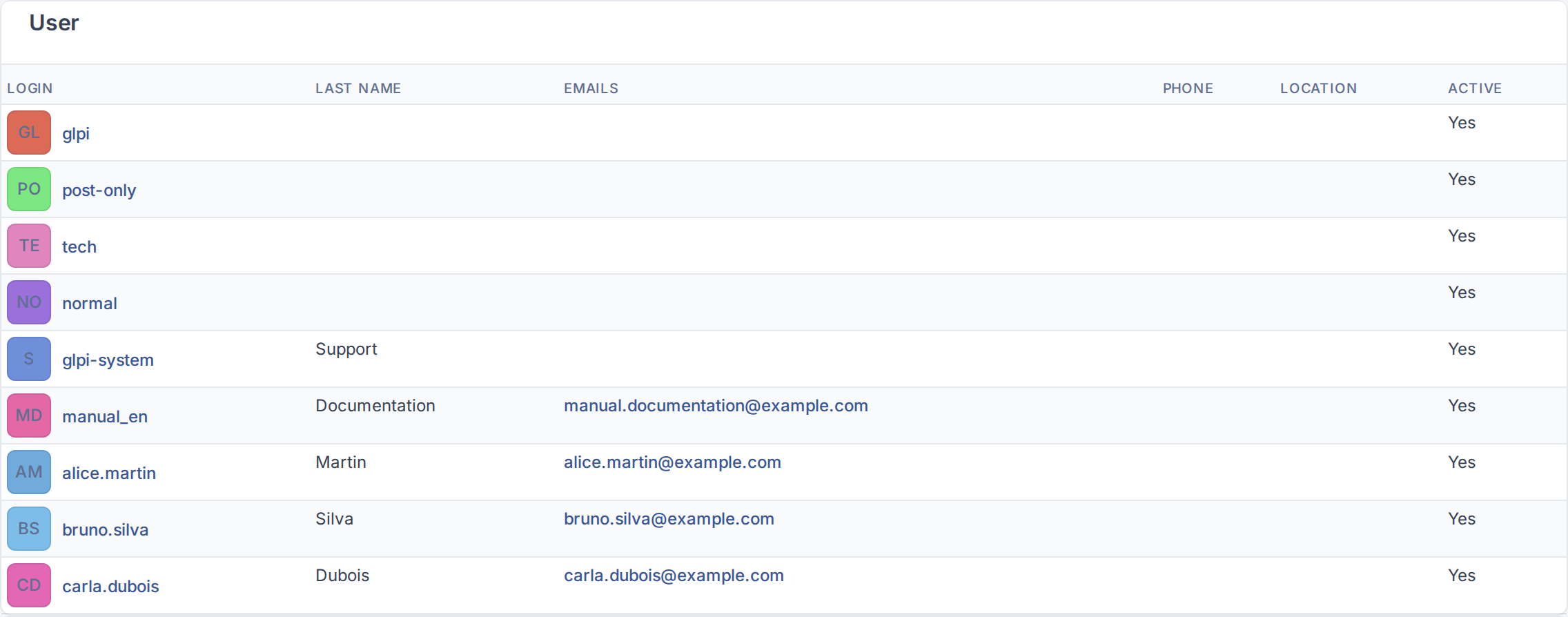
Building a filter
5.2.1.3 Read the summary
The Summary tab groups the same events by type, login or email, and address, with the number of attempts and the date of the last one. It is the quickest way to spot the account or the address that concentrates the attacks.
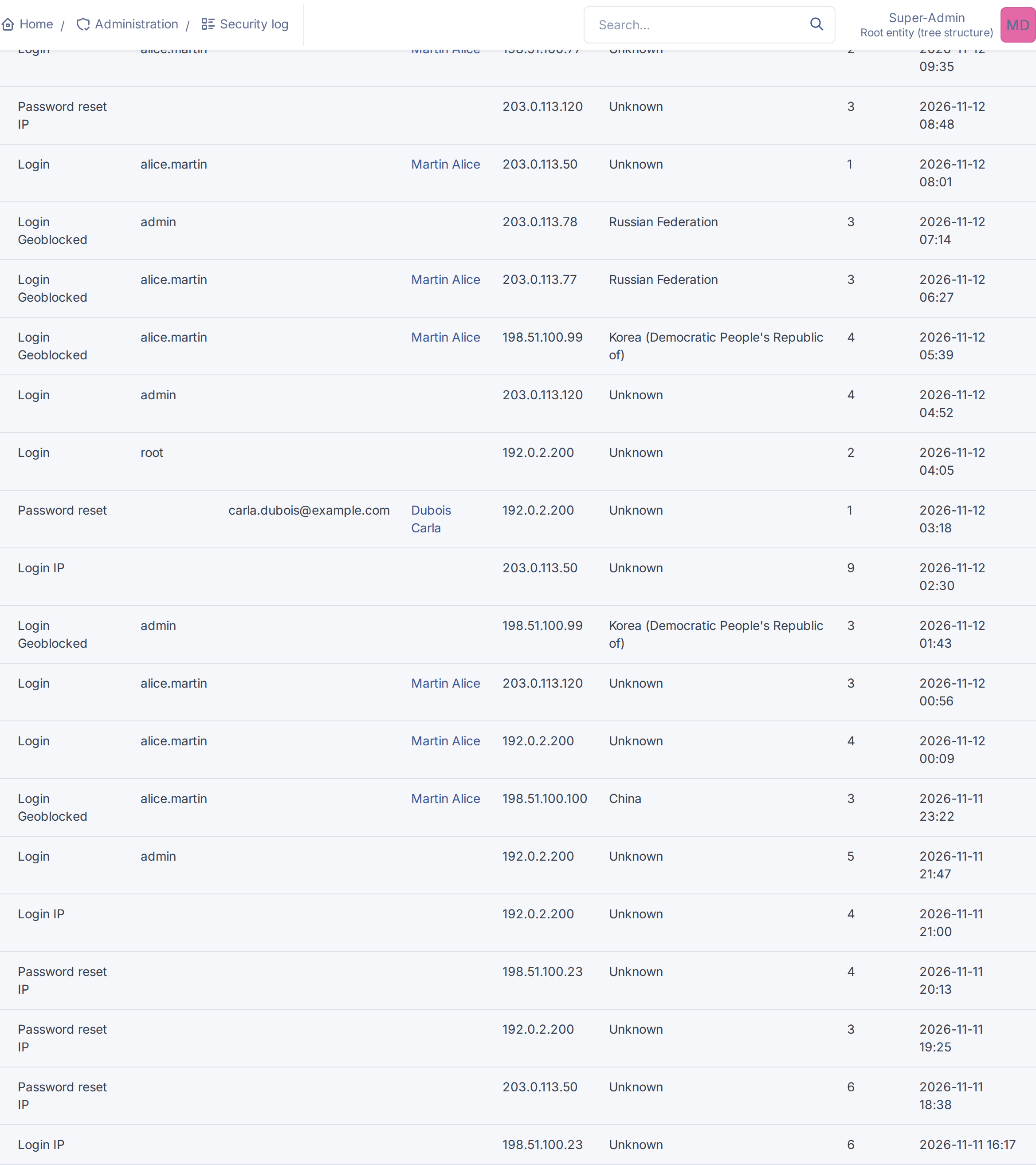
The Summary tab
5.2.2 Watching attack trends on the dashboard
More Security adds nine dashboard cards and a ready-made More Security dashboard that shows them. They tell you at a glance who is attacking, which accounts are targeted and from which countries.
5.2.2.1 Open the More Security dashboard
Go to Home and, in the dashboard selector above the cards, choose More Security. The dashboard is created when the plugin is installed. For each of three periods (the last 24 hours, 7 days and 30 days) it shows the Top attacking IPs, the Most targeted accounts and the Top offending countries, split by type of event.
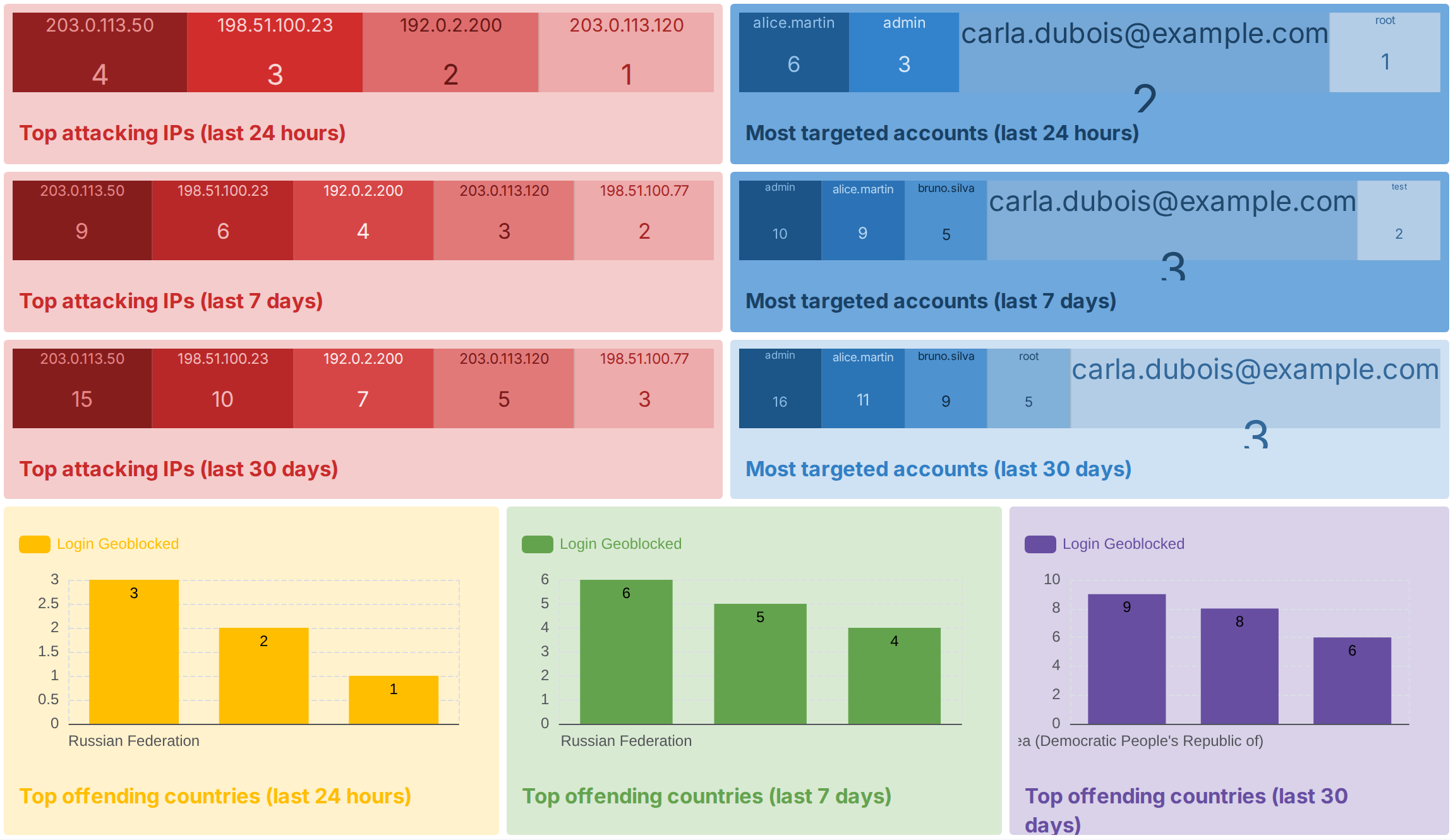
The More Security dashboard
Note: You can place any of these cards on your own dashboards with the dashboard editor: they appear in the card list under the names shown here. The cards need the Security log right, and like the log they are not filtered by entity.
5.2.2.2 Jump to the matching log entries
Click an address, an account or a bar on any card to open the Security log already filtered by that value and period, so you can see the individual attempts behind the number.
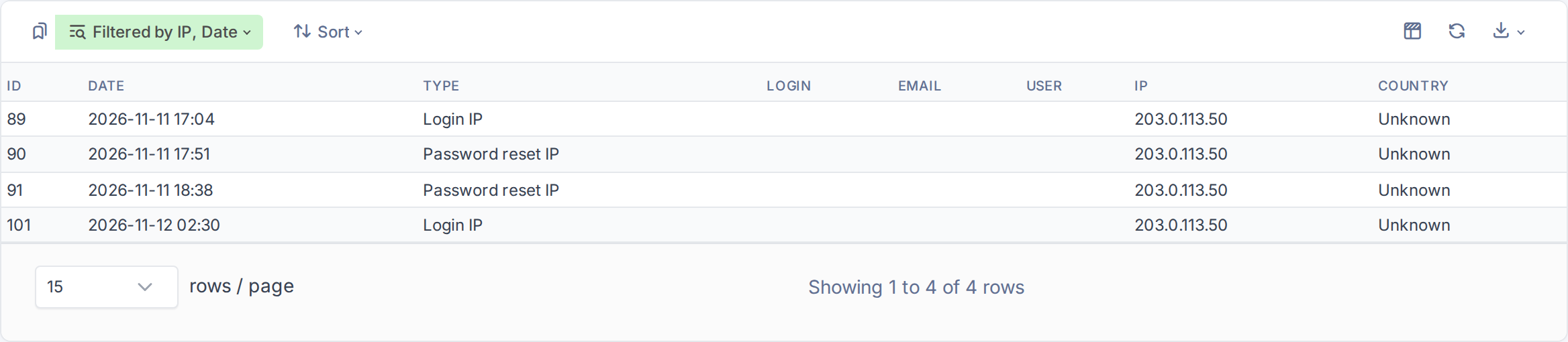
The Security log filtered by address
Generated for More Security 3.0.1 on GLPI 12.0.2 — 2026-11-25.