
5.1 Managing blocks
5.1.1 Reviewing and lifting active blocks
Blocks expire on their own, but an administrator can see who is blocked right now and lift a block early, for instance when a genuine user has locked themselves out.
5.1.1.1 See who is blocked
The Active blocks card of the More Security tab lists every account, address and email address blocked at this moment: the Type (Login for an account, Login IP for an address, Password reset for an email), who or what is blocked, the date of the last attempt (Blocked at) and how much time is Remaining. Use the column filters and the headers to search and sort, and the page size selector to see more rows.
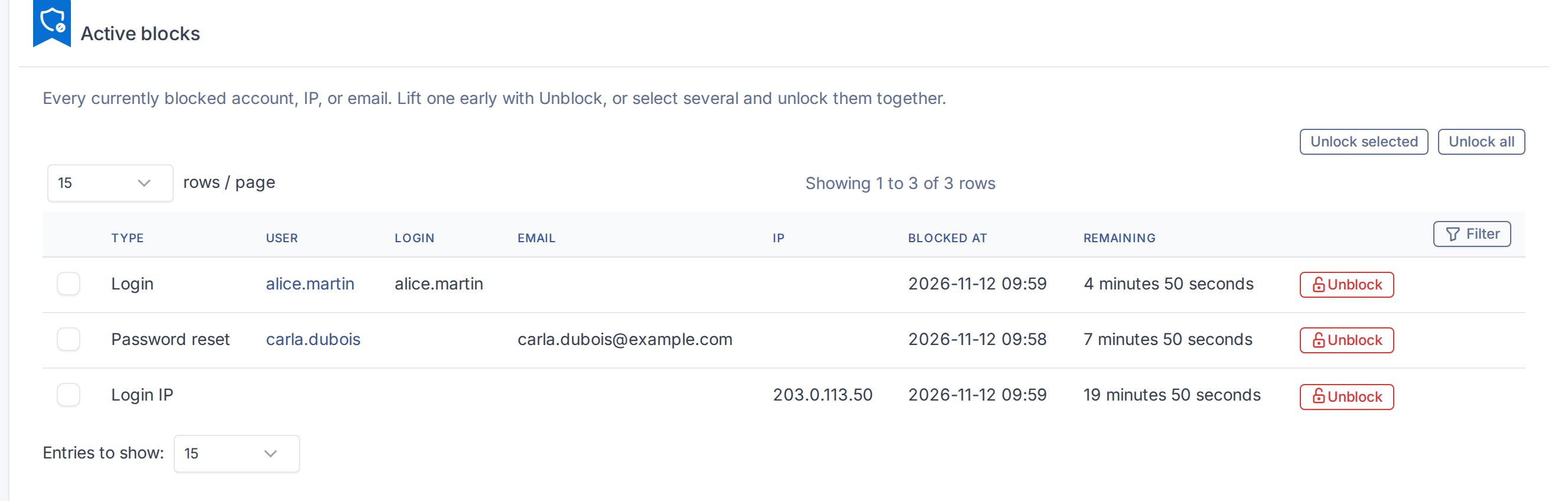
Three active blocks: an account, an email address and an IP address
5.1.1.2 Lift one block
Click Unblock at the end of a row. The block is lifted at once and the attempt counter of that account, address or email starts again from zero. The action is written to the configuration history.
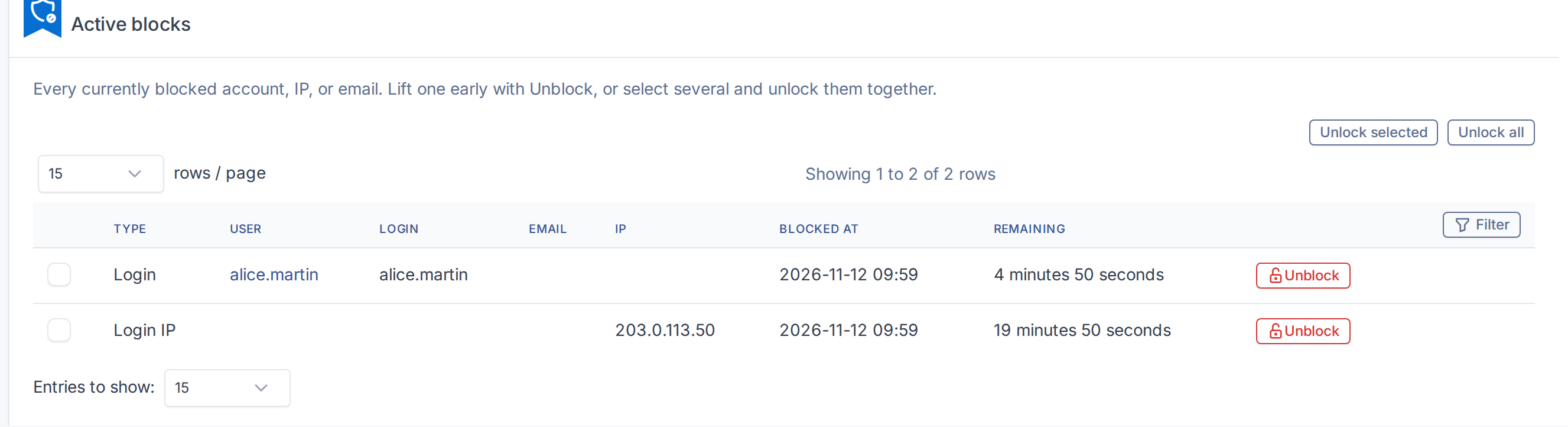
The password reset block is gone
5.1.1.3 Lift several blocks at once
Tick the rows you want and click Unlock selected, or click Unlock all to lift every row that the current filters show. Both ask for confirmation first.
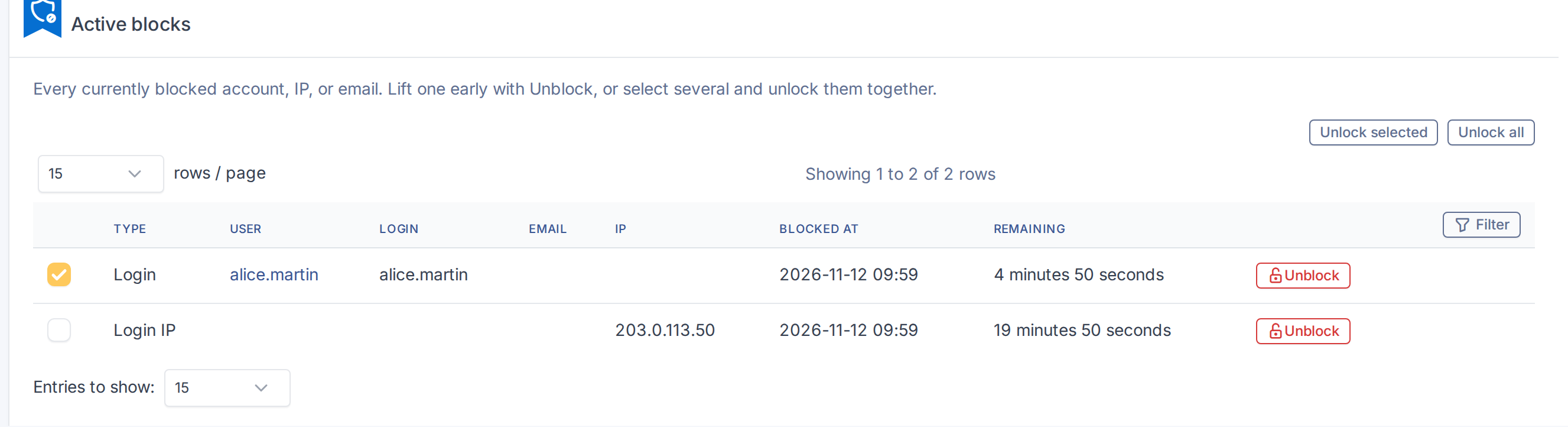
One row selected before Unlock selected
Note: Unlock all only applies to the rows that match the filters you have set, not to the whole table. Remove the filters first if you want to lift everything.
5.1.2 What a blocked user sees
Nothing changes for people who type their password correctly. When someone goes over a limit, the login form simply refuses them with a message that asks them to try again later.
5.1.2.1 A wrong password
While the limits are not reached, a wrong password gets the usual GLPI answer. The attempt is counted for the account and for the address it came from.
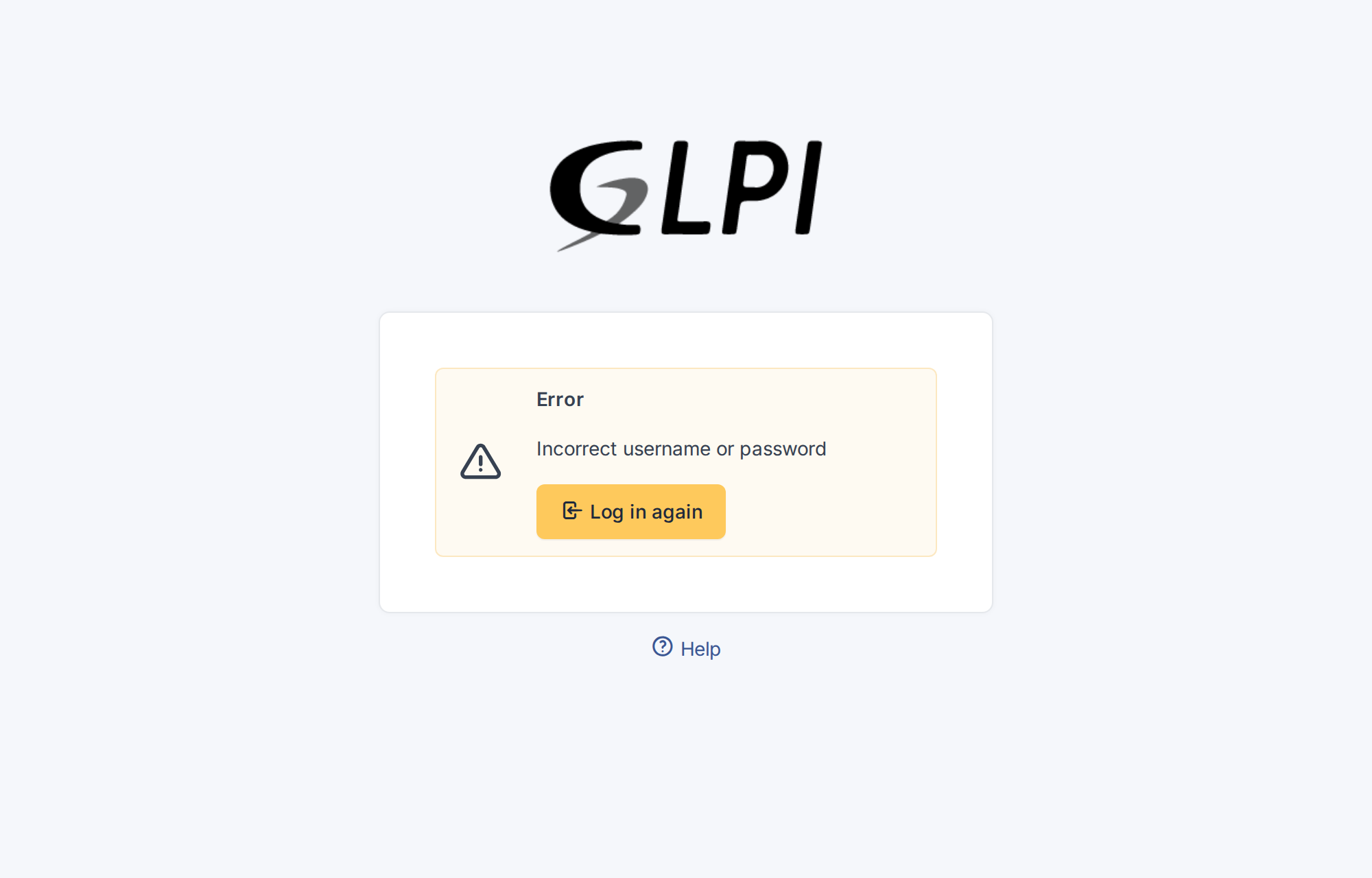
A failed login, still within the limits
5.1.2.2 The limit is reached
Once the address goes over Max attempts per IP, every further attempt is refused, even with the right password, until the block ends or an administrator lifts it. The message tells the user to try again later. A block on the account itself shows a similar message, and a country refused by geoblocking sees that its location is not permitted.
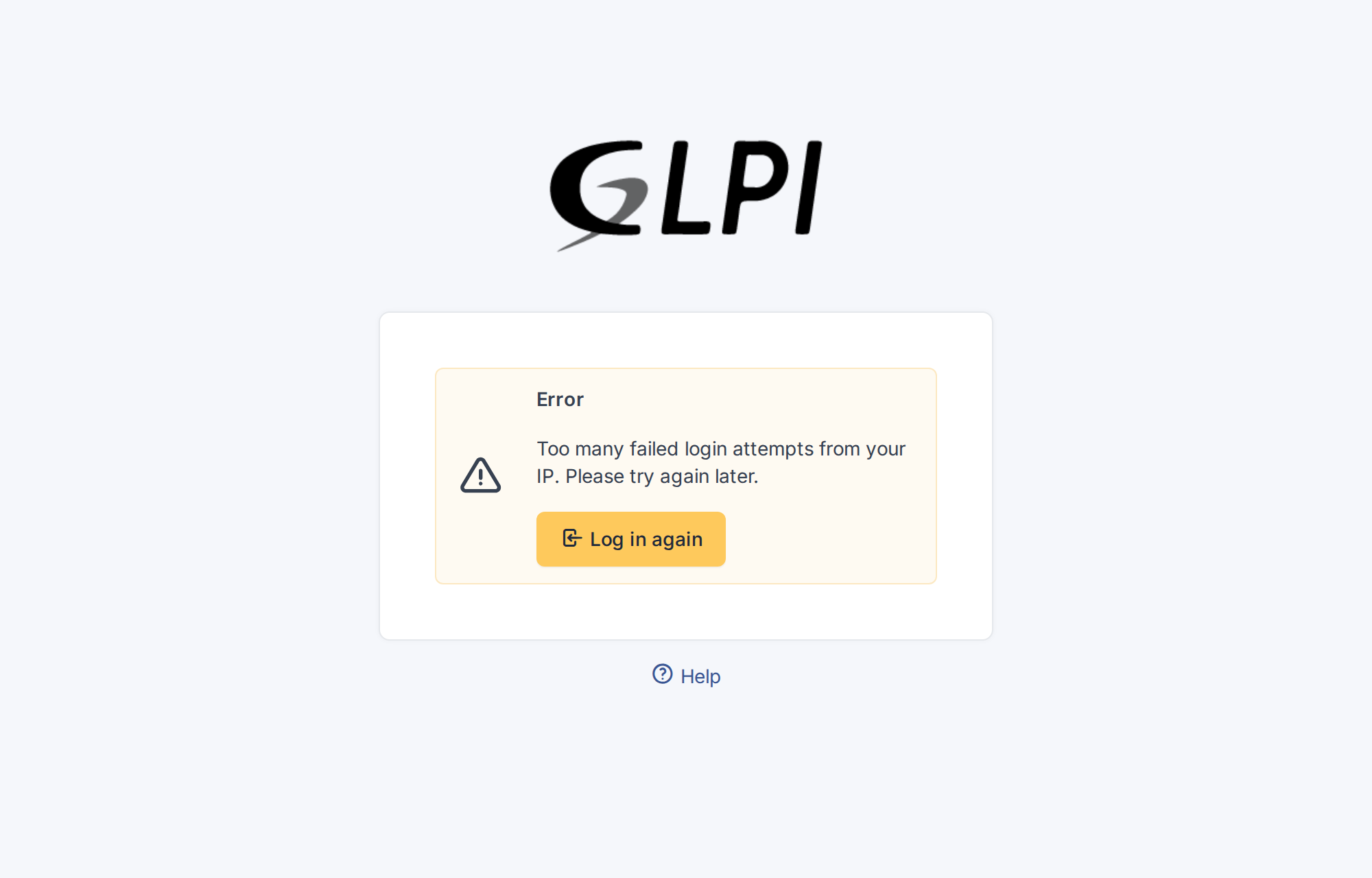
The address is blocked
Note: A password reset request that goes over its limit is refused the same way on the "forgotten password" form. Blocks always expire on their own; see Reviewing and lifting active blocks to lift one early.
Generated for More Security 3.0.1 on GLPI 12.0.2 — 2026-11-25.