
5.2 When it does not work
5.2.1 A user without an e-mail address
MFA covers every profile, Self-Service included. A user who has no e-mail address cannot receive a code.
5.2.1.1 The account has no e-mail
A user covered by MFA who has no e-mail address in GLPI cannot receive the code. After the password, the code form tells them: Your account has no e-mail address to send the security code to. Contact your administrator. No code is sent. Give the user an e-mail address in Administration > Users, in the Emails field of the user, or turn the account type off in the MFA settings. This is also why every administrator should have an address before MFA is turned on.
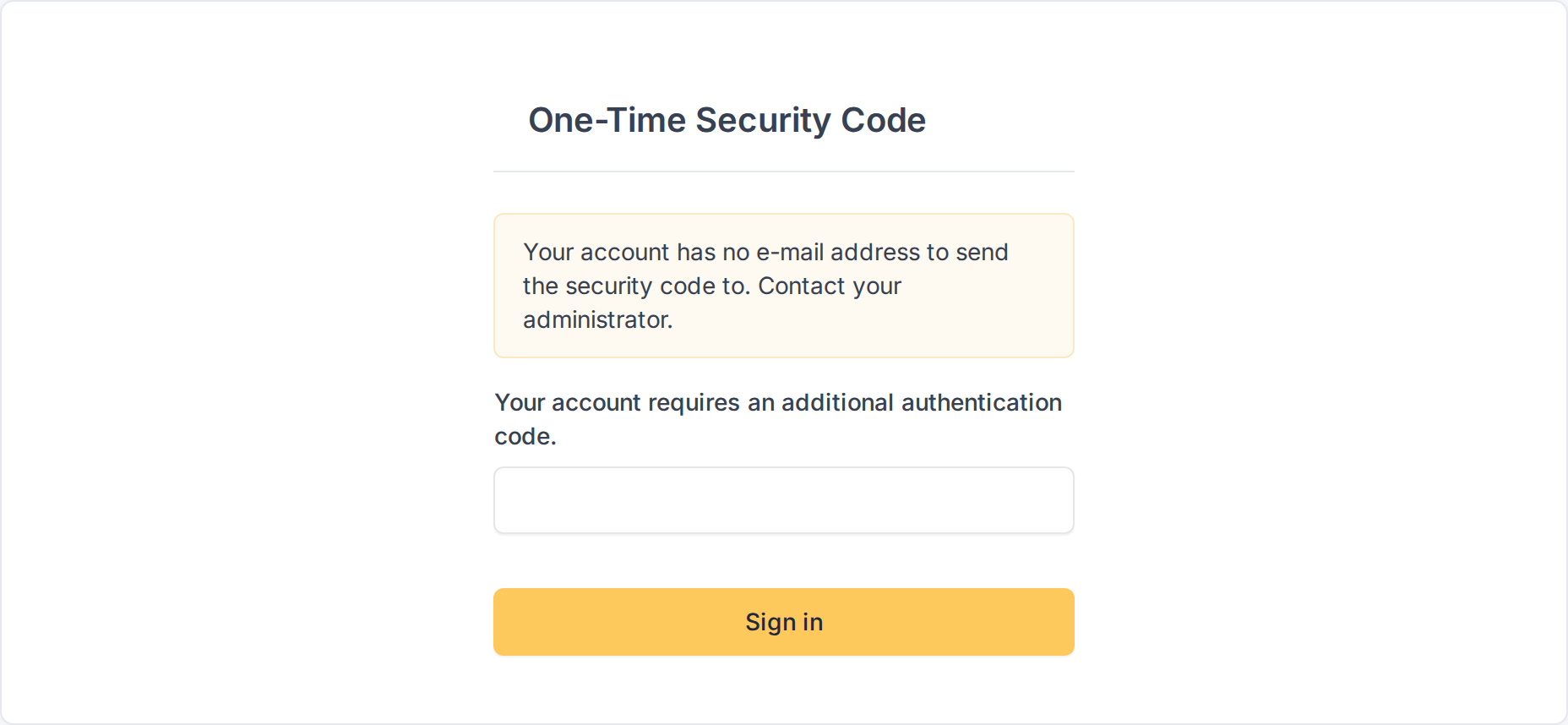
The code form of an account without e-mail
5.2.2 Too many wrong codes
The code has only six digits, so the number of tries is limited.
5.2.2.1 The lock-out
A user can type five wrong codes in 15 minutes. The sixth try is refused with Too many failed attempts. Please try again later. and a Log in again button, even if the code is the right one. The lock-out is per user and lasts until the 15 minutes have passed; signing out and in again does not clear it. Asking for codes is limited too: no more than five are sent in 15 minutes.

The user is locked out after too many wrong codes
Generated for MFA 3.0.1 on GLPI 12.0.2 — 2026-11-20.