
5.1 Signing in
5.1.1 Signing in with a code
After the right password, a six-digit code is sent by e-mail and has to be typed before GLPI opens.
5.1.1.1 The code form
The user types login and password as usual. If the account needs a code, GLPI does not open yet: it shows the One-Time Security Code form and sends the code to the e-mail address of the account. The session is not valid until the code has been verified, so no page of GLPI, nor the API, can be reached meanwhile.
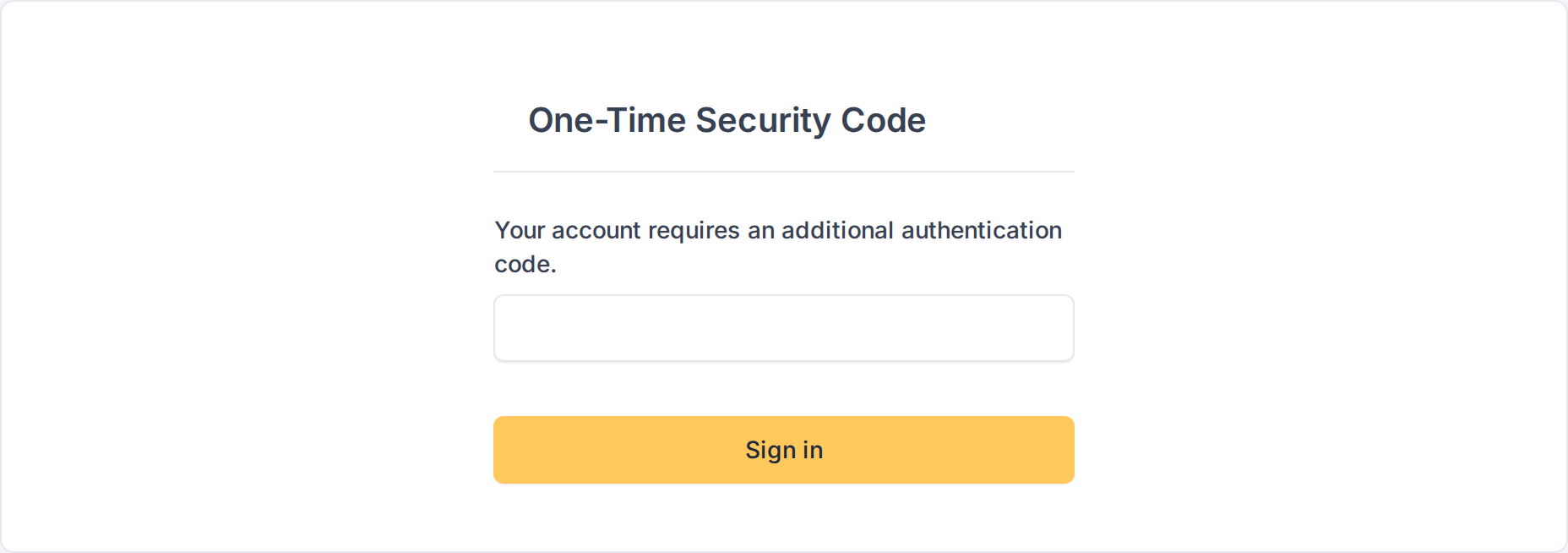
The One-Time Security Code form
5.1.1.2 The e-mail with the code
The mail has the subject One-Time Security Code generated and carries the code of six digits. It is valid for up to 10 minutes, can be used once and is stored encrypted in GLPI. The user receives at most five codes in 15 minutes.
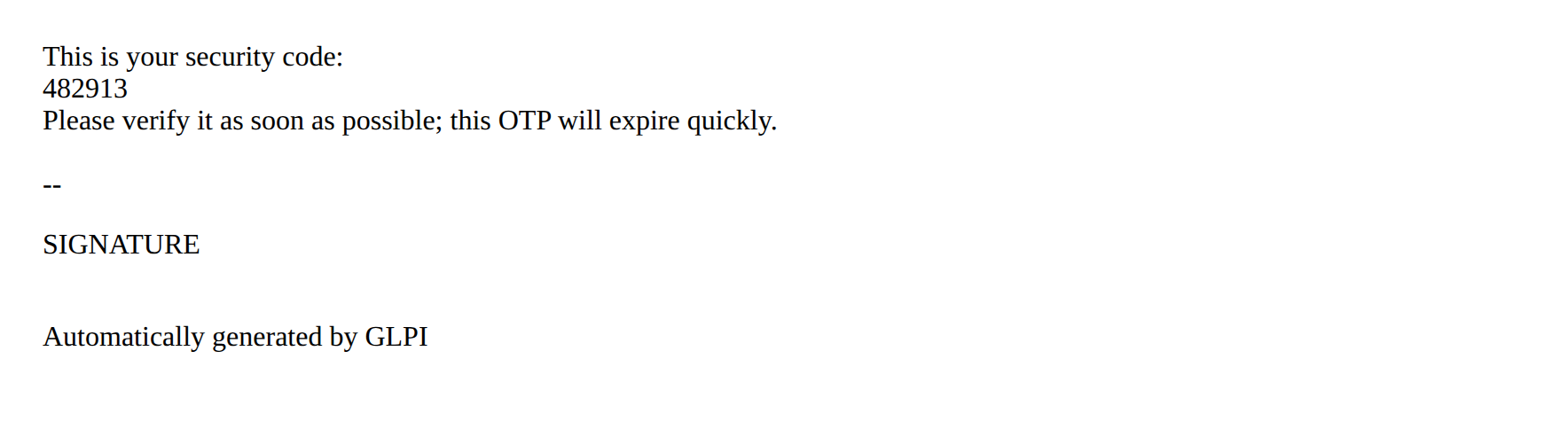
The mail with the security code
5.1.1.3 A wrong code
If the code is not the right one, GLPI says Incorrect One-Time Security Code and asks again. After five wrong codes in 15 minutes the user is locked out for a while (see the last chapter).
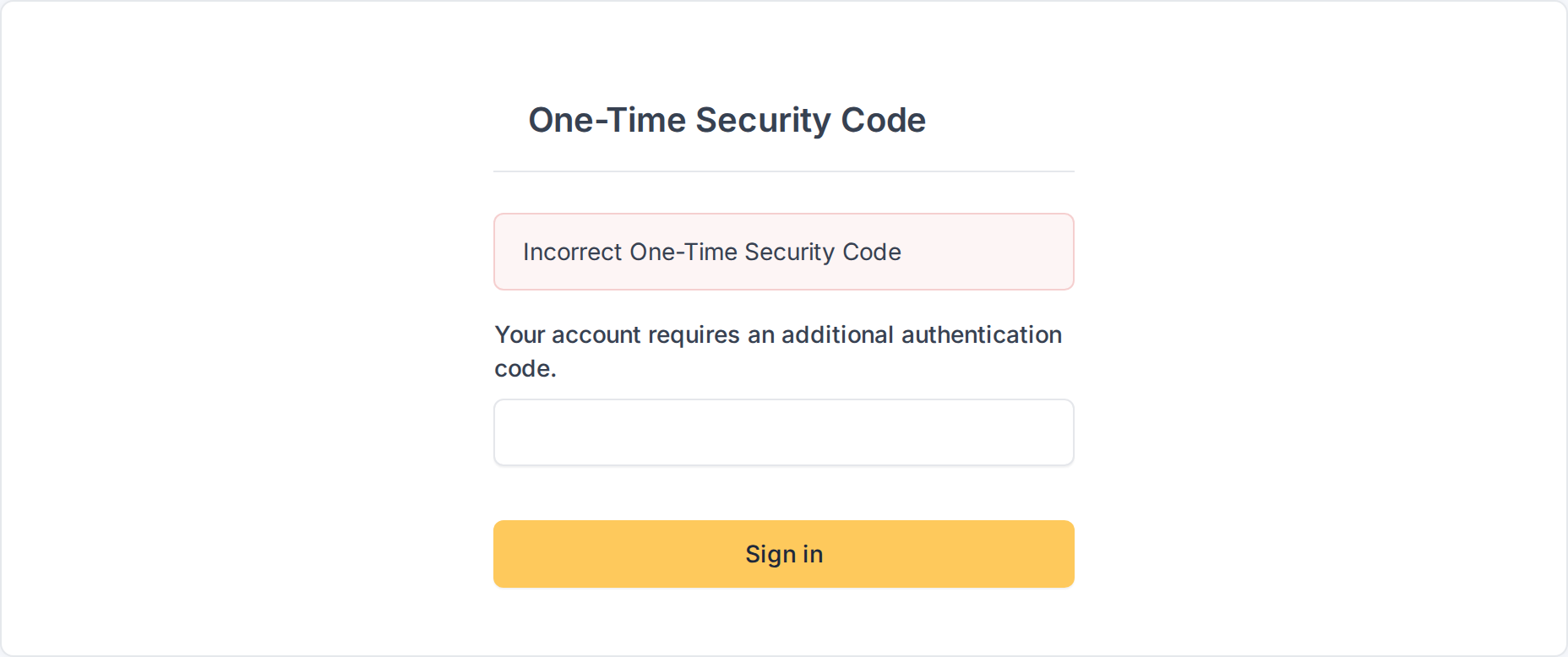
A wrong code is refused
5.1.1.4 The right code
With the right code, GLPI opens the page the user wanted. If the code does not arrive, reloading the code form sends a new one, which replaces the previous one. If the mail server refuses the message, the form says so instead of waiting for a code that never comes.
Generated for MFA 3.0.1 on GLPI 12.0.2 — 2026-11-20.