
5.2 Seeing them on a map
5.2.1 The map of an item type
All the positions of one type of item can be seen together on a single map.
5.2.1.1 The map of the computers
Go to Assets > Computers and click Geolocation, next to the Add button. The page shows the search form of the list and, under it, a map with a marker for every computer that has a position. The search form filters the map: the same criteria that filter the list choose which markers are drawn, so you can show only the servers of a place or only the computers of a state. Markers that are close together are grouped in a circle with the number of items; zoom in or click it to split it.
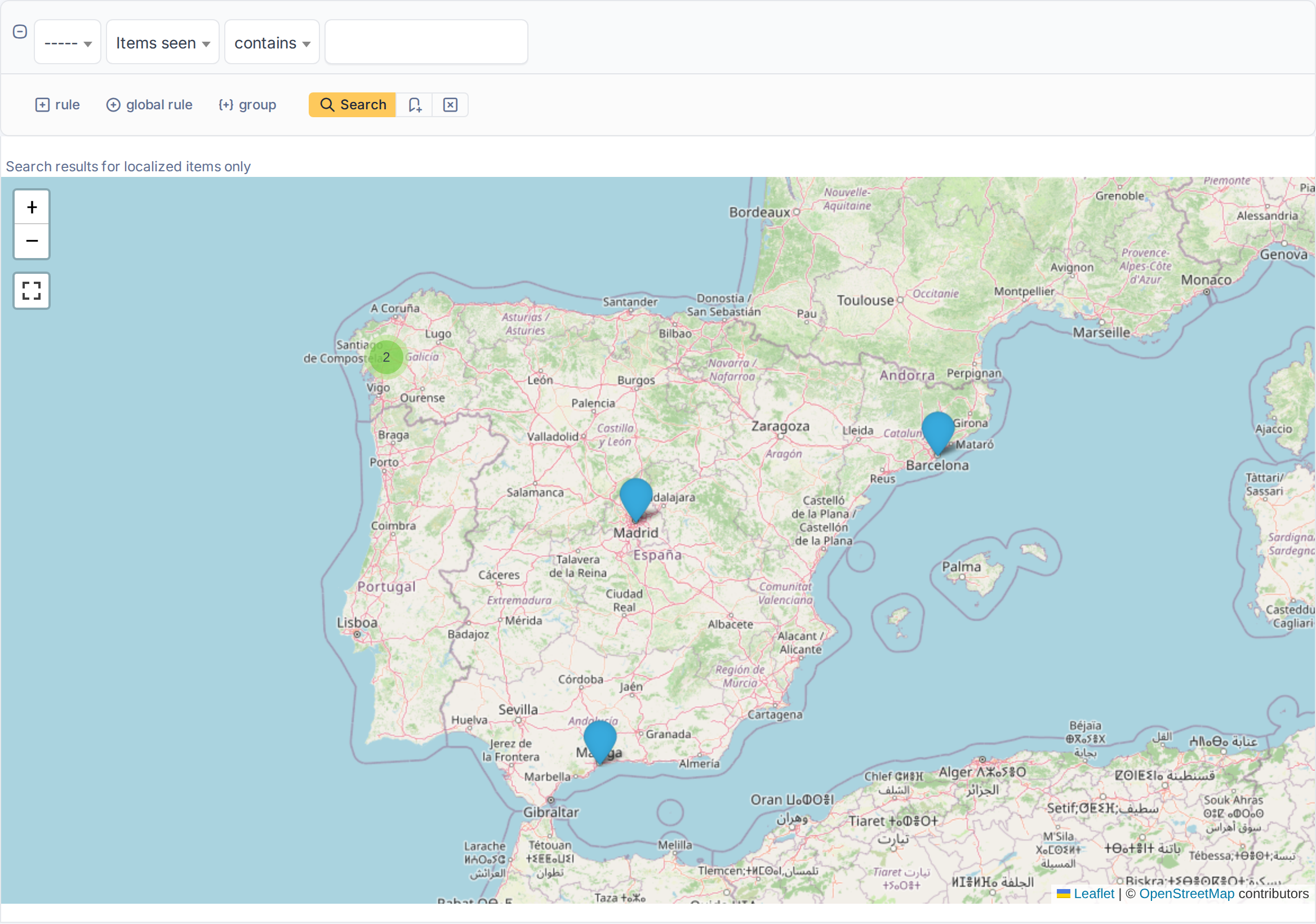
The map of the computers with their positions
5.2.1.2 Open an item from the map
Click a marker: a window shows the name of the item and a View item link that opens it. Items without a position, and items you may not see, are not on the map.
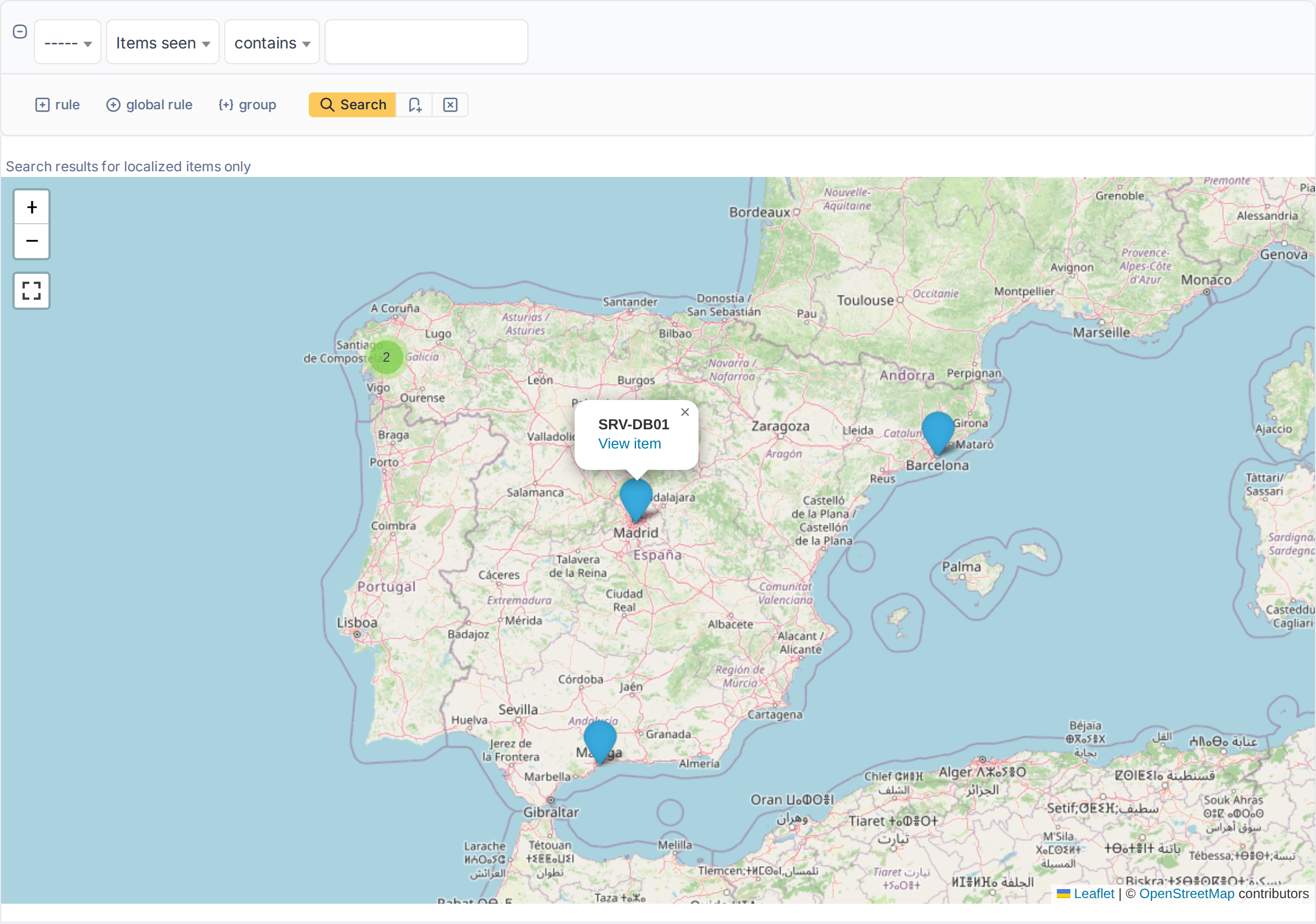
A marker with the link to its item
5.2.1.3 The map of the tickets
Tickets have the same map: go to Assistance > Tickets and click Geolocation. It shows the tickets of the list that have a position, and the search form decides which ones, for example only the tickets that are still open.
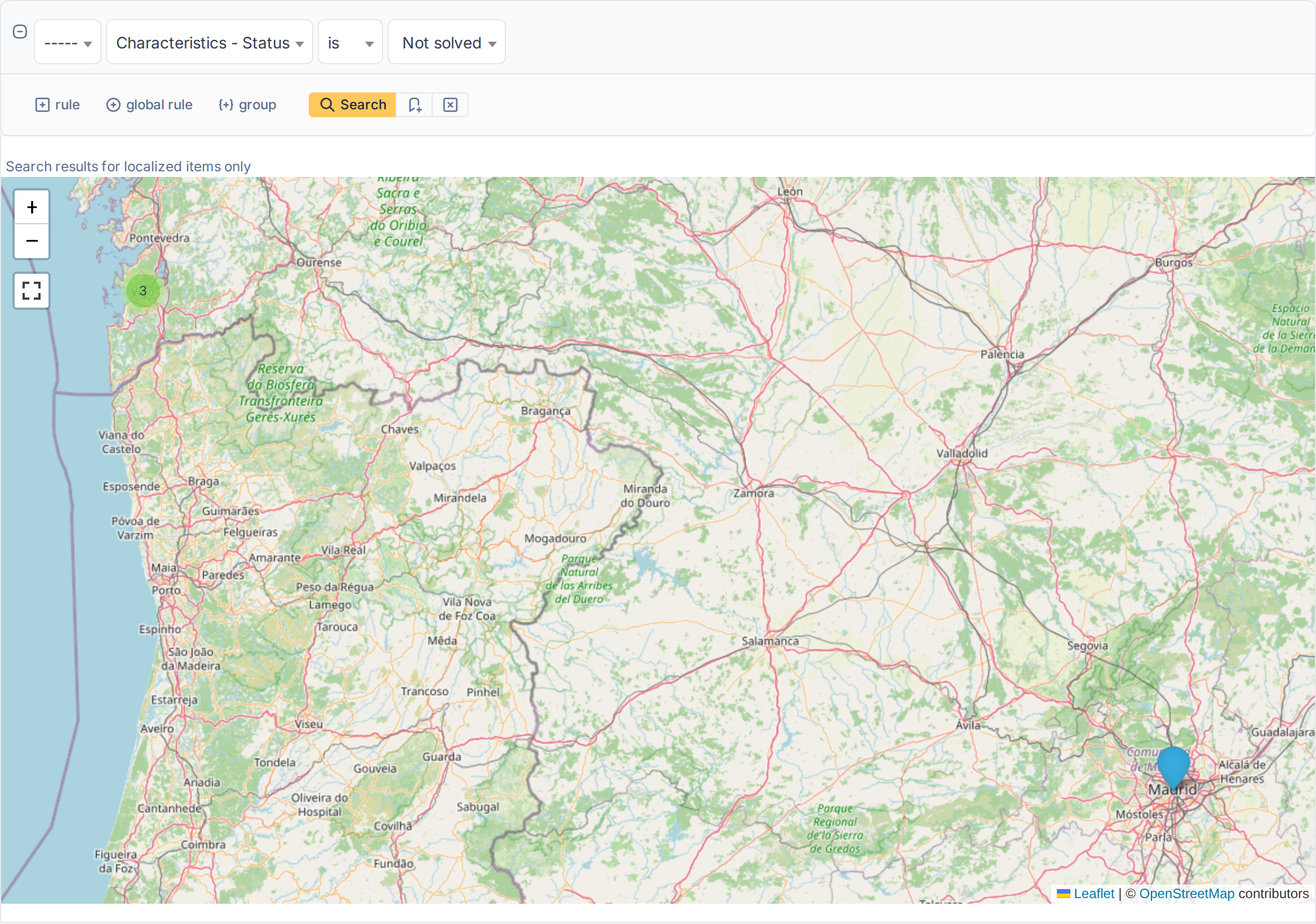
The map of the tickets
Generated for Geolocation 3.0.0 on GLPI 12.0.2 — 2026-11-20.