
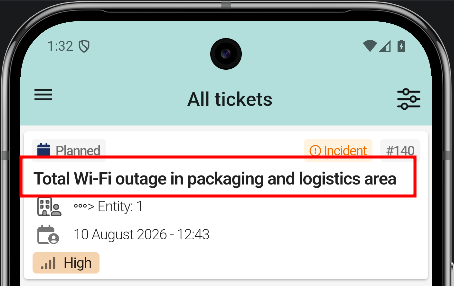
View ticket history
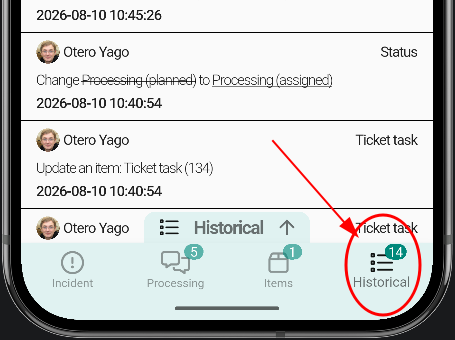
Open the ticket and switch to the Historical tab at the bottom. This tab logs every change made to the ticket: tasks, status updates, last modification dates, and more.
History entries
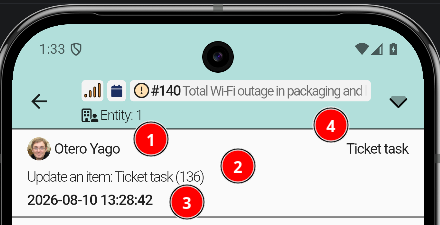
Each entry in the history shows four pieces of information:
TeinesUserquewhodirigirteperformedaltheticketaction.
Vamos a la pestaña Historical y ahí podremos consultar los cambios de tareas del ticket, status, last update y más ...