Change the ticket category
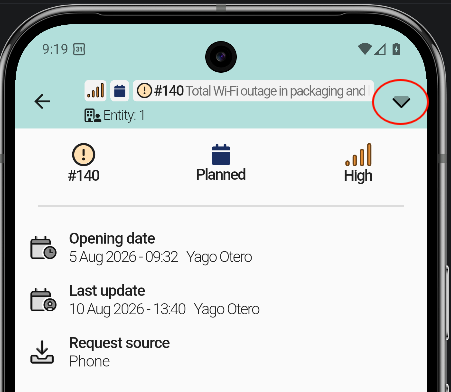
To change the category of a ticket, open the Request / Incident tab. An arrow in the top bar shows the category options.
- Open the ticket.
- Go to the Request / Incident tab.
- Tap the arrow in the top bar.
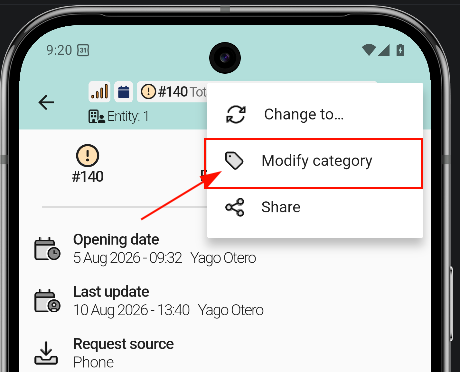
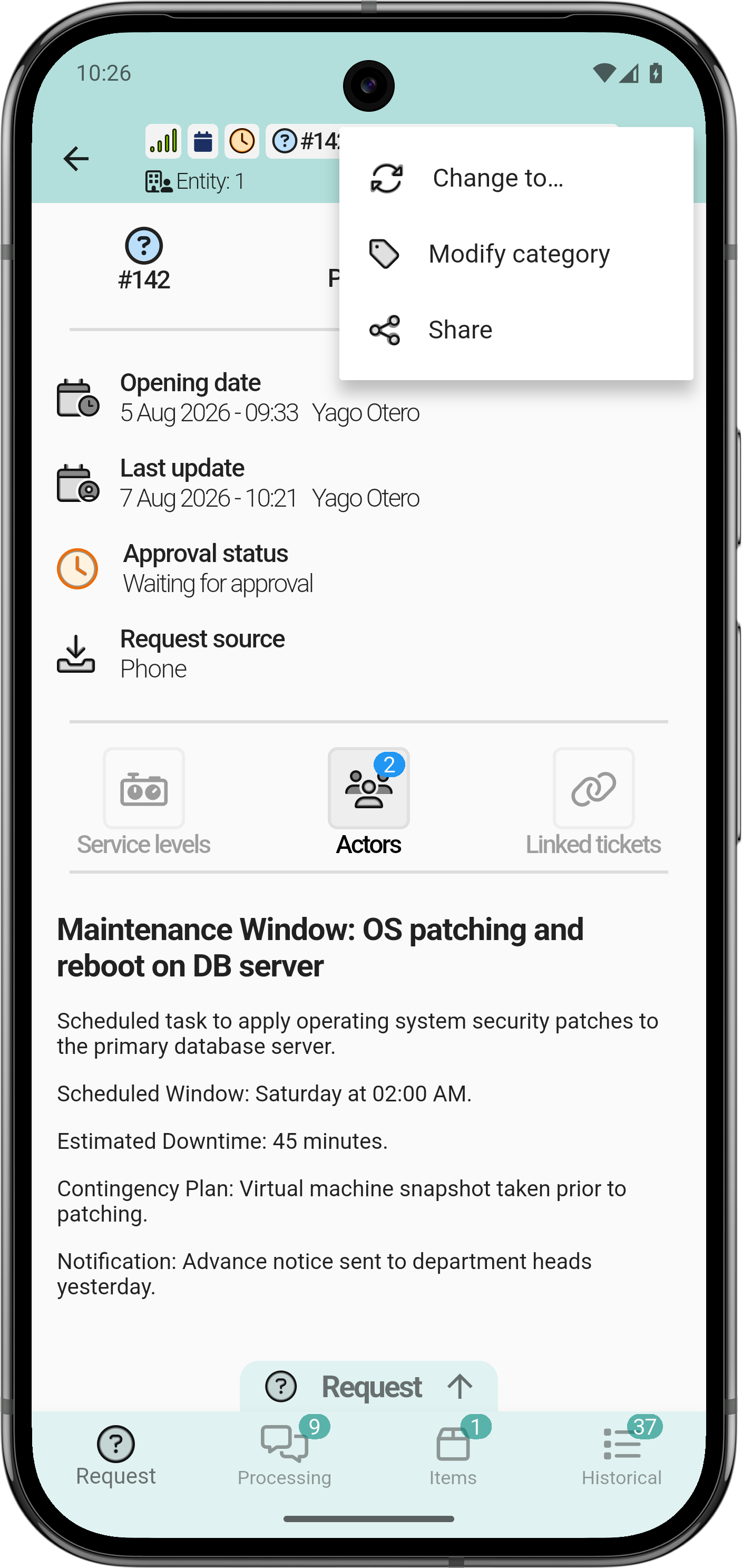
- Tap Modify category.
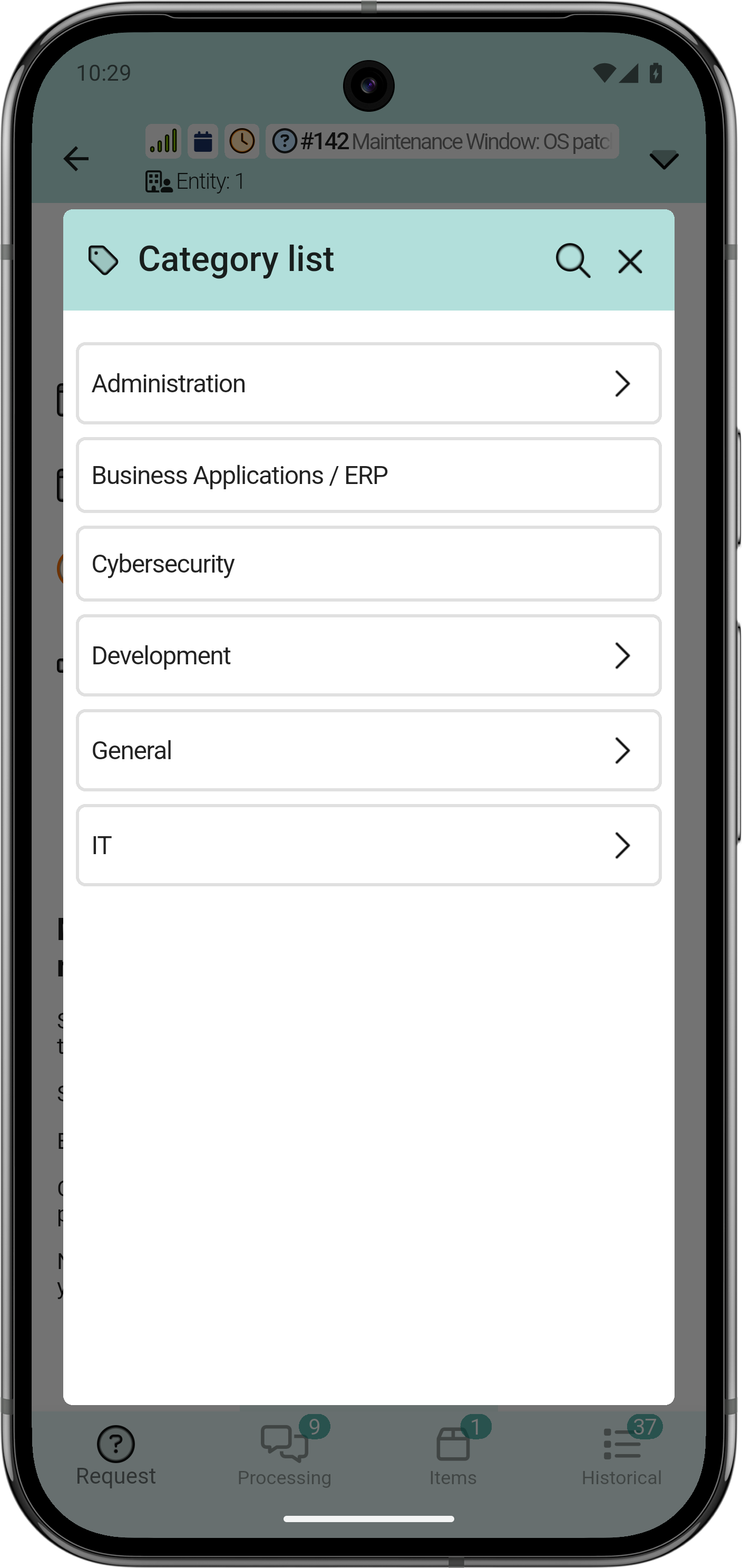
The list shows all the categories available for the profile or entity.
A category can contain subcategories.