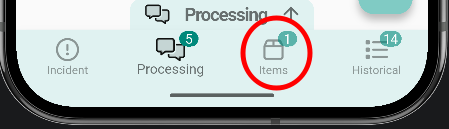
Assign an item to a ticket
DirigirseItems enare glpiassigned desdeto laa ticket from the GLPI web ainterface. elOnce linked, they appear in the Items tab of the ticket queinside quieras,the eapp.
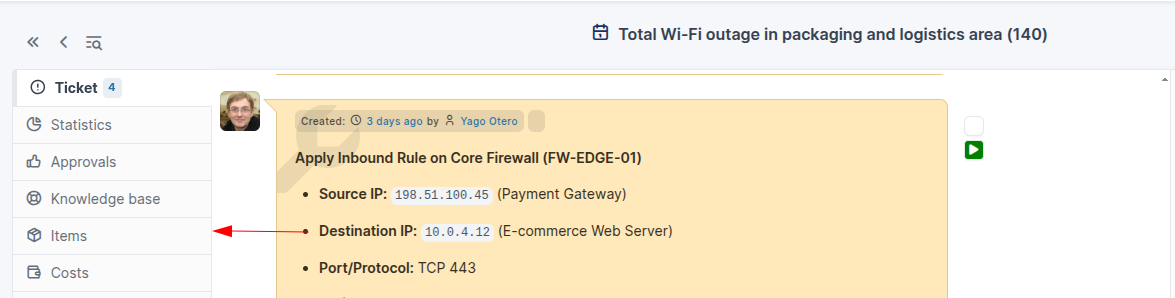
Link aan laitem pestañafrom deGLPI
Open the ticket in the GLPI web interface and switch to the Items tab.
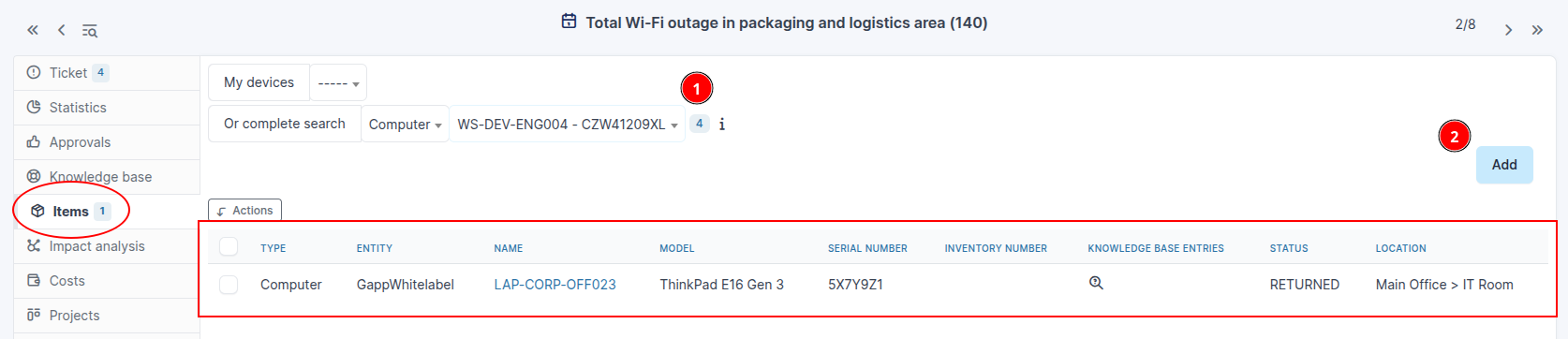
SeleccionarSelect elthe tipo,item dispositivotype yand darlethe adevice, then click Add.
View items in the app
Once the item is linked, it shows up in the Items tab at the bottom of the ticket detail screen.
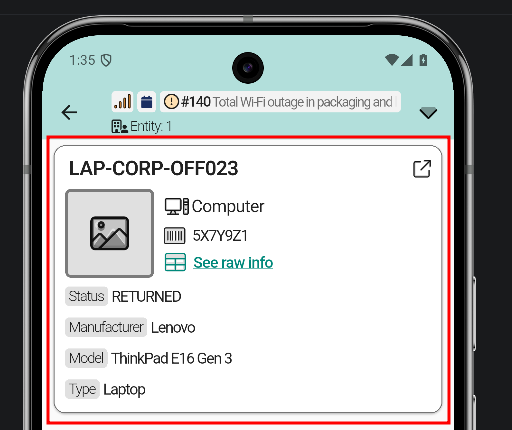
DespuésTapping tean apareceráitem enopens elits apartadofull dedetail: Intemsraw eninformation, lalinked app.tickets, and available quick actions.