
1. Introduction
1.1 What One-Time Secret does
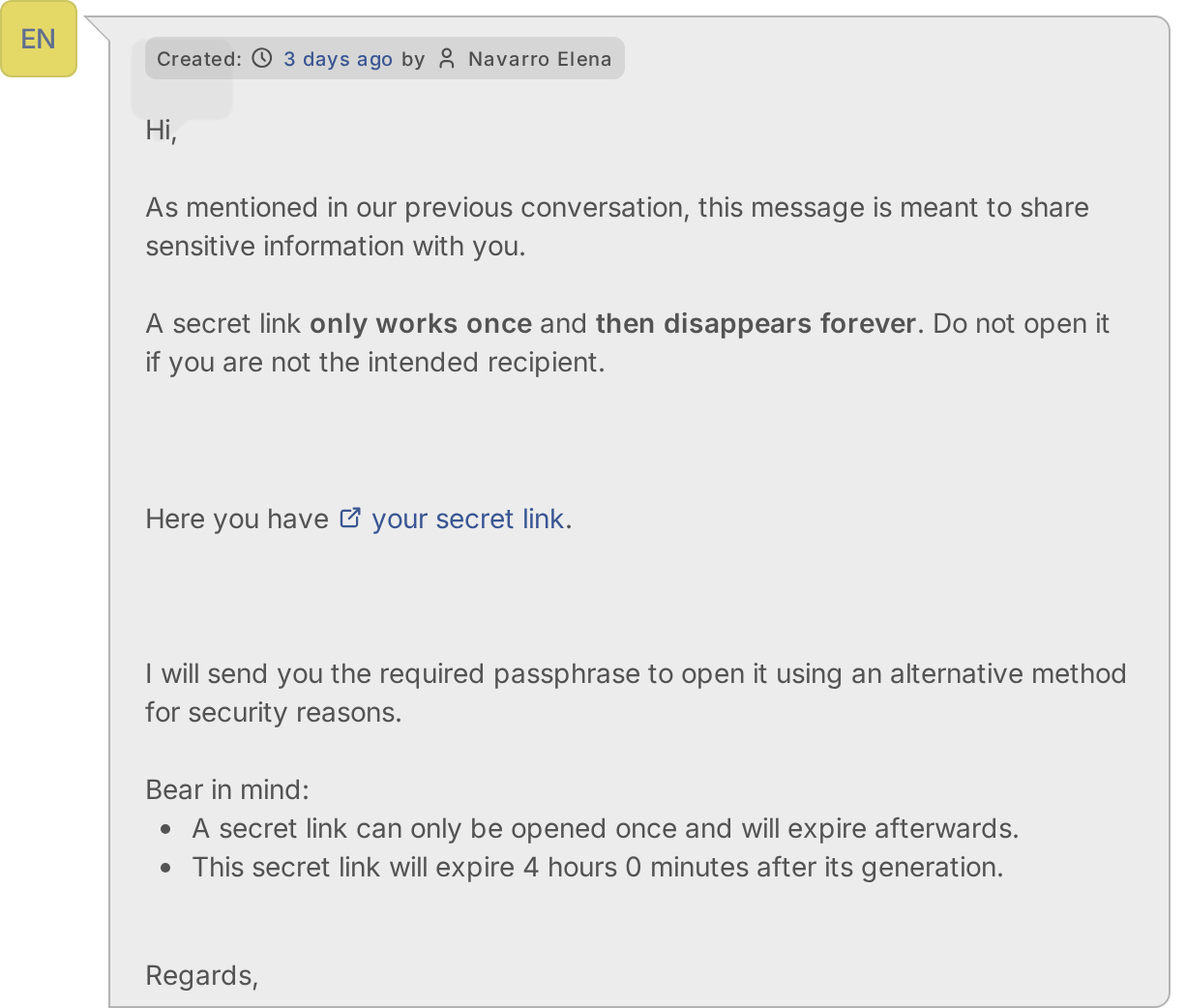
One-Time Secret lets a technician send a password, a key or any sensitive text to the requester of a ticket without writing it in the ticket. From the ticket you type the secret, GLPI creates a one-time link in your One-Time Secret account and adds a followup with the link. The requester opens it once, reads the secret, and the secret disappears for good.
1.2 Key benefits
- Secrets do not stay in the ticket — only a link is written there, and the link works once.
- A few clicks — the button is in the actions of the ticket, next to Answer.
- You control how long it lives — from 5 minutes to 30 days, with a default for everybody.
- An extra lock when you want it — an optional passphrase that the requester must type, sent by another channel.
- Your own account — the secrets are created in your One-Time Secret account, on the site you choose or on your own server.
- Safe by design — the key is stored encrypted, the secret and the passphrase are not stored in GLPI, and the right to use it is a profile right.
1.3 Features
- A One-Time Secret action in the list of actions of a ticket, shown to profiles with the right.
- A form with the Secret (hidden while typing), the Secret lifetime and an optional Passphrase.
- A followup in the ticket with the secret link, written in the language of the requester.
- Settings in Setup > General > One-Time Secret: Server, API username, API key and the default lifetime.
- A profile right, Display OneTimeSecret button.
- Support for a self-hosted server.
Generated for One-Time Secret 4.0.1 on GLPI 12.0.2 — 2026-11-20.