Skip to main content
TICGAL Manuals
View All
Search
Shelves
Books
Log in
Info
Content
Login & Settings
Change language
Page Revisions
Revision #334
Change language
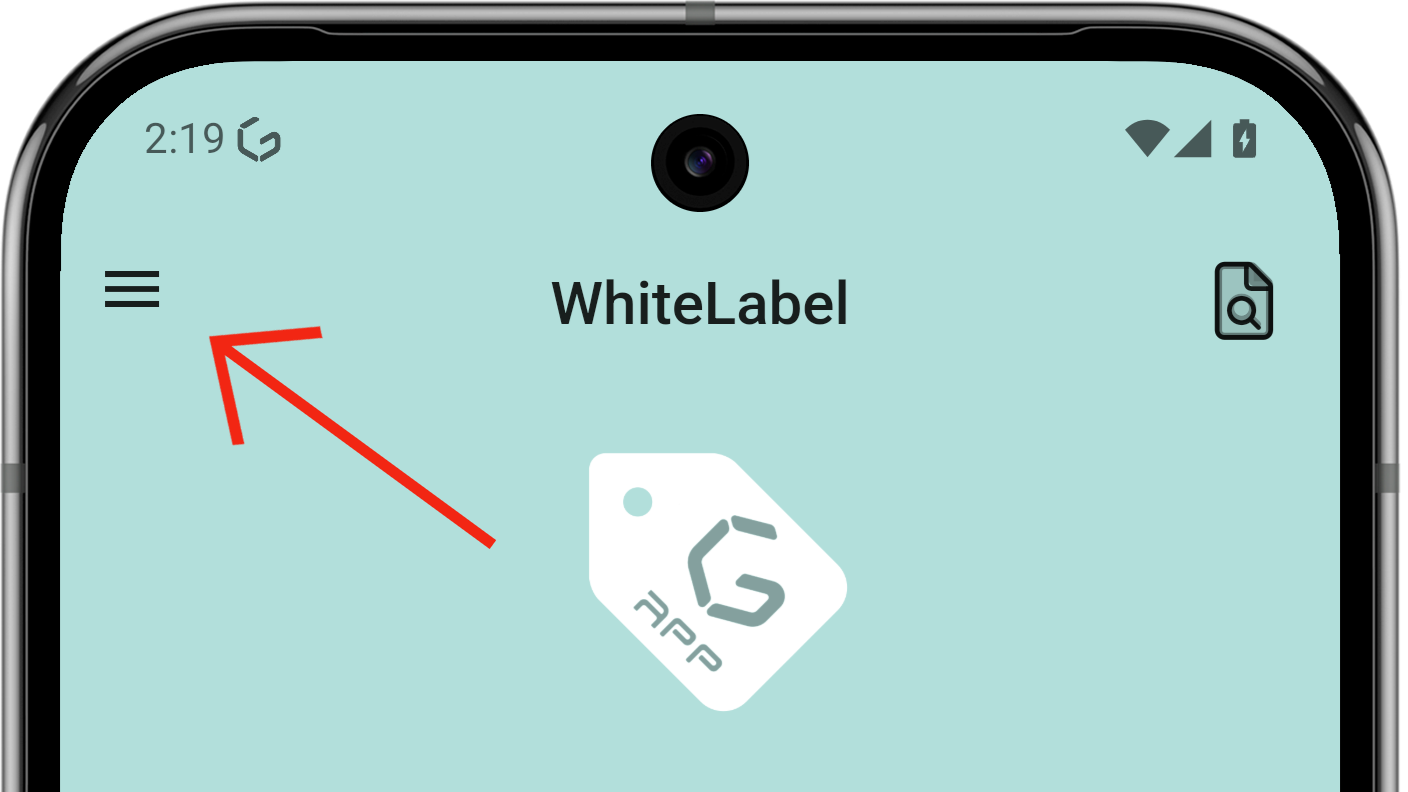
From the main screen, open the side menu.
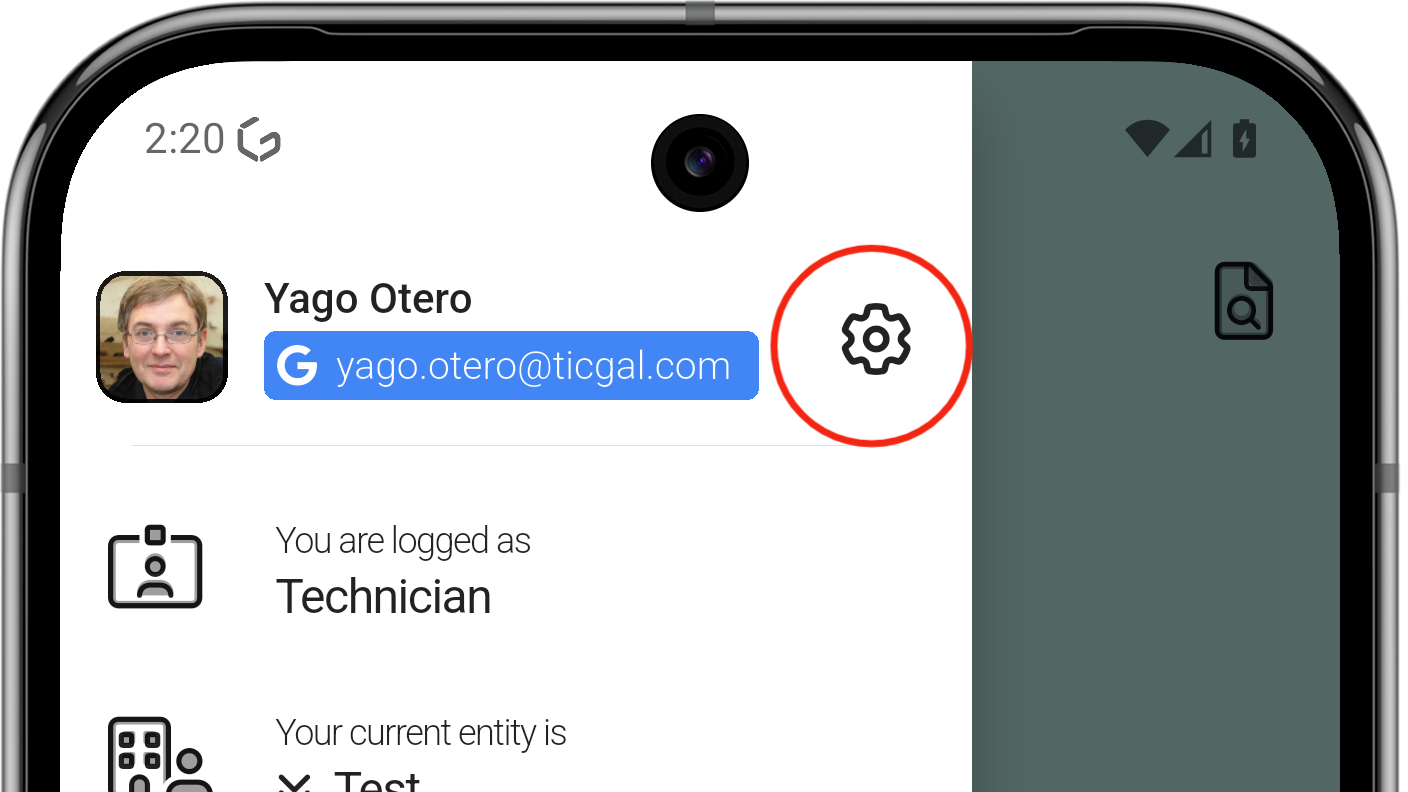
Tap the gear icon to open Settings.
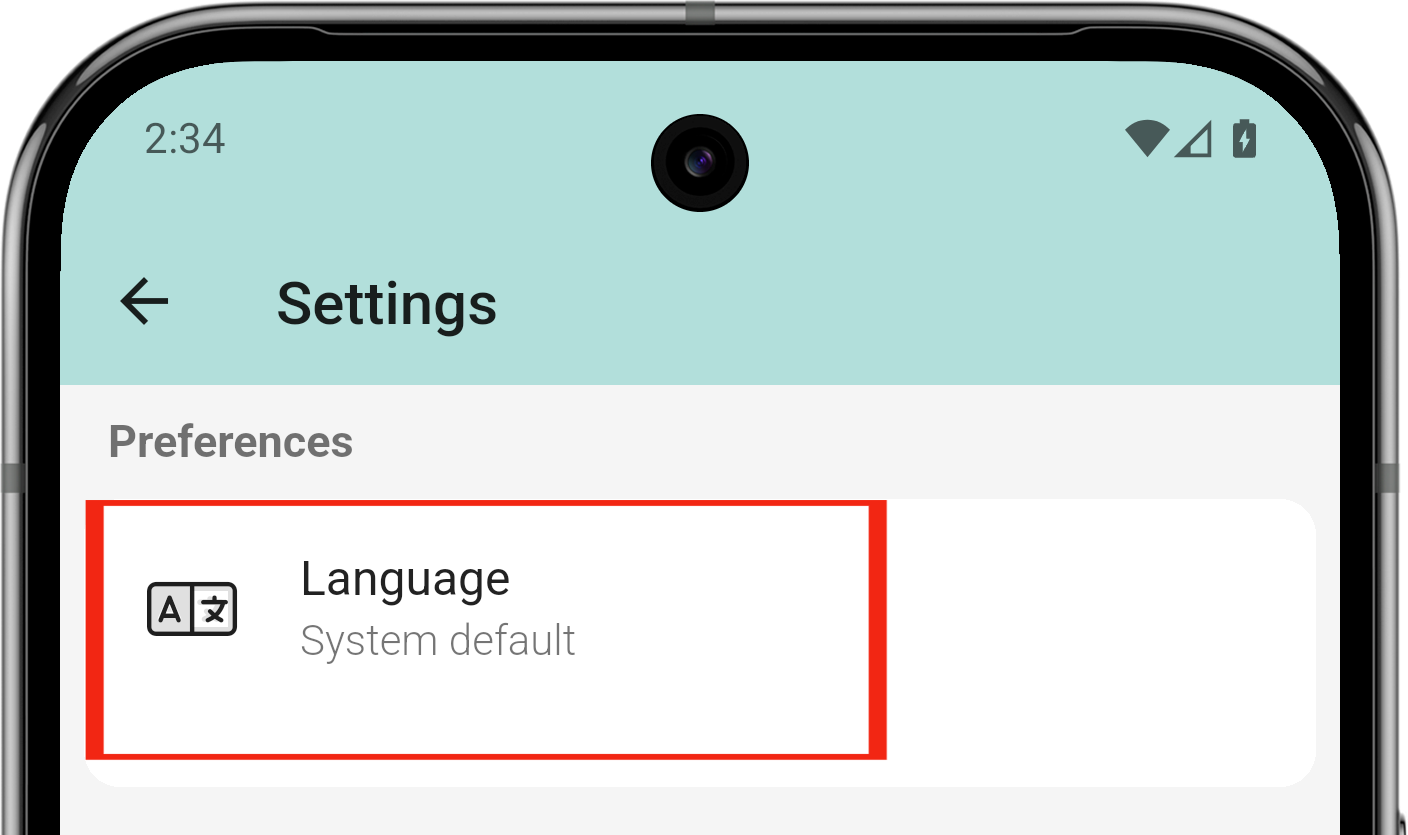
Find the Language option
The app asks to log in again; the process is complete.
Back to top