
4. Setup

Part of the More Groups manual — see also 1. Introduction, 2. What's New, 3. Scope, 5. Usage, 6. Troubleshooting.
4.1 Installation
Standard plugin install: drop it in plugins/, install and activate from Setup > Plugins.
4.2 Configuration
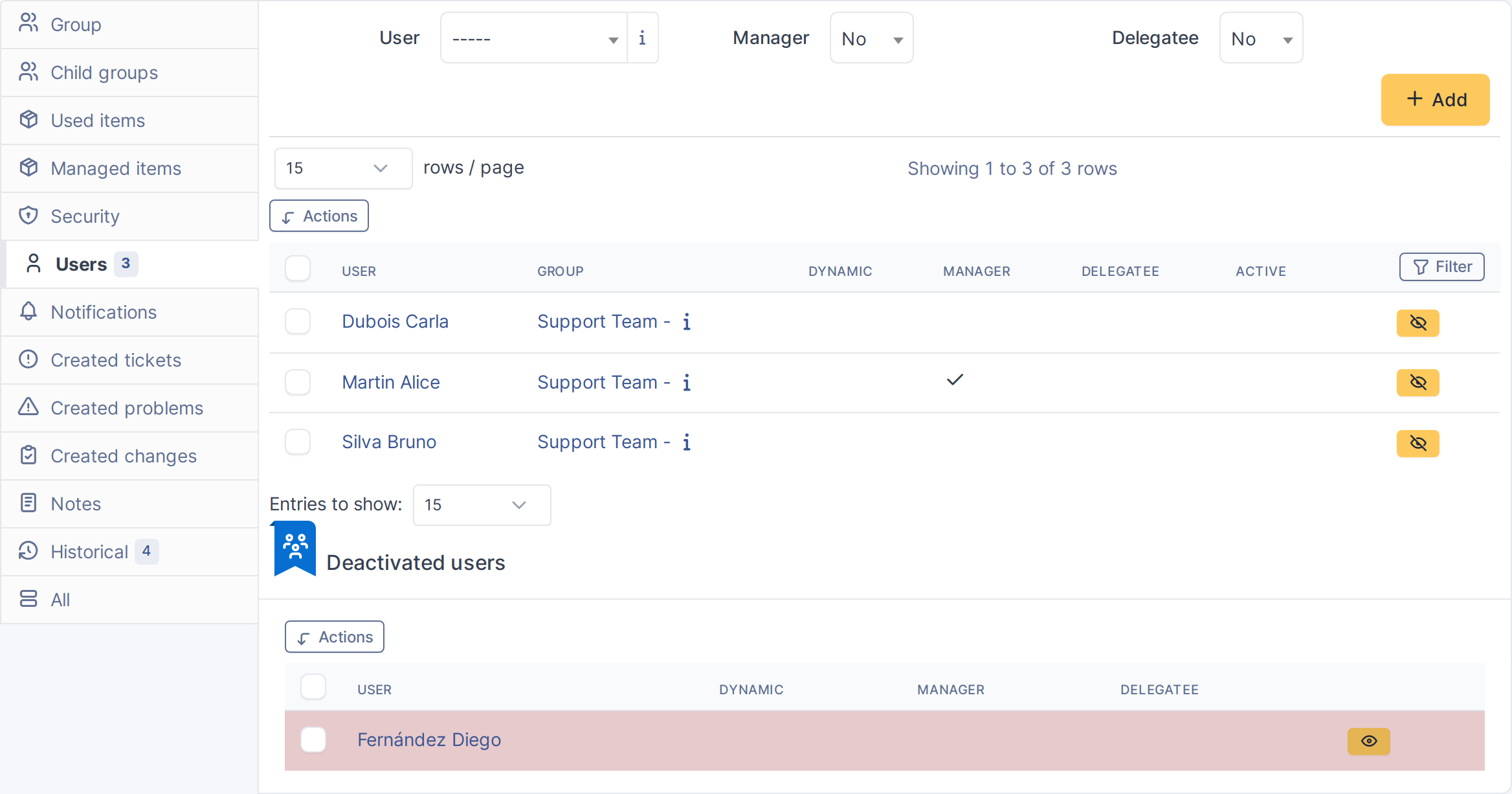
There is nothing to configure. Once activated, the Deactivated users panel appears automatically on every Group's Users tab, for every user who can see that tab.

4.2.1 Automatic actions
None.
4.3 Permissions
No dedicated right is added. Deactivating or activating a member requires the native Group_User: Update right, and access to the member's group is still subject to GLPI's normal entity restrictions — enforced by a Group::can($groups_id, READ) check on the target group, in both the massive action path (inc/group.class.php) and the Symfony controller (src/Controller/GroupActionController.php::canAccessGroup()).
Generated for More Groups 2.0.1 on GLPI 11.0.8 — 2026-08-21.