1. Introduction
1. Introduction
Generated for More Groups 2.0.1 on GLPI 11.0.8 — 2026-08-21.
Part of the More Groups manual — see also 2. Scope, 3. Setup, 4. Usage, 5. Troubleshooting.
1.1 What More Groups does
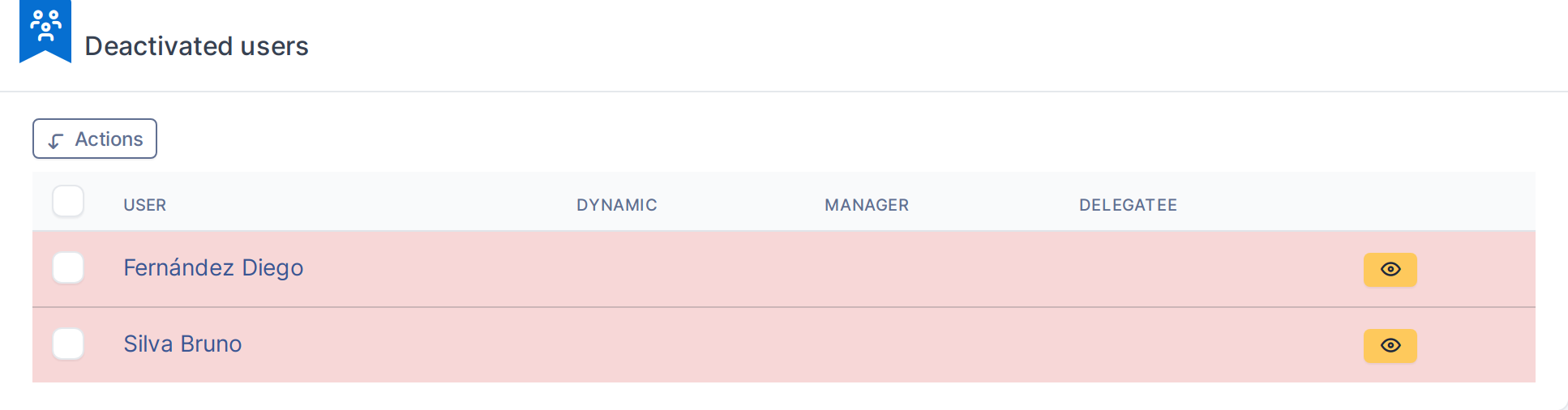
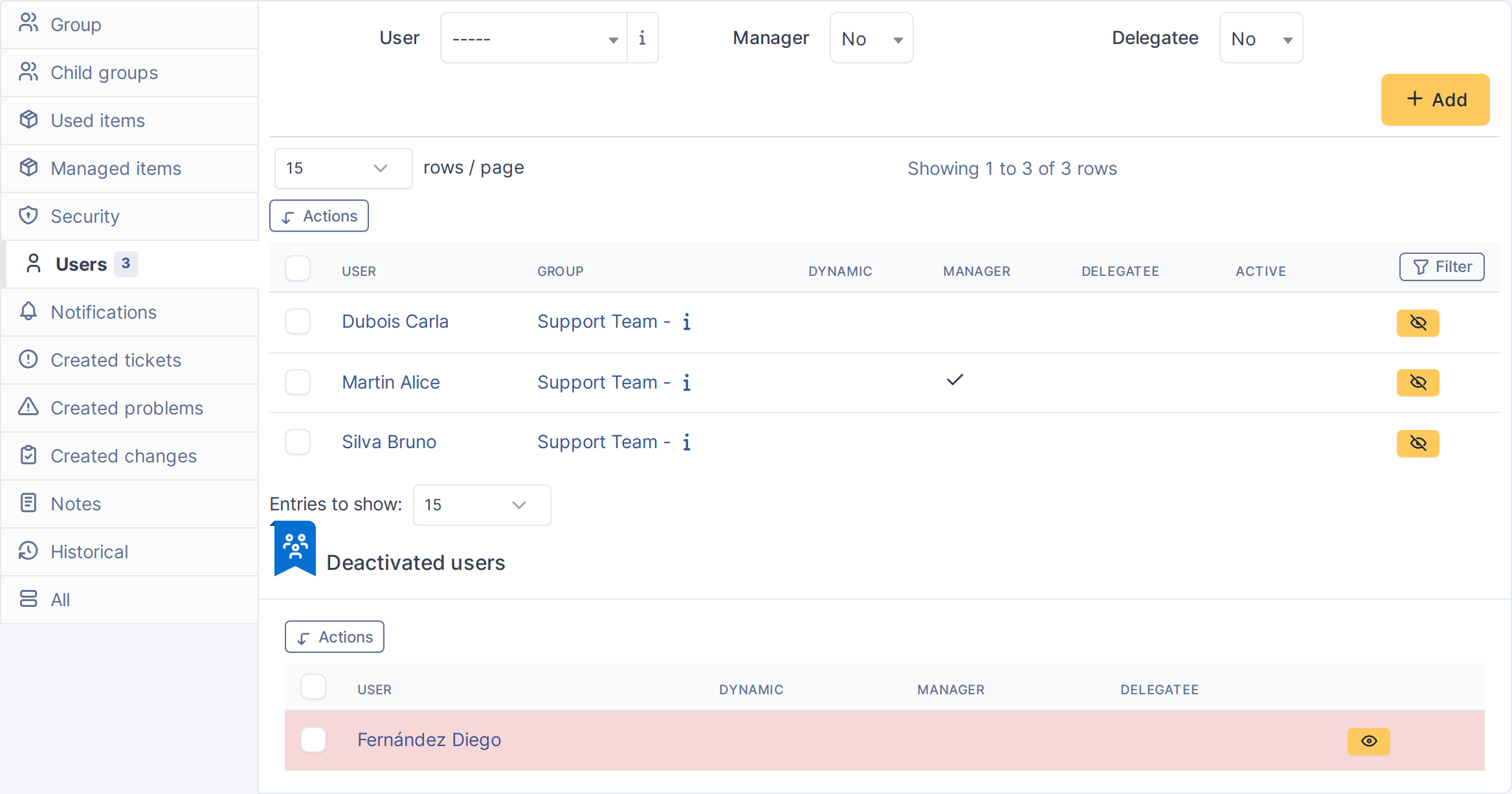
More Groups adds a Deactivated users panel to every Group's Users tab in GLPI. It lets you take a member out of a group's active roster without deleting their membership record, and put them back with one click, with their original flags intact.
1.2 Pain points it addresses
GLPI's native way to remove a user from a group is to delete the Group_User link outright, which discards whether that member was a manager, a dynamic (LDAP-synced) member, or a delegatee. Teams that temporarily pause a member's involvement in a group — a parental-leave cover, a seasonal support rotation, a contractor between assignments — end up either leaving stale memberships in place or losing that context when they remove and later re-add the person. More Groups keeps the membership on file, just marked inactive, so reactivating it is a single click that restores exactly what was there before.
This fits on-call rosters, shift rotations and other groups whose membership changes on a schedule or by hand rather than through LDAP/AD sync — a dynamic group tied to an external source doesn't need this (removing someone there is the sync's job), but a plain GLPI group used to track "who's on call this week" or "who's covering this shift" does. The point isn't to build scheduling into GLPI: it's to let whoever manages that roster add or remove a name in a couple of clicks, on the group's own Users tab, with no separate integration or sync job to configure and no risk of losing a manager/delegatee flag along the way.
1.3 Features
- A Deactivated users panel on every Group's Users tab, listing members deactivated for that group
- One-click deactivate/activate per member, preserving the Manager, Dynamic and Delegatee flags across the round trip
- Massive actions to deactivate or activate several members at once
- Re-adding a deactivated user through GLPI's own "Add user to group" form automatically clears their stale deactivated record
- Rights and entity isolation enforced through GLPI's native
Group_Userupdate right — no separate permission to manage