
5.3 Application Services


Part of the BSM manual — see also 1. Introduction, 2. What's New, 3. Scope, 4. Setup, 5.1 How to use, 5.2 Business Services, 5.4 Service Map, 5.5 RACI Matrix, 5.6 RACI summaries, 6. Troubleshooting.
An Application Service is a Tier 2 record: the specific application or platform that delivers a Business Service, such as the identity system behind a customer portal or the batch job that runs payroll. Every Application Service is classified by its environment and status, and can name the people, teams and suppliers who maintain it.
5.3.1 Open the Application Services list
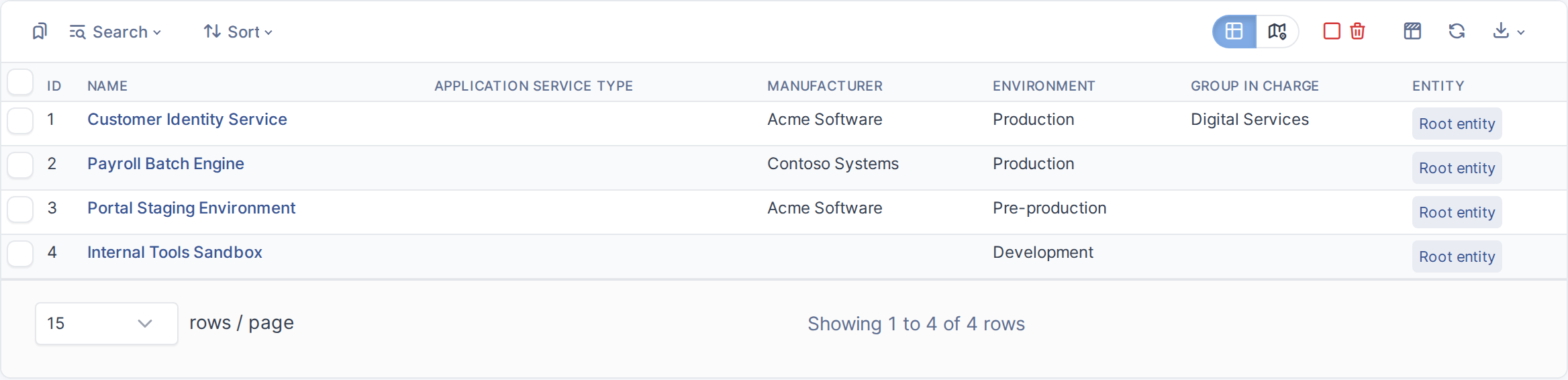
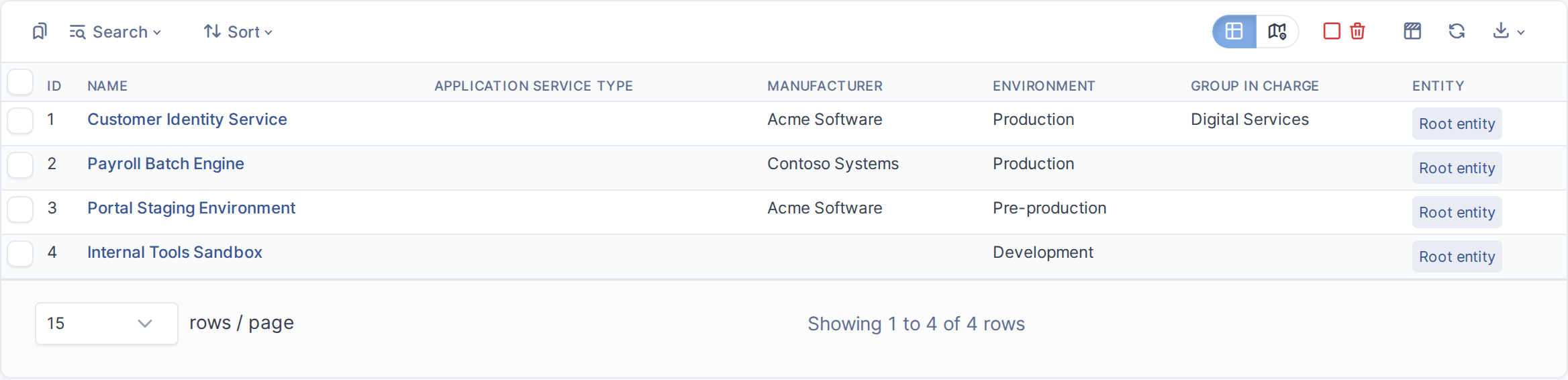
The Application Services list
5.3.2 Open an existing Application Service
Click a service's name to open its record. This example opens Customer Identity Service.
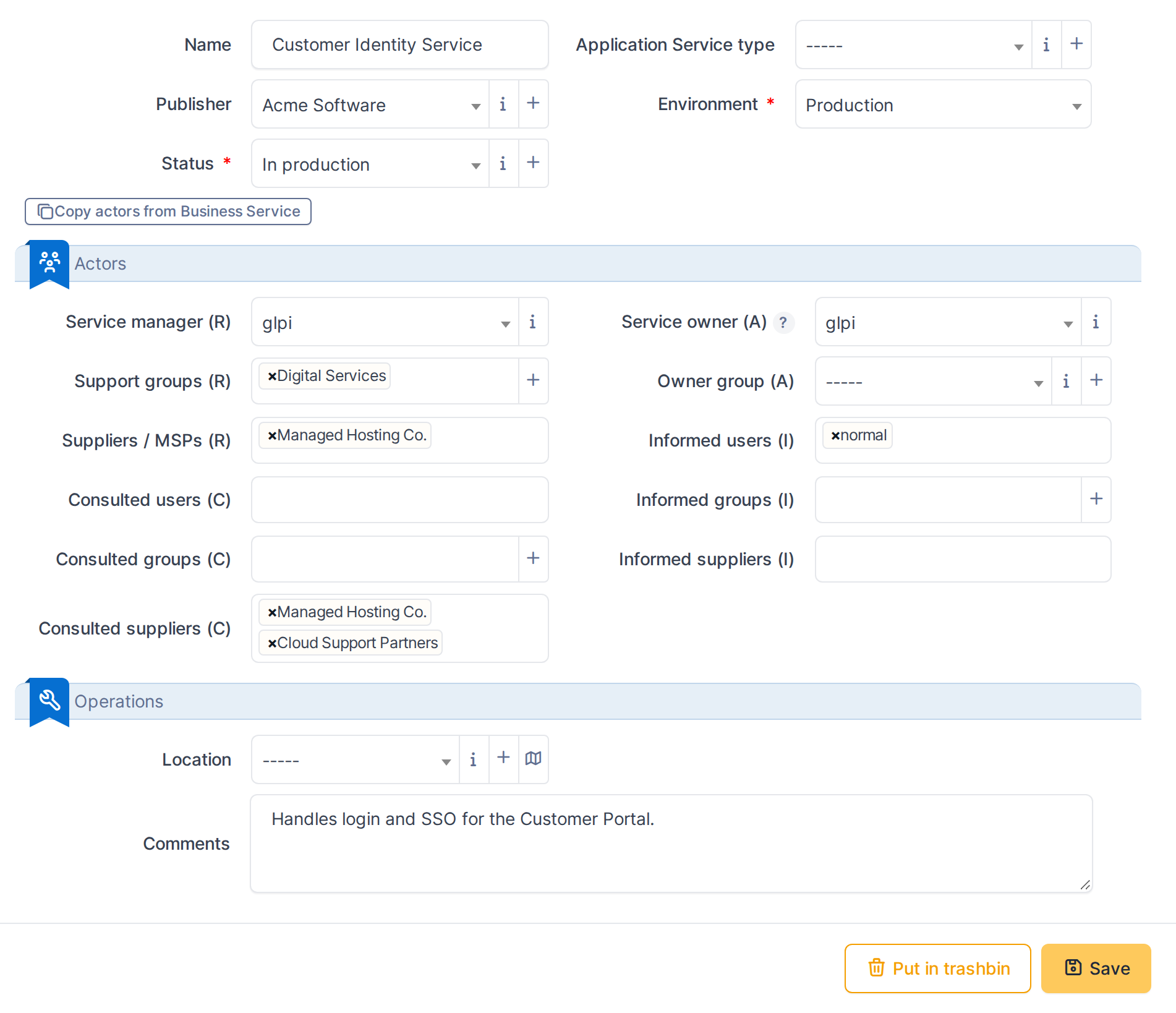
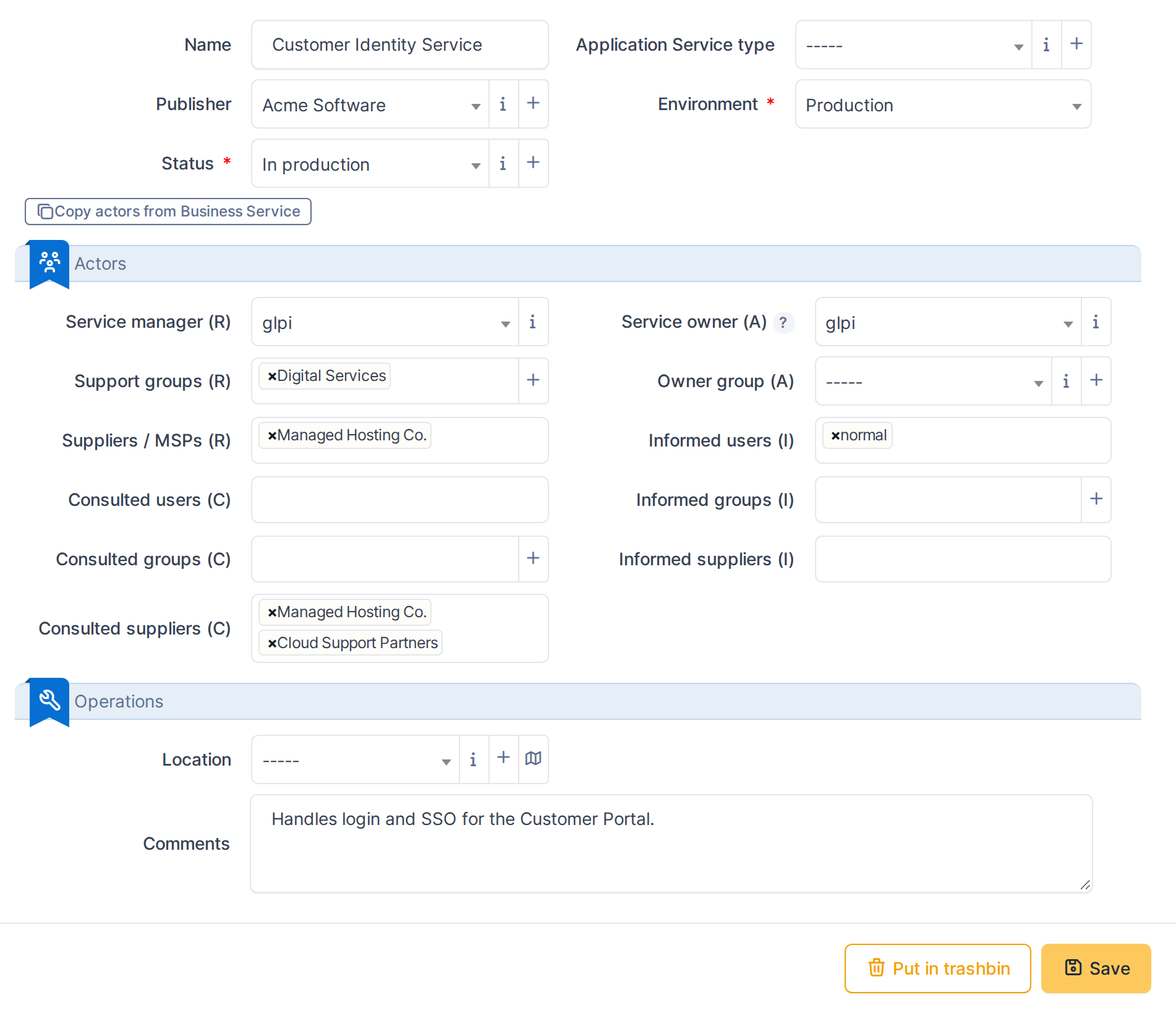
An Application Service record
5.3.3 Classify the service
- Publisher — the manufacturer of the application, an ordinary GLPI dropdown.
- Environment — Production, Pre-production, Development or Test. Mandatory: a service cannot be saved unclassified.
- Status — a GLPI State, filtered to the states an administrator has marked visible for Application Services. Mandatory alongside Environment. In this example, Customer Identity Service is Production, published by Acme Software.
Publisher, Environment and Status
5.3.4 Assign who maintains the service
- Technician in charge / Group in charge — the Responsible side.
- Application owner / Application owner group — the Accountable side.
- Supplier in charge — a single supplier, also part of Accountable.
- Suppliers (under Consulted) — any number of suppliers who are asked for input; Customer Identity Service names both Managed Hosting Co. and Cloud Support Partners here.
Responsible, Accountable and Consulted actors
5.3.5 Copy actors from a linked Business Service
When an Application Service is linked to exactly one Business Service, its form shows a Copy actors from Business Service button. Clicking it fills in any currently empty Responsible and Accountable fields from that Business Service — Consulted and Informed are not affected, since RACI Matrix handles those separately. It never overwrites a field that already has a value, and nothing is saved until the form itself is saved.
This example opens Payroll Batch Engine, which starts with no actors set, and clicks the button to pull them in from its linked Business Service.
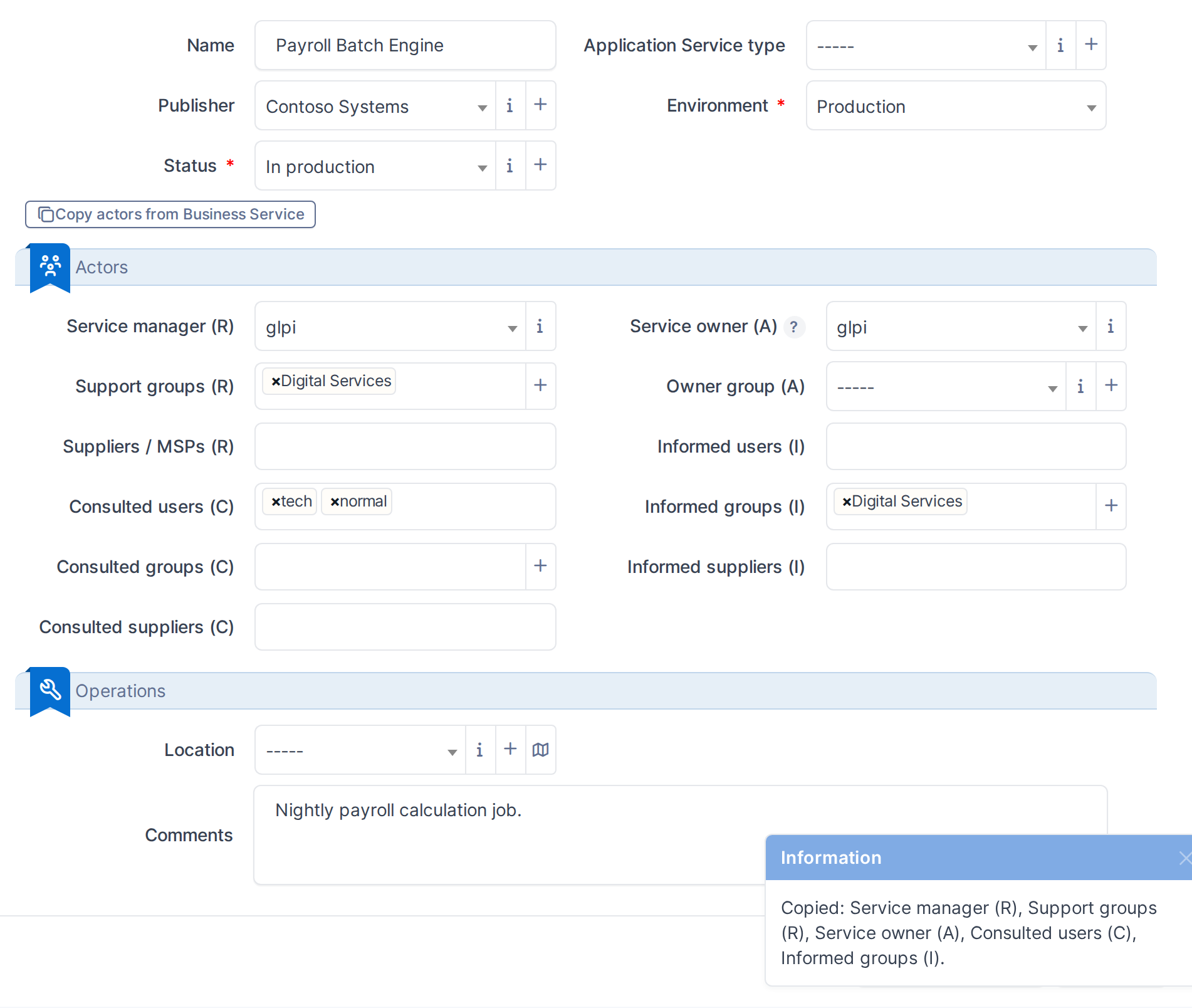
Actors filled in from the linked Business Service
Note: The full Responsible/Accountable/Consulted/Informed assignment, including multiple users and groups per role, is covered in the RACI Matrix chapter.
Generated for BSM 0.21.0-beta.1 on GLPI 11.0.8 — 2026-09-13.