
4.2 Labels


Part of the Agile Project Management manual — see also 1. Introduction, 2. What's New, 3. Scope, 4.1 General setup, 4.3 Project task templates and checklists, 4.4 Notifications, 5.1 The board, 5.2 Working with cards, 5.3 Project task cards, 5.4 Ticket cards, 5.5 Labels, 6. Troubleshooting.
4.2.1 Setting up labels
Labels are prepared by an administrator before the team uses them on the board.
4.2.1.1 The label list
Go to Setup → Dropdowns and choose Kanban labels, listed under the plugin's name. The list shows every label with its colour.


4.2.1.2 Create or edit a label
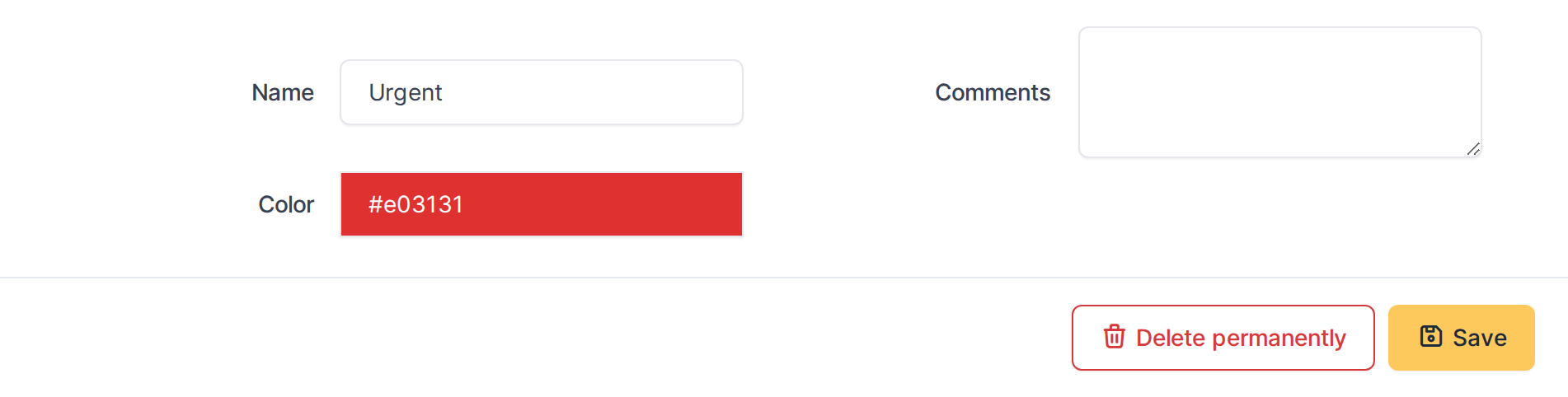
Click Add, or open a label, to set its Name, Color, Entity and Child entities. The fields are described in 4.1.2 Configuration, under Kanban labels.
Generated for Agile Project Management 2.2.0-beta.
12 on GLPI 11.0 — 2026-09-27.