Login & Settings
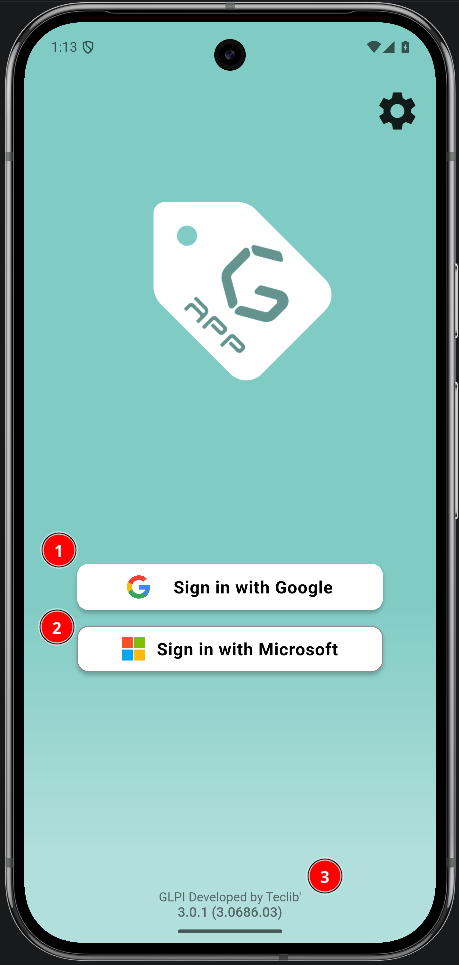
Login methods
The login screen presents the authentication methods enabled for the app. The GLPI server URL is preconfigured; no server address needs to be entered.
Change language
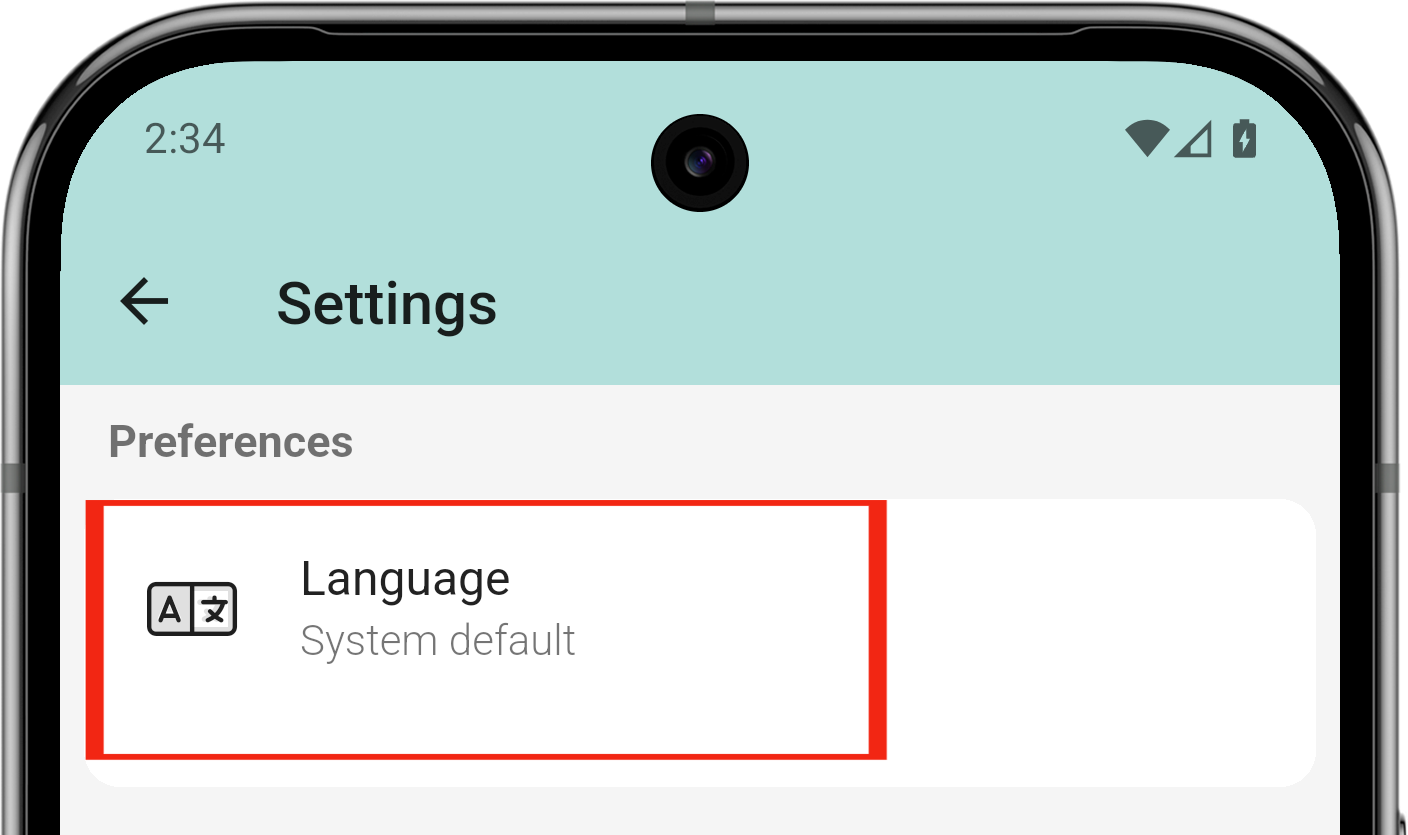
the default language as is the system language but if you want to change it, you can from settings screen
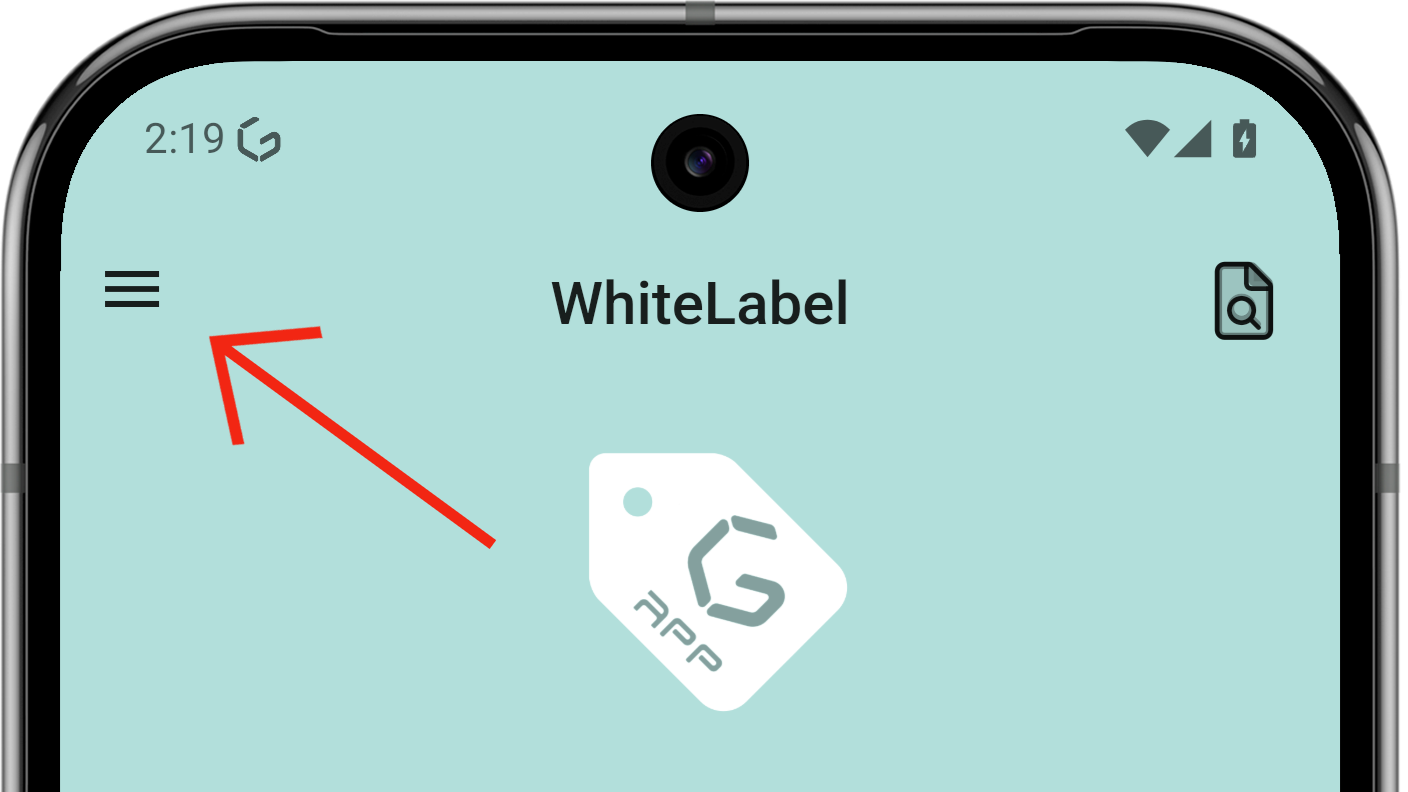
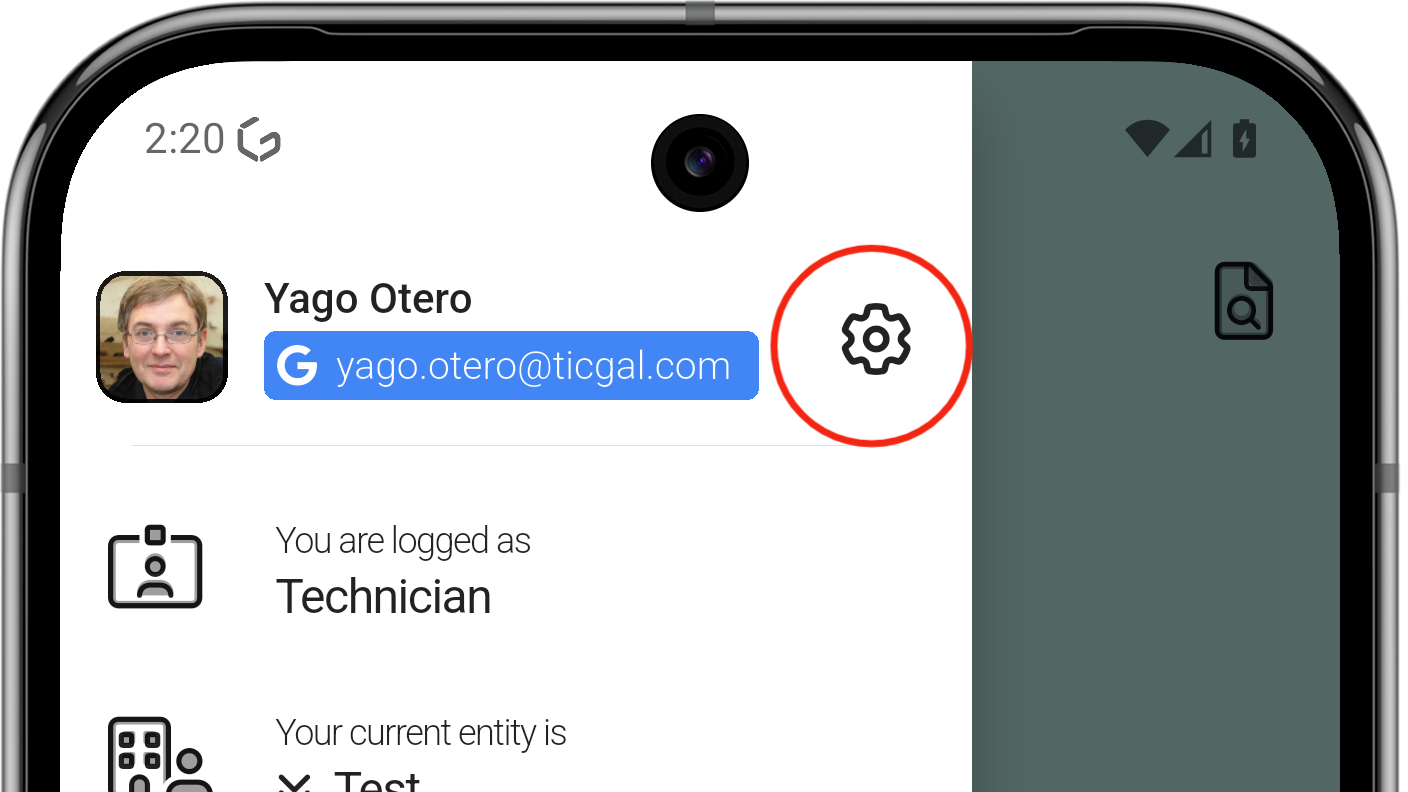
- From the main screen, open the side menu.
- Tap the gear icon to open Settings.
- Find the Language option
- The app asks to log in again; the process is complete.
Do Not Disturb
Do Not Disturb silences all app notifications. While active, notifications are logged silently instead of producing sound or vibration.
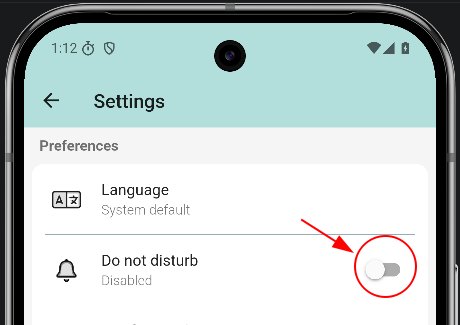
Enable Do Not Disturb
Open Settings from the login screen (or the drawer when logged in), then toggle Do not disturb on.
If you use TAM (clock-in/out), Do Not Disturb turns on automatically outside working hours and turns off when your workday starts. You can always turn it on or off manually.
Do Not Disturb active
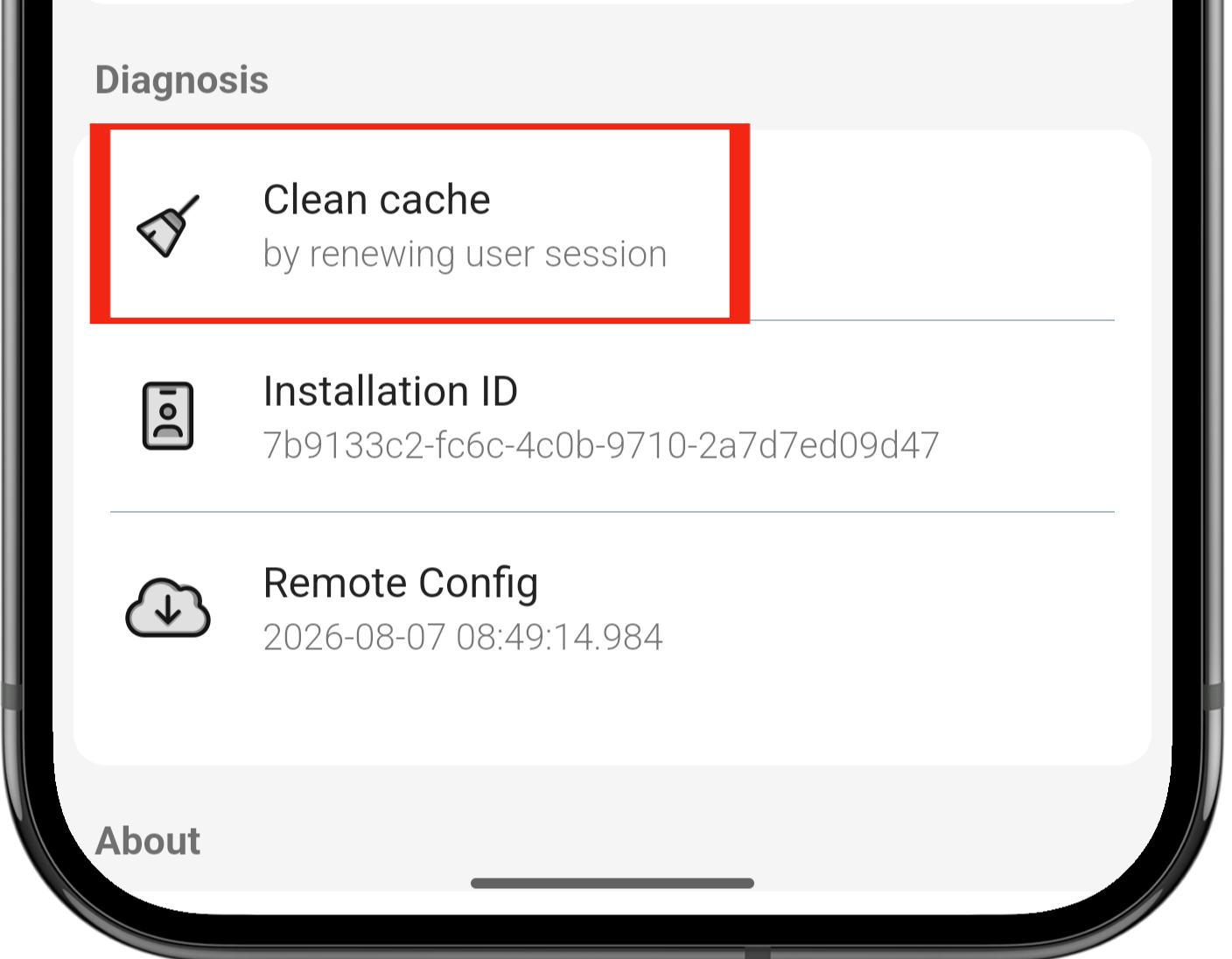
Clean cache
The cache may need to be refreshed for the application to work correctly, as in GLPI. The steps are the following:
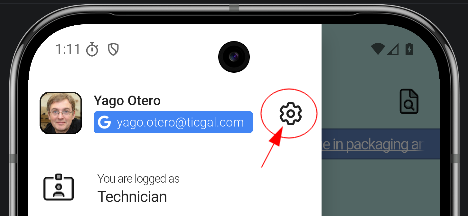
- From the main screen, open the side menu.
- Tap the gear icon to open Settings.
- Find the Clean cache option.
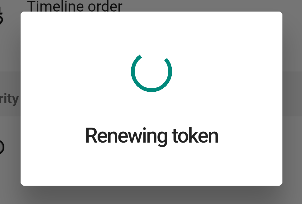
- The app asks to log in again; the process is complete.