# Reading a definition
Every search result is shown as a card with the entry from the dictionary. This page explains the parts of the card and the actions you can do from it: listen to the word, copy the definition, save it to your favorites and select text.
## Getting there
Result cards appear on the **Explore** tab after a search (see [Searching the dictionaries](/books/rd-core-features/page/searching-the-dictionaries)), in the **Word of the day** window and when you open a word from **Favorites**.
## Parts of a card
The content of the card depends on the dictionary and on the entry, but it follows the same order from top to bottom.
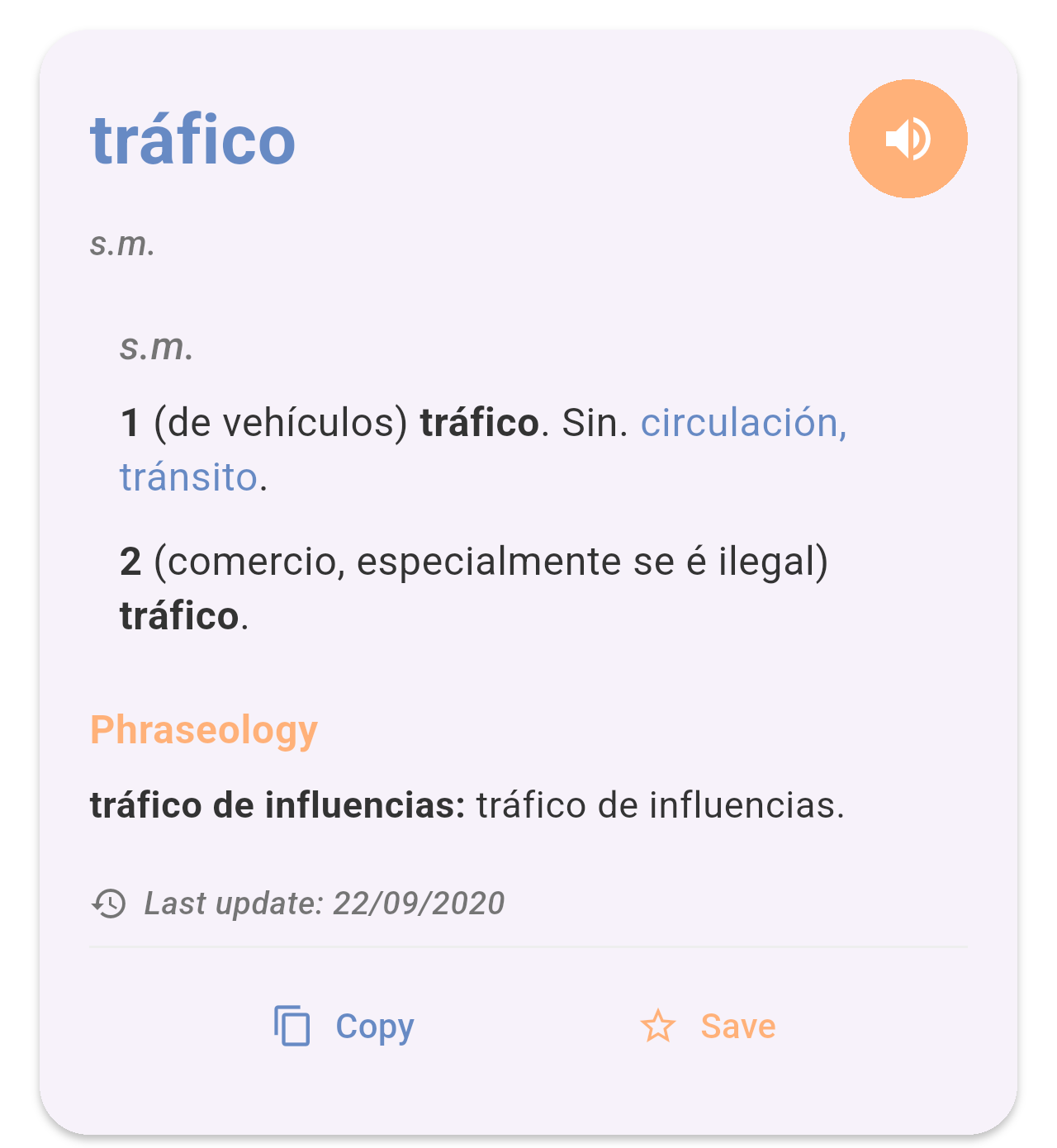
*The entry "tráfico" in the Spanish-Galician dictionary.*
- **Headword:** The word, in blue at the top. When a word has a feminine form, both are shown (for example *silúrico, silúrica*).
- **Speaker button:** The orange button next to the headword. See *Listening to the word* below.
- **Grammatical category:** Under the headword, in grey italics (for example *s.m.*, *adx.*, *v.t.*).
- **Senses:** Each numbered sense shows, in brackets, the context in which the word is used, followed by the Galician equivalent in bold. Words in blue after *Sin.* are synonyms.
- **Phraseology:** When the entry has set phrases, they are listed at the end under this orange title, with the expression in bold followed by its equivalent.
- **Last update:** The date the entry was last changed in the dictionary.
- **Copy** and **Save:** At the bottom of the card.
When a word belongs to several categories, the senses are grouped under each category label. For example, the verb *hablar* has transitive (*v.t.*), intransitive (*v.i.*) and pronominal (*v.p.*) senses:
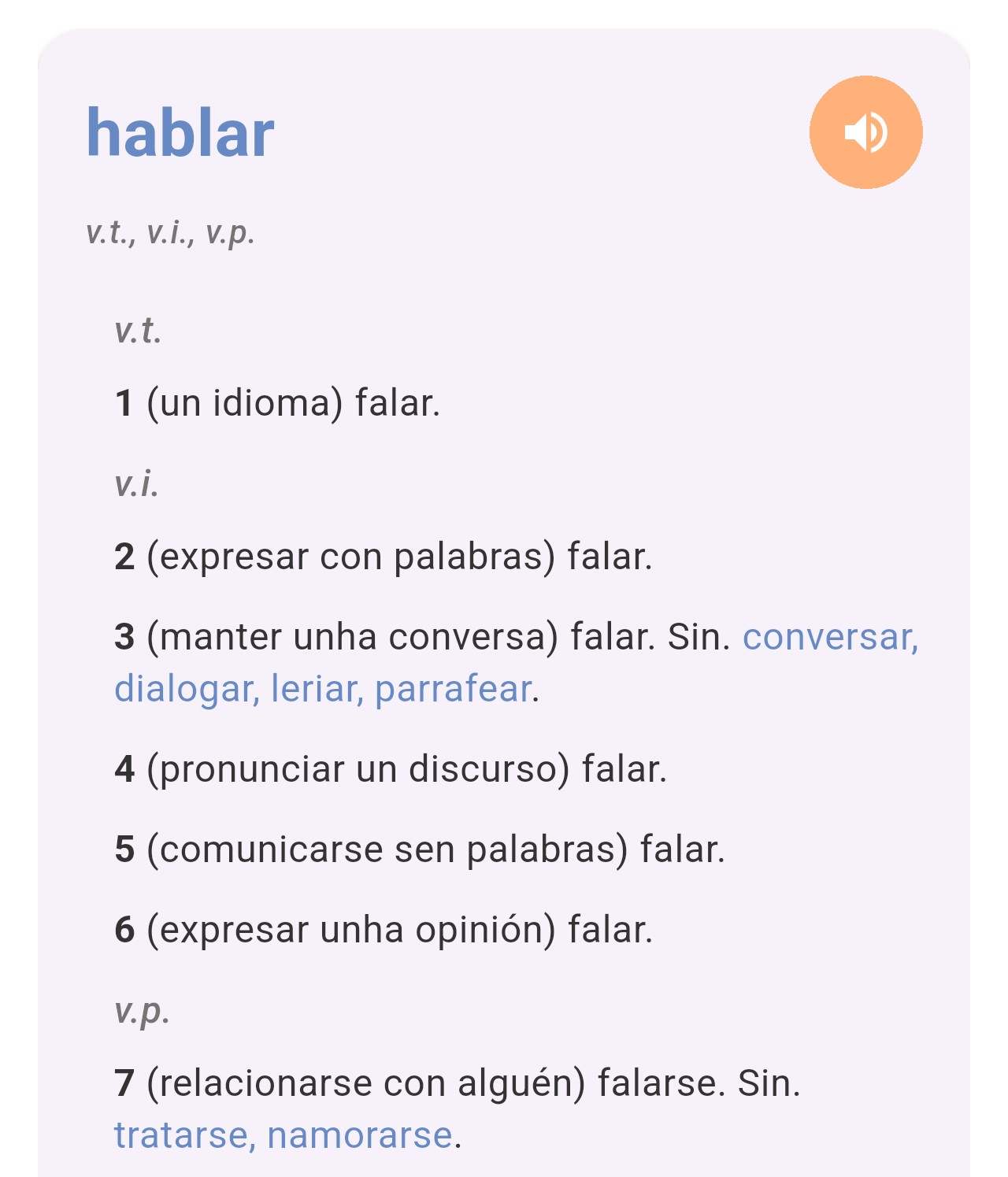
*The entry "hablar", with its senses grouped by category.*
## Listening to the word
Tap the orange speaker button to hear the headword read aloud. The app uses your phone's text-to-speech engine, so the voice and pronunciation depend on the voices installed on your phone.
## Copying the definition
Tap **Copy** to copy the whole entry (headword, category, senses and phraseology) as plain text. A message at the bottom of the screen confirms it, and you can paste the text in any other app.
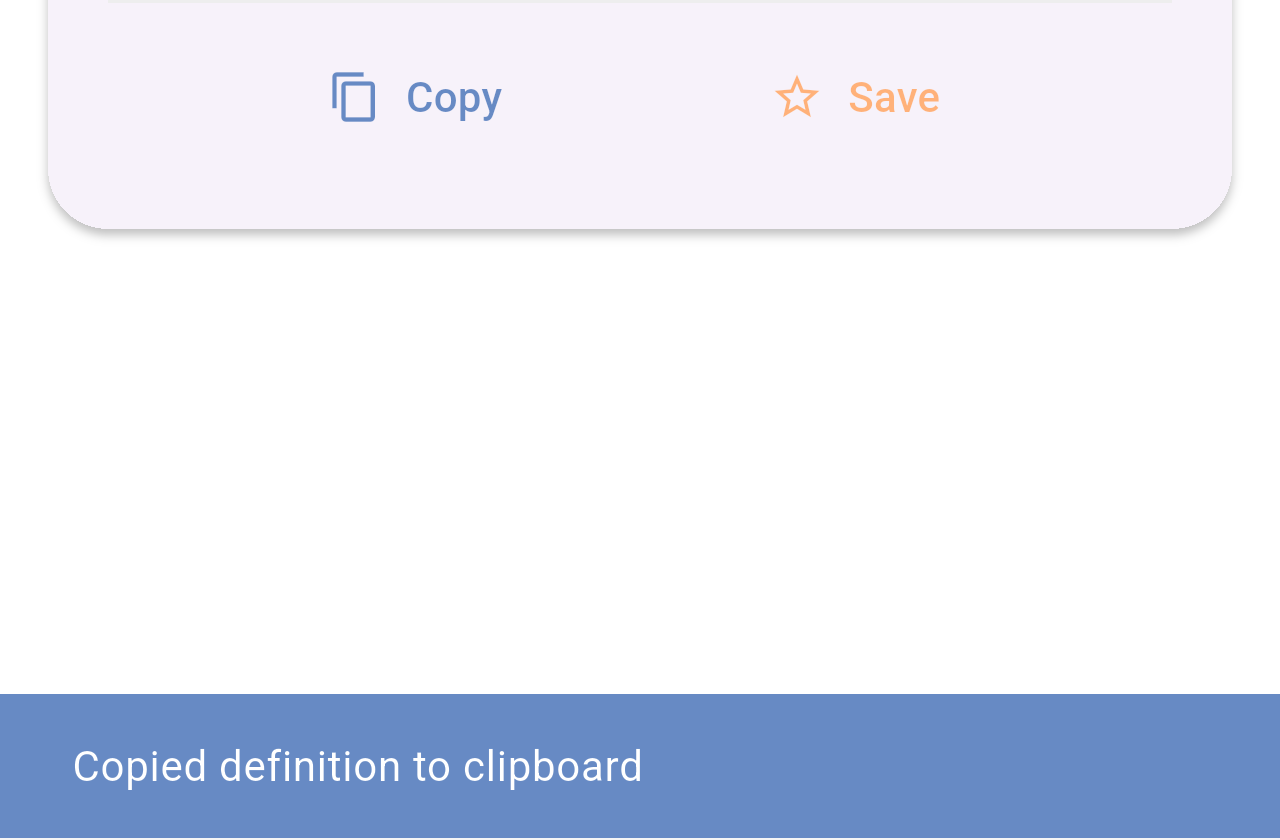
*The confirmation shown after tapping **Copy**.*
## Saving to favorites
Tap **Save** to add the word to your favorites. The star turns solid and the button changes to **Saved**. Tap **Saved** to remove the word from your favorites.
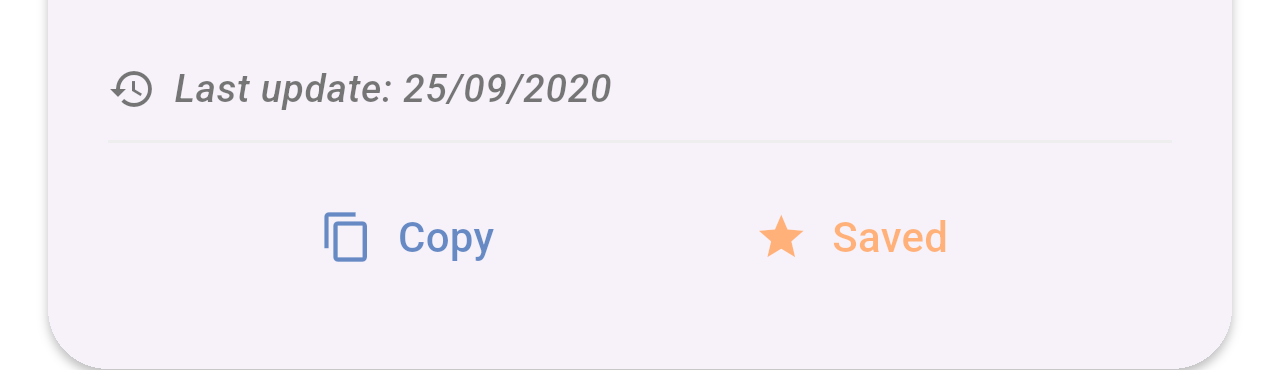
*A word already saved to your favorites.*
Your saved words are listed on the **Favorites** tab. See [Favorites](/books/rd-core-features/page/favorites).
## Selecting part of the text
To copy only part of a definition, touch and hold a word on the card. Drag the handles to change the selection and choose an option in the menu that appears, such as **Copy** or **Share**.
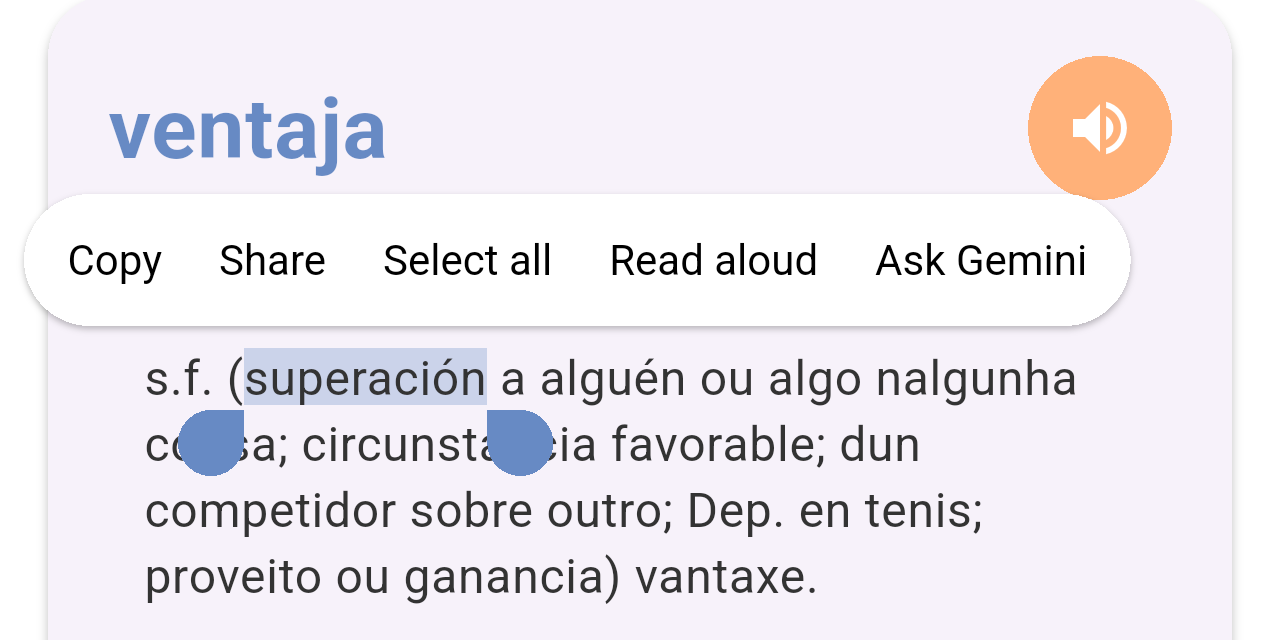
*A word selected on the card. The options in the menu come from your phone and may vary.*
## Related pages
- [Searching the dictionaries](/books/rd-core-features/page/searching-the-dictionaries)
- [Favorites](/books/rd-core-features/page/favorites)
- [Word of the day](/books/rd-core-features/page/word-of-the-day)