# Favorites
Favorites keeps the words you save so you can check them again at any time, even without an Internet connection. You can filter them and open each one to see its full definition.
## Getting there
Tap **Favorites** in the bar at the bottom of the screen. To add a word, tap **Save** on its result card. See [Reading a definition](/books/rd-core-features/page/reading-a-definition).
## The favorites list
Your saved words are shown as cards, in the order you saved them. Each card shows the dictionary the word comes from, its grammatical category and the headword.
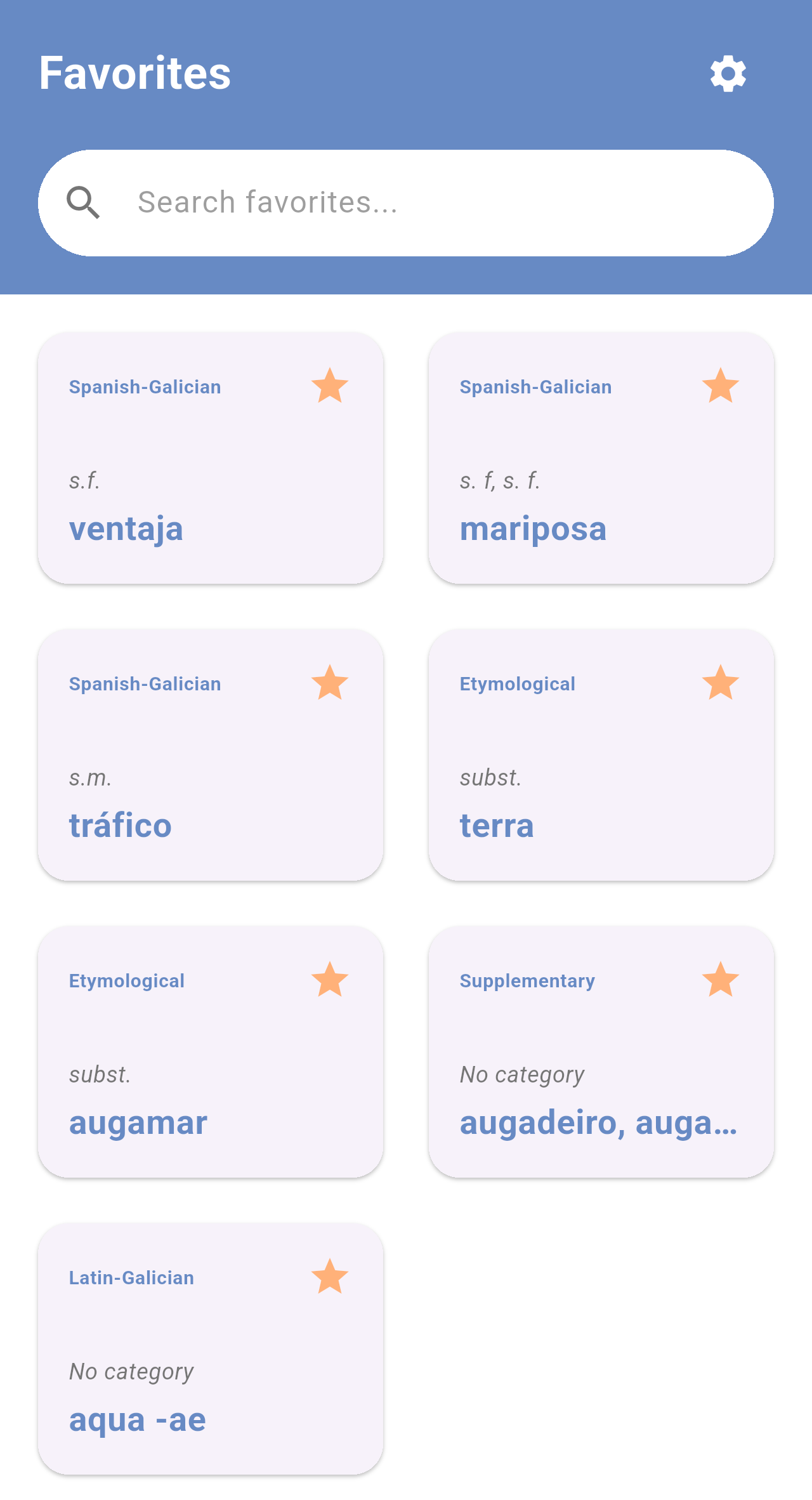
*Favorites with words from the four dictionaries. When the entry has no category, the card shows* No category.
If you haven't saved any word yet, the screen shows *You haven't saved any words yet.*
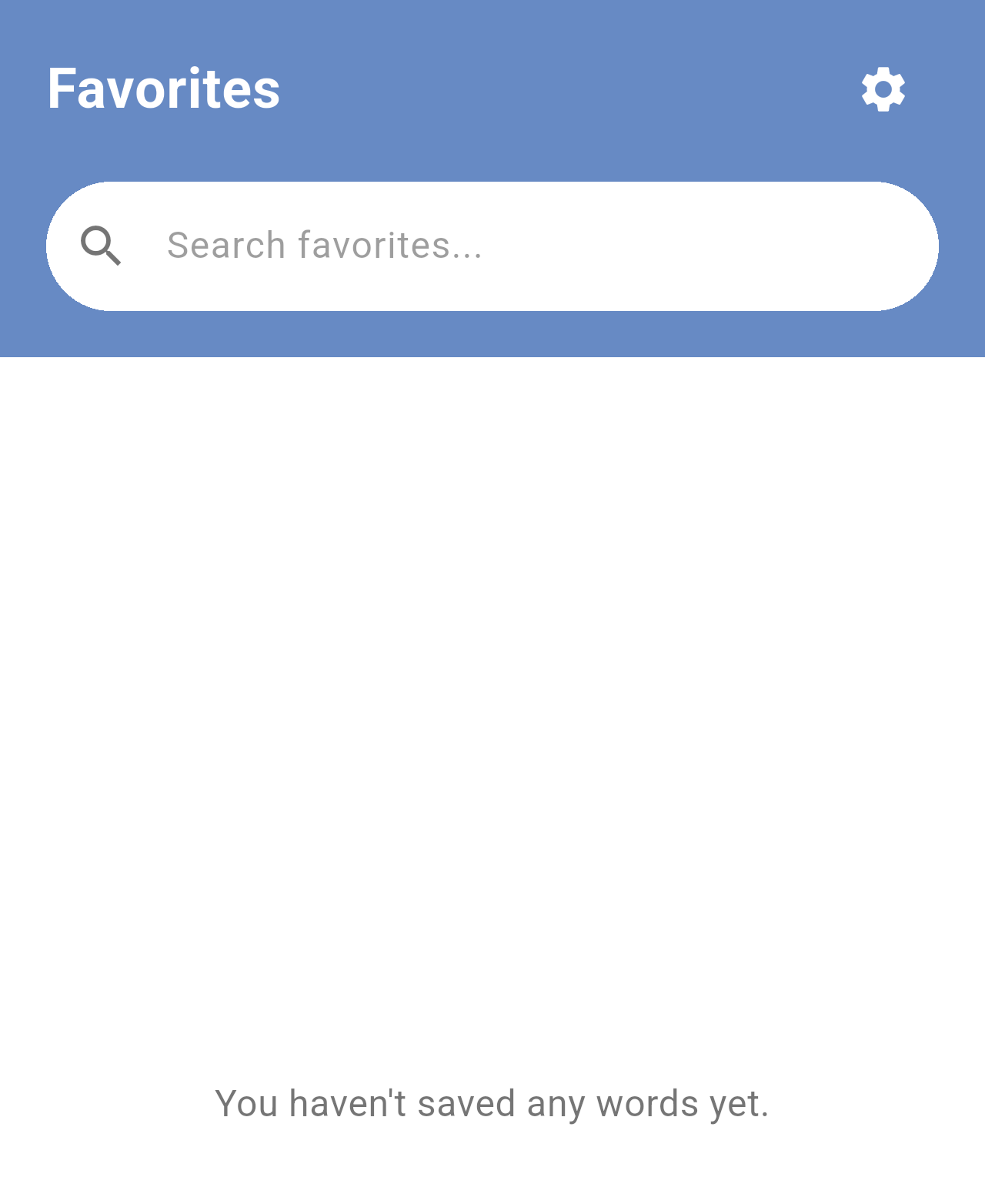
*The Favorites tab before saving any word.*
## Filtering your favorites
Type in the **Search favorites...** field to show only the favorites that match. The filter looks at the headword, the name of the dictionary and the grammatical category, so you can type, for example, *etym* to see only the words from the Etymological dictionary.
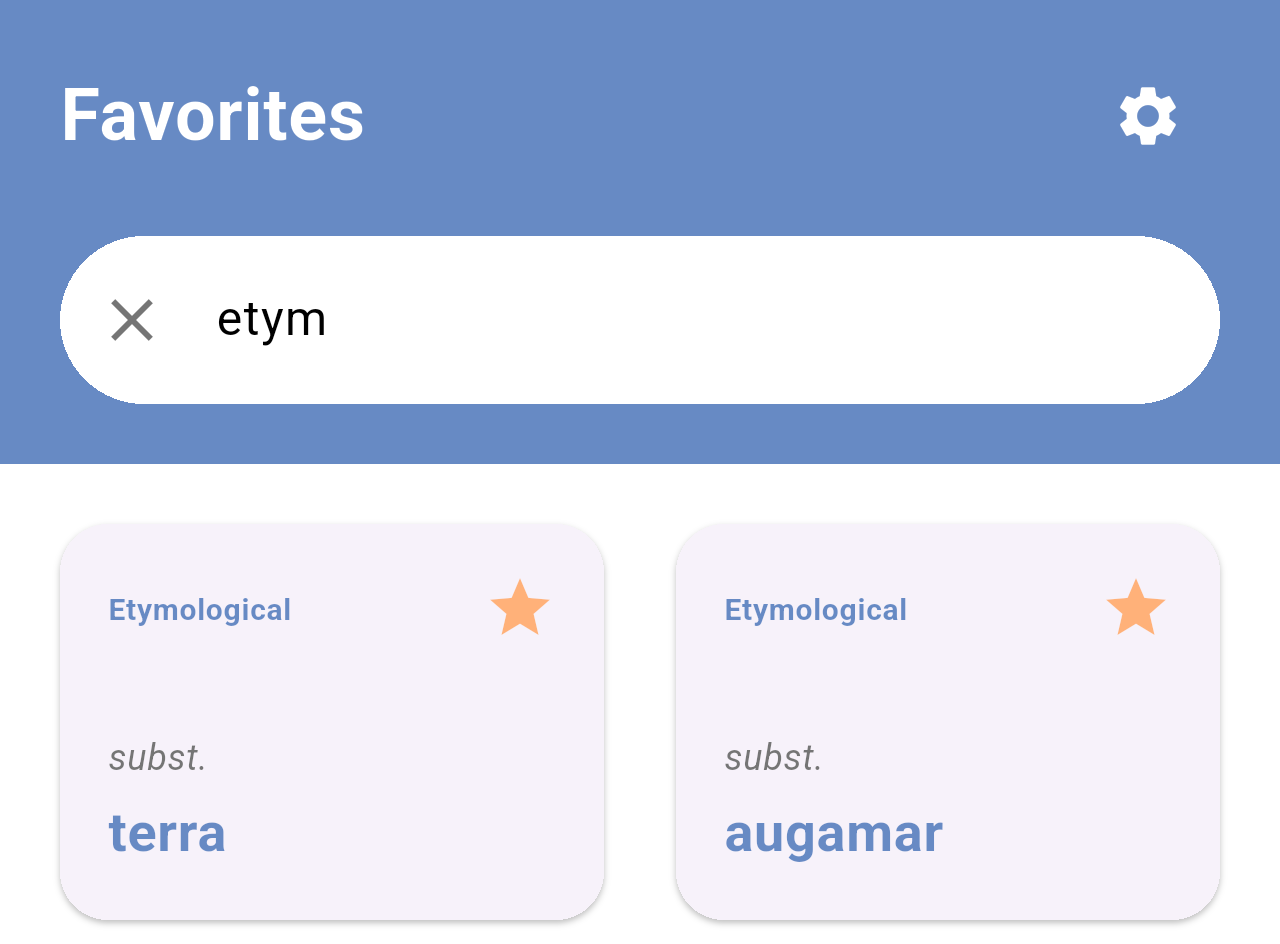
*Favorites filtered by "etym".*
Tap the **✕** in the field to clear the filter. If no favorite matches, the screen shows *No favourites were found using those criteria.*
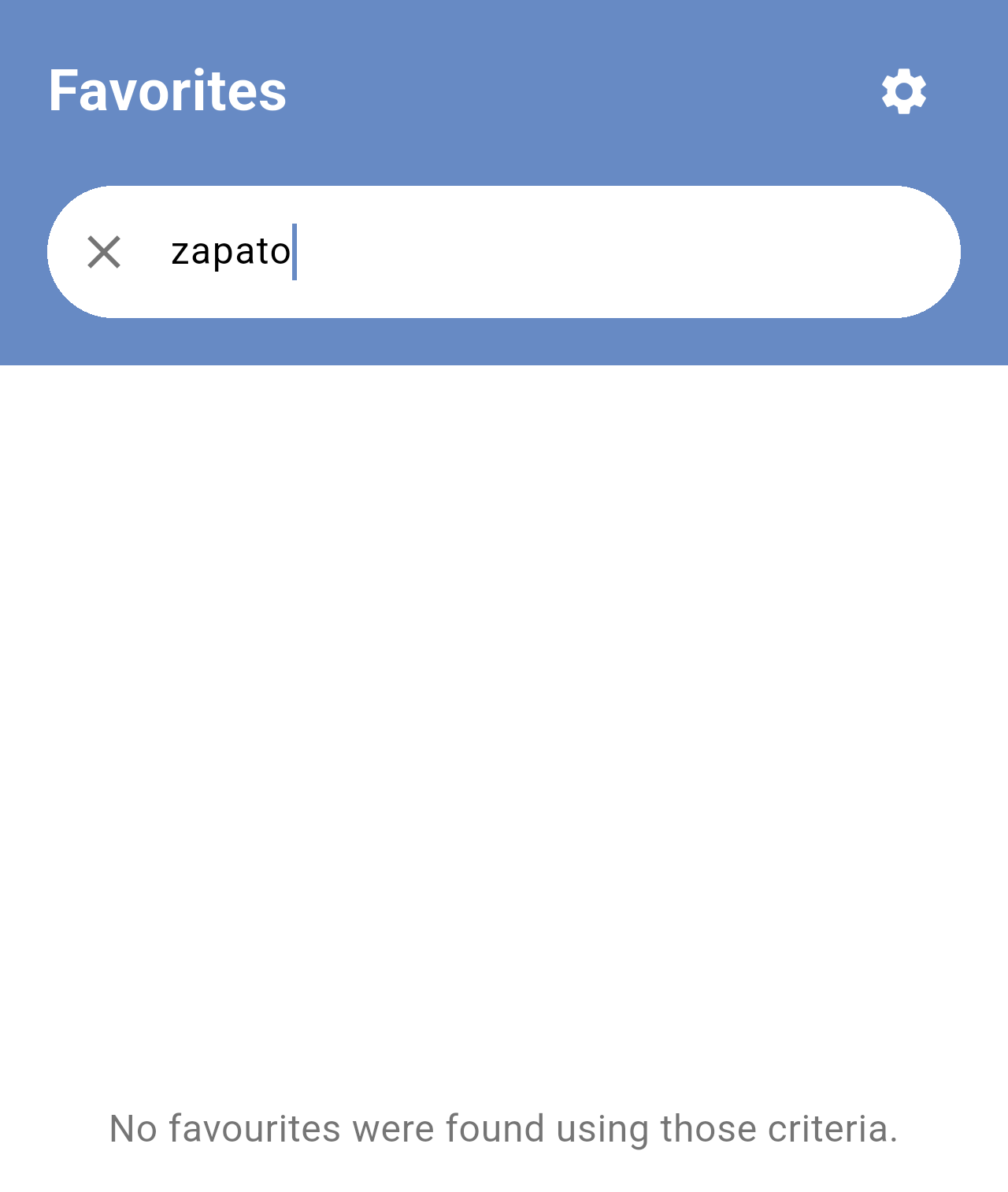
*No favorite matches "zapato".*
## Opening a favorite
Tap a card to open the word with its full definition. From here you can listen to it, copy it or tap **Saved** to remove it from your favorites. Go back with the arrow in the top-left corner.
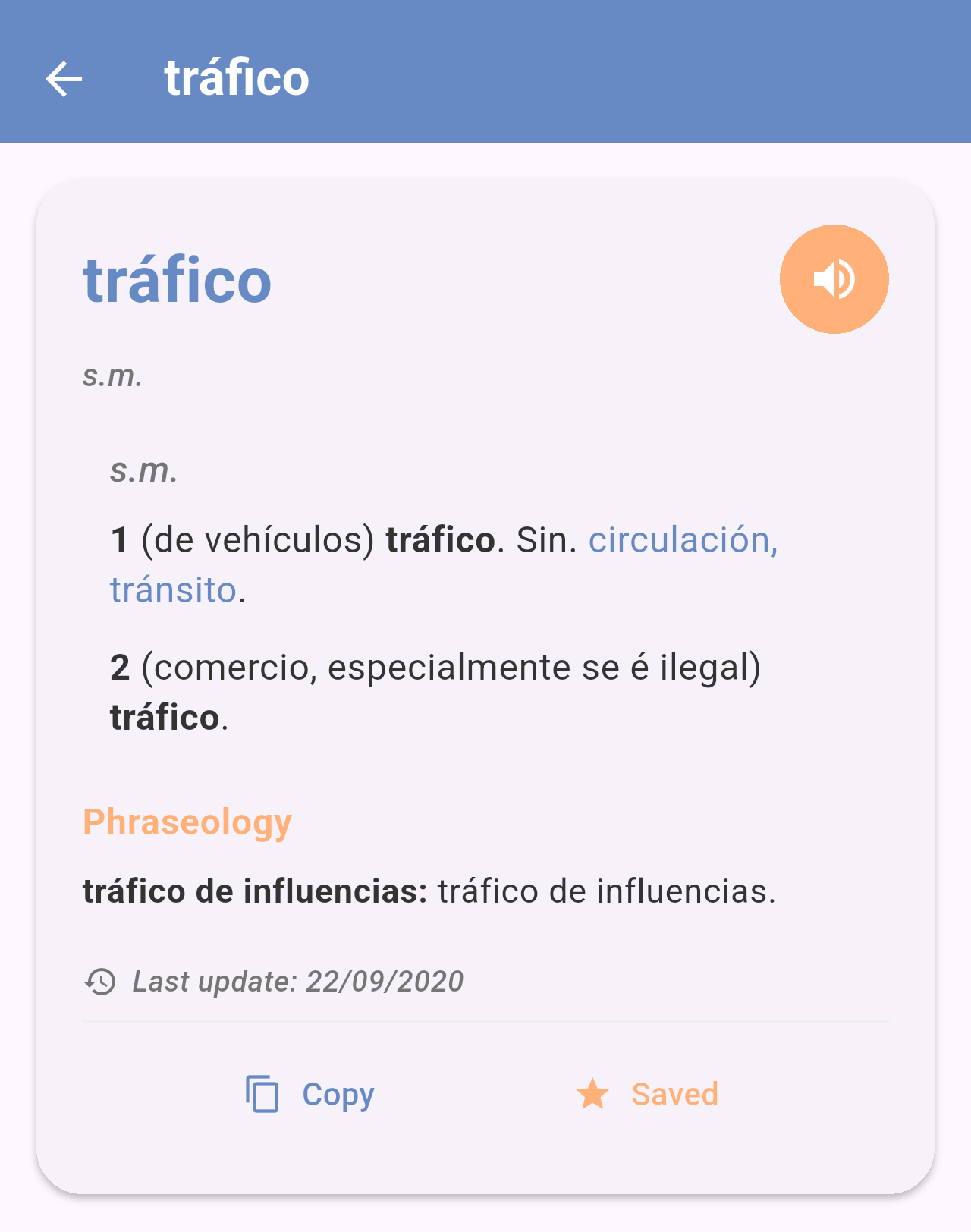
*The favorite "tráfico" opened.*
> **Note:** Favorites are stored only on your phone. **Settings → Clear history and cache** deletes all your favorites together with your recent searches, and they can't be recovered. Uninstalling the app also deletes them.
## Related pages
- [Reading a definition](/books/rd-core-features/page/reading-a-definition)
- [Searching the dictionaries](/books/rd-core-features/page/searching-the-dictionaries)
- [Settings](/books/rd-settings-customization/page/settings)